Blog
Gaming PC Bottleneck Explained: The 2026 UAE Gamer’s Performance Guide

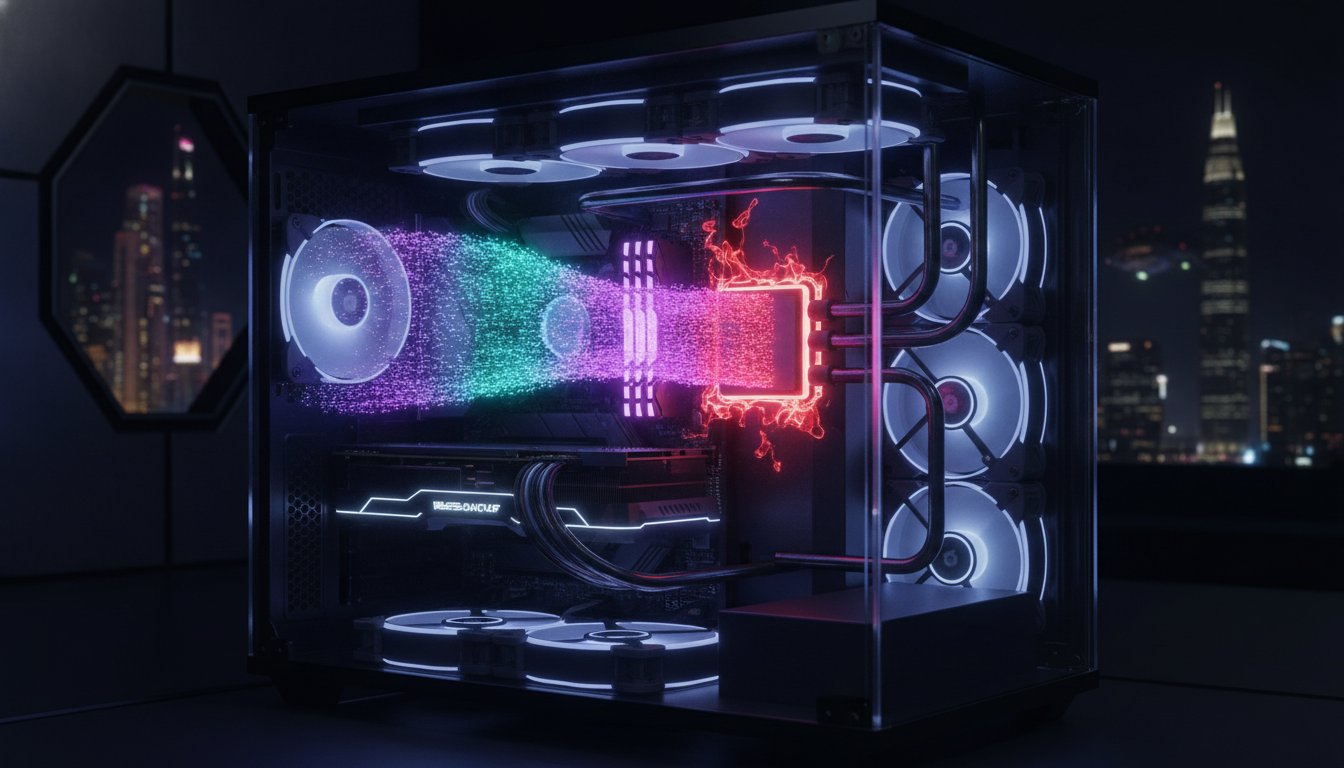
What if your premium 13,699 AED NVIDIA GeForce RTX 5090 is performing like an entry-level card because of one overlooked component? It’s a common nightmare for local enthusiasts. You invest in the best hardware available across the UAE, yet you still face stuttering frame rates during intense matches. This gaming pc bottleneck explained uae guide is here to stop the frustration. You’ve likely felt the sting of a sudden FPS drop just as you’re about to clinch a victory. It’s not just about having the most expensive parts; it’s about how those parts work together under pressure.
We agree that every frame counts when you’re competing at a professional level. You deserve a system that stays fast and stable, even when the outdoor temperature hits 45°C. This guide promises to show you exactly how to pinpoint which part is holding you back and how to fix it without overspending. We’ll explore the latest 2026 hardware combinations like the Ryzen 7 9850X3D, thermal management strategies for our desert climate, and the software optimizations needed for a perfectly balanced, future-proof rig.
Key Takeaways
- Spot performance ceilings by monitoring 100% usage spikes that signal a hardware mismatch between your CPU and GPU.
- Use real-time tracking tools to decode exactly which component is dropping frames during intense competitive matches.
- Learn how the unique “Desert Factor” and fine dust buildup create the specific gaming pc bottleneck explained uae gamers face.
- Fix system crashes and hardware glitches by identifying underpowered power supplies before they cause permanent damage.
- Save your Dirhams by recognizing the “Repair Ceiling” and choosing a balanced, future-proof upgrade path for 2026.
What is a Gaming PC Bottleneck? The Basics for UAE Gamers
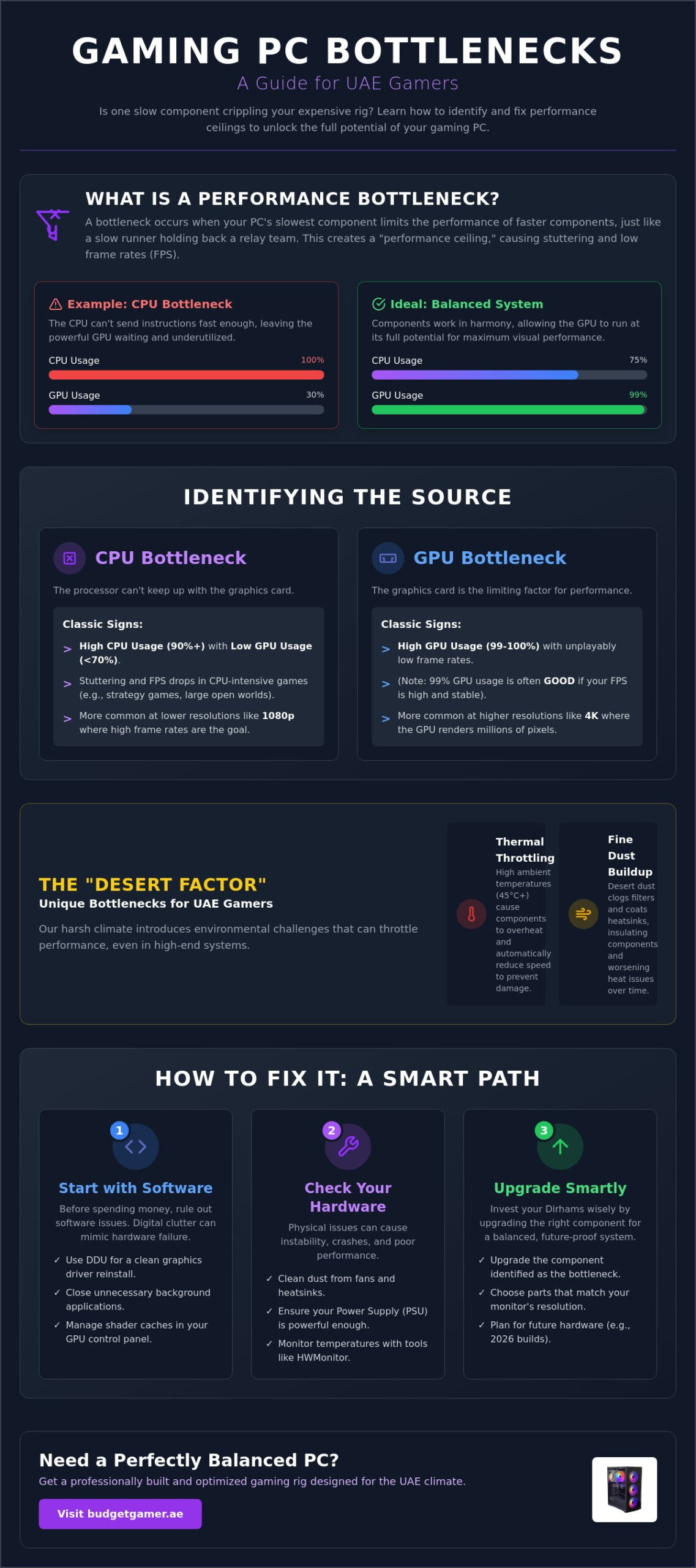
Think of your PC as a high-speed relay team. If one runner is slow, the whole team loses the race. In the world of high-performance tech, we call this a performance ceiling. Understanding what is a system bottleneck is the first step to fixing your lag. A bottleneck happens when the slowest component in your rig prevents other parts from reaching their full potential. It’s the ultimate frustration for any gamer in Dubai or Abu Dhabi looking for a smooth experience. This gaming pc bottleneck explained uae guide helps you identify that weak link before you spend a single Dirham on unnecessary upgrades.
Look for the red flags during your next session. Open your task manager or an overlay while you play. If your CPU hits 100% usage while your GPU sits at 30%, you’ve found your problem. Your graphics card is waiting for instructions that the processor can’t send fast enough. This mismatch results in stuttering and low FPS. Even our top-tier configurations, like The Beast Gaming System, require a balanced setup to avoid these traps. A misconfigured rig is just wasted power. You need every component to work in harmony to get the performance you paid for.
Performance limits aren’t just about the CPU and GPU. RAM can also be a culprit. If your memory is full, your system swaps data to your slower storage drive. This creates a massive slowdown. A balanced build ensures that no single part is overwhelmed while others stay idle. We focus on economic efficiency, making sure every component is a smart investment for your specific needs.
The CPU vs. GPU Balance
Resolution changes the game entirely. At 1080p, your CPU works overtime to process high frame rates for competitive play. This is where weak processors often fail to keep up with modern cards. Switch to 4K, and the pressure moves back to your GPU. The graphics card now has to render four times the pixels; this often gives the CPU some breathing room. Finding the sweet spot means matching your components to your monitor’s resolution. Don’t pair a budget chip with an RTX 5090 and expect 4K glory without a hitch. It’s about balance, not just raw price.
Isolating Software vs. Hardware Limits
Sometimes the hardware isn’t the villain. Background apps and aggressive bloatware can eat up your RAM and CPU cycles. Check Windows Event Viewer for hidden system errors that might look like hardware lag. We follow the Pre Built PC UAE standard. This means every system is optimized with a clean OS install and the right settings. This ensures your gaming pc bottleneck explained uae journey starts with software that works for you. Clear out the digital clutter before you blame your silicon. A clean system is a fast system.
Identifying the Source: Is Your CPU or GPU Lagging?
Stop guessing why your frame rates are dropping. You need hard data to fix your rig. Start by setting up MSI Afterburner or HWMonitor for real-time tracking. These tools provide an on-screen display of your hardware’s vital signs while you play. Watching the “Usage %” metric is the most effective way to master the gaming pc bottleneck explained uae process. If you see your GPU usage pinned at 99%, don’t panic. That usually means your graphics card is working at full capacity to deliver the best possible visuals. However, if that 99% usage comes with unplayable frame rates, your GPU is the primary limit for your current settings.
Software glitches often masquerade as hardware failures. Before you buy a new card, try the “DDU” method. Use Display Driver Uninstaller to perform a clean driver wipe in safe mode. This removes corrupt files and old registries that cause software-induced lag. You should also manage your shader cache in your GPU control panel. Modern titles often stutter when they compile shaders on the fly; pre-loading them eliminates these micro-stutters. Heat also plays a massive role in the Middle East. Preventing Thermal Throttling is critical in the UAE’s harsh climate to keep your hardware running at its rated speeds. If you need a fresh start, check our latest performance builds for a system that’s ready to go.
Signs of a CPU Bottleneck
Watch for high CPU usage (90%+) paired with low GPU usage (under 70%). This is a classic sign of a processor that can’t keep up. You’ll notice this most in character-dense areas or physics-heavy competitive games. Your GPU sits idle, waiting for the CPU to finish its calculations. Frame time consistency is the true measure of smooth gaming because it tracks the millisecond delay between every single frame rendered. If your frame times look like a jagged mountain range, your CPU is likely struggling to maintain a steady rhythm for your graphics card.
Signs of a GPU Bottleneck
A GPU bottleneck is often easier to spot and resolve. You’ll experience consistent low FPS regardless of the in-game scene or how many players are on screen. Your GPU stays at 100% usage while the CPU remains comfortably under 50%. This is actually the preferred type of bottleneck for most high-end builds because it means you are getting the full value out of your graphics investment. Our Budget King PC Build is specifically designed to balance these components. It ensures you get high-value performance without one part holding the other back.
The Desert Factor: Thermal Throttling as an Environmental Bottleneck
In the Emirates, your biggest performance enemy isn’t always a slow chip. It’s the heat. Thermal throttling is a safety feature where your CPU or GPU automatically drops its clock speeds to prevent permanent damage. When your hardware hits its thermal limit, performance tanks instantly. This creates an environmental bottleneck that no amount of software optimization can fix. This gaming pc bottleneck explained uae perspective is vital because our ambient temperatures often exceed 40°C. If your case can’t exhaust heat faster than the desert sun adds to it, your high-end rig will perform like a budget machine.
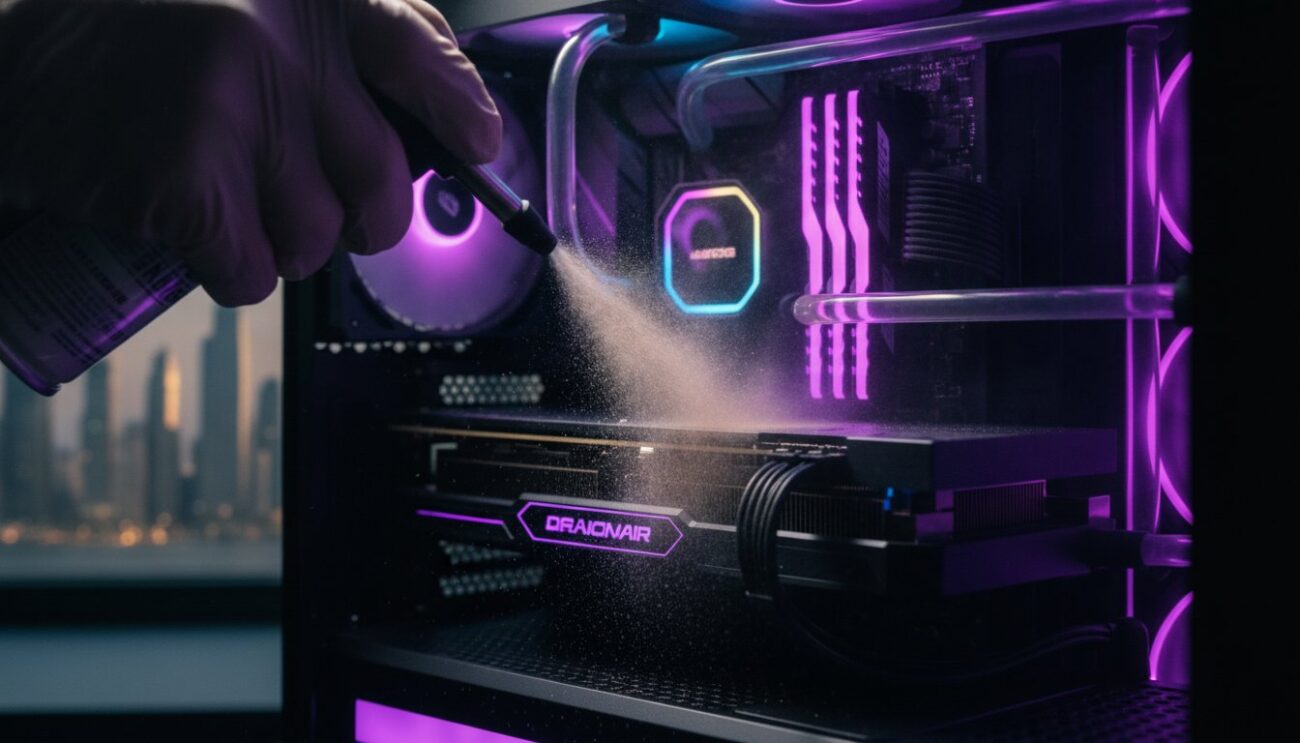
Dust is the silent killer of UAE gaming performance. The fine desert sand in our region is much smaller and more invasive than standard household lint. It creates a thick blanket over your heatsinks and fan blades within weeks. This insulation traps heat and forces your fans to spin at max RPM without actually cooling anything. We recommend a full internal cleaning every 3 months to maintain peak efficiency. Additionally, never place your PC on the floor. Even in a clean room, floor-level dust is significantly higher. Keep your rig on a desk to give it the cleanest air possible.
Optimizing your airflow is non-negotiable for a stable summer experience. Aim for positive airflow, where you have more intake fans than exhaust fans. This creates internal pressure that helps push dust out of the small cracks in your case. Adjust your fan curves in the BIOS to be more aggressive once temperatures hit 60°C. You want to move air out before it has a chance to bake your components.
Physical Maintenance for UAE Rigs
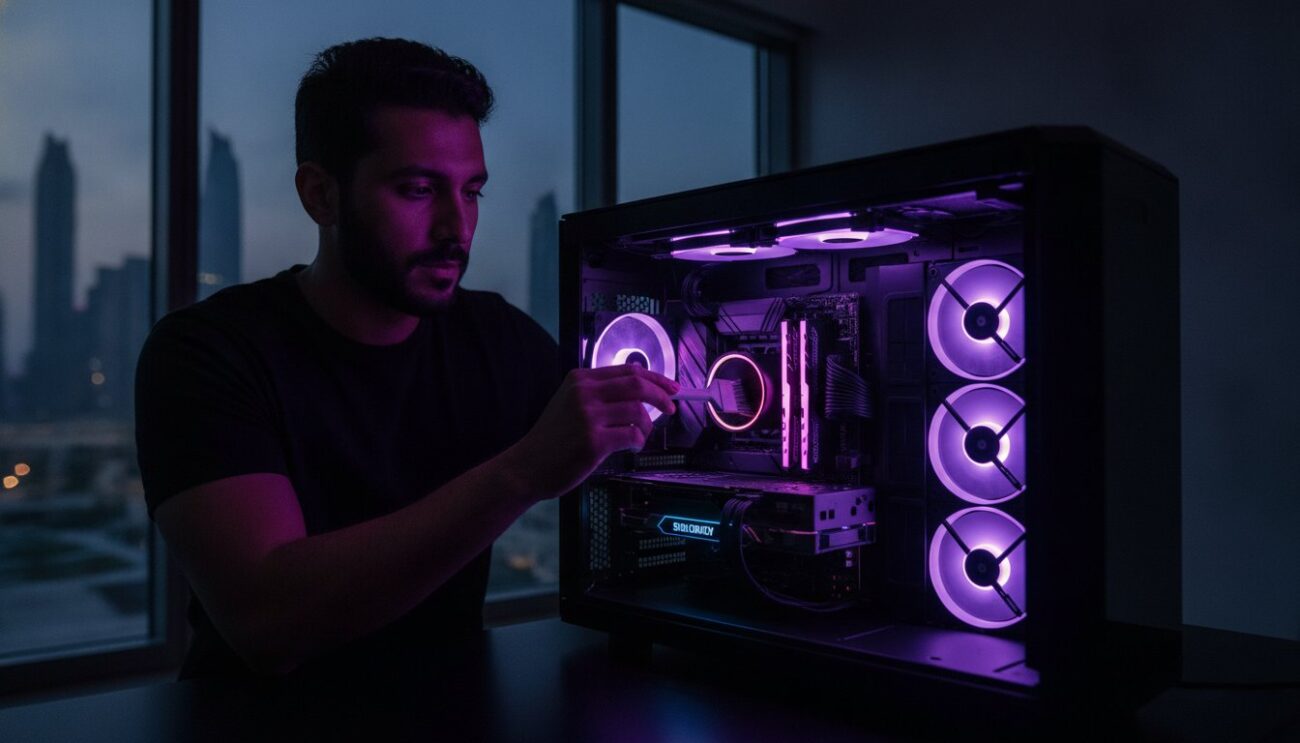
Safe cleaning is a skill every local gamer needs. Use short bursts of compressed air and a soft, anti-static brush to dislodge stubborn grime. If you use an AIO liquid cooler, listen for gurgling sounds during the hotter months. High heat can cause small air pockets to form, which kills pump efficiency. You should also consider replacing your thermal paste every 12 to 18 months. The intense heat cycles of a pc build uae can cause factory paste to dry out faster than in cooler climates, leading to sudden temperature spikes.
Advanced Cooling for High-End Builds
Don’t just add more fans. Work smarter by undervolting your components. This involves reducing the voltage sent to your CPU or GPU to lower heat output without sacrificing your FPS. It’s an essential move for high-end configurations like The Beast Gaming System. Pair this with high-static pressure fans. These fans are designed to push air through thick radiators and mesh filters effectively. Superior thermal management is the only way to ensure your 2026 hardware delivers the professional-grade performance you expect during a Dubai summer.
Solving System Stability: BSOD and Hardware Glitches
Stability issues feel like a ghost in the machine. When your screen turns blue, it’s your system’s way of crying for help. Decoding Blue Screen of Death (BSOD) codes is the first step in this gaming pc bottleneck explained uae journey. A WHEA_UNCORRECTABLE_ERROR usually points to hardware voltage issues. Meanwhile, MEMORY_MANAGEMENT often screams about faulty RAM. Don’t ignore these warnings. A single unstable component can throttle your entire experience even if the rest of your rig is top-tier. Stability is the foundation of high-speed gaming.
Test your memory modules with MemTest86 for a deep dive into your system health. It’s far more thorough than basic Windows diagnostic tools. If you’re using older parts or heavy 2026 graphics cards, check for “GPU Sag.” Massive cards like the RTX 50 series put physical stress on motherboards. This strain can cause loose connections and intermittent crashes that look like software bugs. Use a support bracket to keep your card level and secure. Ensure every cable is seated firmly with a satisfying click. Even a slightly loose 12VHPWR connector can lead to catastrophic failure in high-performance builds.
Troubleshooting Stability in Pre-owned Hardware
Buying Pre-owned Gaming PCs is a savvy way to save Dirhams, but you must verify their reliability. Run heavy stress tests like Prime95 or FurMark for at least an hour. This process flushes out hidden instabilities that don’t appear during casual use. Reseat your RAM and GPU to fix connection issues caused by moving the tower. Always update your BIOS and SSD firmware immediately. Manufacturers release these updates to fix compatibility bugs with newer 2026 game engines and hardware protocols. A few minutes of maintenance can prevent hours of frustration later.
PSU and Power Delivery Checks
Your power supply is the heart of your rig. If it’s underpowered, your PC will simply shut down or restart under load. This is a power bottleneck. High-end cards like the RTX 5070 Ti, which costs around 3,999 AED, draw massive spikes of electricity. Never use “daisy-chain” cables for these components. Use separate, dedicated PCIe power cables for every port on your GPU to ensure clean delivery. You can identify a failing PSU by running a combined CPU and GPU stress test; if the system cuts to black instantly, your power delivery is the culprit. Want a rock-solid system without the troubleshooting headache? Explore our certified gaming rigs for guaranteed stability.
Beyond Troubleshooting: The Smart Upgrade Path
Sometimes, the best fix isn’t a setting change or a cleaning session. You eventually hit the “Repair Ceiling.” This happens when the cost to revive or patch a component exceeds its actual market value. In the 2026 landscape, spending 800 AED to fix an outdated motherboard is a bad investment. You’re better off putting that money toward a modern platform that supports faster DDR5 memory and PCIe 5.0 speeds. This gaming pc bottleneck explained uae guide is about making your Dirhams work harder. Don’t get stuck in a cycle of repairing obsolete hardware that can’t handle the latest 2026 game engines.
Strategic swaps are the key to economic efficiency. You don’t always need a whole new rig to feel a massive difference. Transitioning from an old mechanical drive or a slow SATA SSD to a modern NVMe drive will transform your system’s snappiness. Your boot times and game loads will drop from minutes to seconds. If your current build feels sluggish during multitasking, it’s likely a memory bottleneck rather than a lack of raw processing power. Identifying these specific friction points allows you to upgrade with precision rather than guesswork.
Budget-Friendly Hardware Swaps
RAM is the most cost-effective way to breathe new life into a struggling PC. In 2026, 8GB of RAM is officially obsolete for anything beyond basic web browsing. Modern titles and background apps like Discord or streaming tools demand 16GB as a baseline, while 32GB has become the sweet spot for high-end performance. After you’ve cleared the memory hurdle, look at your display. Your PC might be outputting 144 FPS, but if you’re on an old 60Hz screen, you’re missing out. Check our Gaming Monitor guide to find a screen that actually matches your hardware’s potential.
Financing Your Next High-Performance Rig
High-performance gaming should be accessible to everyone in the UAE. You don’t need to wait months to save up for a top-tier experience. We offer flexible options like Tabby UAE for interest-free gaming PC installments. This allows you to jump straight into The Pro Gaming PC or The Ultra High-End PC tiers while spreading the cost over four easy payments. Choosing a custom build from a local UAE expert ensures your cooling is optimized for our climate and your components are perfectly balanced. Avoid the risks of generic international pre-builts that often use sub-par power supplies or restricted airflow cases. Invest in a system designed by experts who understand the local gaming scene.
Take Control of Your 2026 Gaming Performance
You now have the knowledge to stop guessing and start winning. Identifying whether your CPU or GPU is the culprit is only half the battle. You must also defend your hardware against the unique environmental challenges of the Middle East. This gaming pc bottleneck explained uae guide has shown you that peak performance requires a balance of high-end parts, smart thermal management, and stable power delivery. Don’t let a single weak component or a layer of desert dust hold back your 2026 gaming experience.
If your current rig has reached its limit, we’re here to help you bridge the gap to professional standards. We specialize in UAE-hardened gaming builds designed to thrive in our climate. Whether you need a certified pre-owned setup or one of our tiered new configurations, we ensure every part is perfectly matched. We offer national delivery across all Emirates to get you back in the game fast. Upgrade to a reliable Beast Gaming System today and experience the power you’ve been missing. High-performance gaming is finally within your reach. Let’s build your future together.
Frequently Asked Questions
Why does my gaming PC keep crashing after 30 minutes of play?
Crashes that happen after a specific time are almost always heat-related. Your components reach their thermal limit and shut down to prevent damage. In the UAE, high ambient temperatures make it easy for heat to build up inside your case. Check your fan curves and ensure your heatsinks aren’t blocked by fine desert dust.
How do I fix low FPS on a high-end gaming PC?
Low FPS on a powerful rig usually points to a component mismatch or unoptimized settings. This gaming pc bottleneck explained uae insight suggests checking if your CPU is hitting 100% while your GPU sits idle. Ensure you’ve enabled XMP or EXPO in your BIOS to get the full rated speed from your RAM modules.
Is it safe to clean my PC fans with a vacuum cleaner?
No, you should never use a vacuum cleaner inside your PC. Vacuums generate massive amounts of static electricity that can fry sensitive circuitry instantly. High suction can also spin fans faster than they are designed to go, damaging the bearings. Use short bursts of compressed air and a soft brush instead.
What should I do if I get a Blue Screen of Death while gaming?
Record the specific error code at the bottom of the blue screen immediately. Use a tool like BlueScreenView to analyze the crash dump and identify the failing driver or hardware. Most gaming BSODs result from unstable overclocks, faulty RAM sticks, or underpowered power supplies that can’t handle 2026 hardware spikes.
How often should I replace the thermal paste on my gaming CPU?
Replace your thermal paste every 12 to 18 months for peak stability. The intense heat cycles in our region cause factory paste to dry out and lose its effectiveness faster than in cooler climates. Fresh paste ensures your cooler can pull heat away from the processor efficiently during long summer gaming sessions.
Can a slow internet connection cause my PC to stutter in single-player games?
No, your internet connection only affects multiplayer latency and ping. If you experience stuttering in single-player titles, the issue is hardware or software related. Check for background apps eating up your CPU cycles or a slow storage drive that can’t load game assets fast enough for modern engines.
How can I tell if my graphics card is dying or just needs a driver update?
Visual artifacts like random lines or flickering colors across multiple games usually signal a dying GPU. If the glitches only appear in one specific title, it is likely a software bug. Always perform a clean driver wipe using DDU before you decide to replace your expensive graphics hardware.
Is it worth repairing a 5-year-old gaming PC in the UAE?
It is rarely worth it if the repair involves the motherboard or GPU. Fixing old parts often costs nearly as much as buying a modern, entry-level component with better performance. You are better off investing that money into a current platform that supports 2026 standards like PCIe 5.0 and DDR5 memory.