Blog
How to Keep Your PC Cool in the UAE Summer: The Ultimate 2026 Thermal Guide

Your high-performance gaming rig is fighting a losing battle against 45-degree heat the moment you hit the power button. It’s a harsh reality every gamer in the region faces. You’ve likely felt the frustration of thermal throttling during a clutch match or winced at your DEWA bill after running the AC at max power just to keep your GPU from melting. Dealing with fine desert dust and rising internal temps is part of the game here, but it shouldn’t cost you your hardware’s lifespan.
We’re here to help you master how to keep pc cool in uae summer with professional strategies that prioritize both performance and economic efficiency. Whether you’re rocking a Budget King build or a liquid-cooled Beast Gaming System, you can achieve stable frame rates and ice-cold components. This guide delivers a complete breakdown of airflow optimization, high-value cooling hardware like the latest 360mm AIOs, and a localized maintenance schedule designed to keep the sand out. Let’s get your temps down and your performance up before the next heatwave hits.
Key Takeaways
- Neutralize the “Ambient Temperature Trap” by optimizing your room layout and avoiding common placement mistakes that trap heat inside your case.
- Adopt a strict “Three-Month Rule” for internal maintenance to prevent UAE dust and sand from choking your fans and heatsinks.
- Leverage expert software techniques like undervolting and aggressive PWM fan curves to master how to keep pc cool in uae summer while maintaining high FPS.
- Discover why factory-applied thermal paste degrades rapidly in extreme heat and how to upgrade your cooling hardware for maximum efficiency.
- See how premium builds like The Beast Gaming System are specifically engineered to provide the thermal headroom needed for high-end gaming in 45-degree weather.
The Science of Heat: Why UAE Summers Are Lethal for Gaming PCs
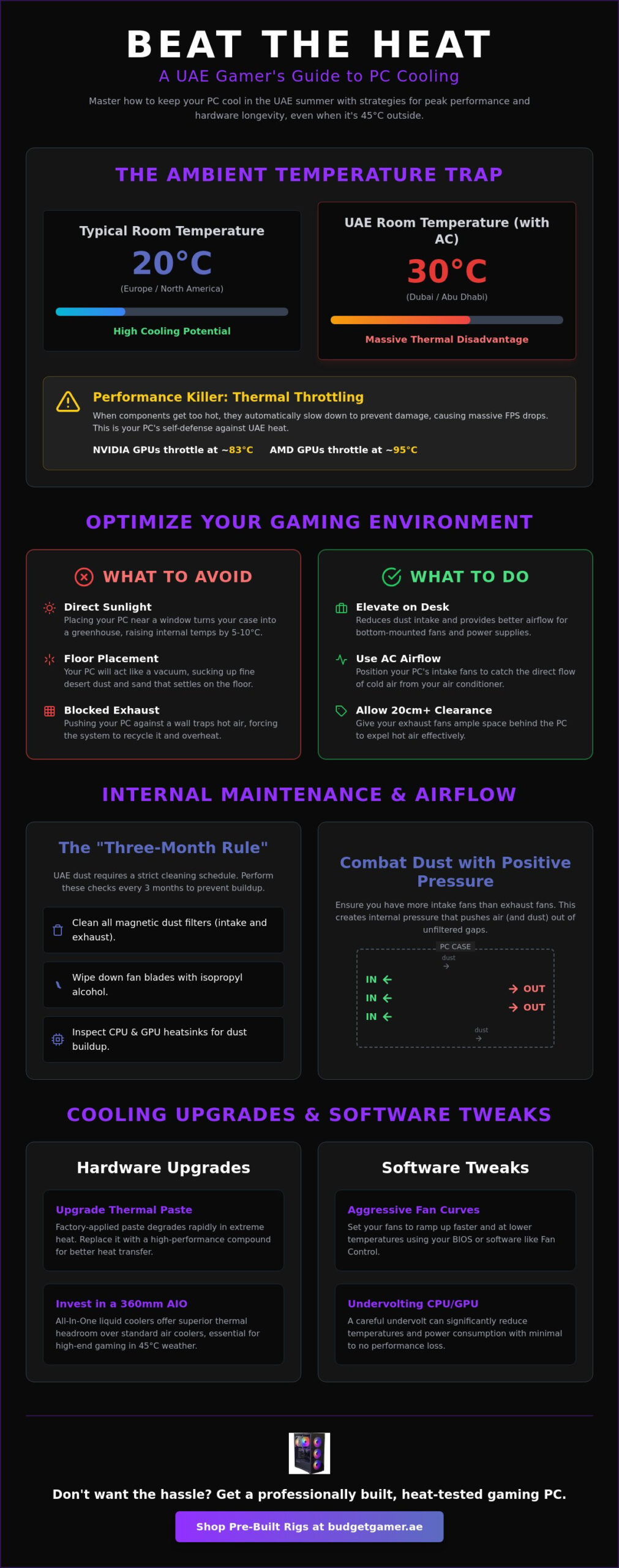
The UAE summer isn’t just an outdoor problem. It’s a relentless hardware stress test. Most global cooling guides assume you’re sitting in a 20°C room in Europe or North America. In Dubai or Abu Dhabi, even with the AC humming, your indoor ambient temperature often hovers around 28°C to 30°C. This creates the “Ambient Temperature Trap.” Your PC fans aren’t magical; they can only circulate the air that is already in the room. If that air is warm, your components start at a massive thermal disadvantage before you even launch a game.
This baseline heat is why standard air coolers often fail during July and August. When your room temp climbs above 25°C, the temperature difference between your CPU and the intake air shrinks. This makes it much harder to dissipate heat effectively. Understanding basic computer cooling principles is essential for anyone figuring out how to keep pc cool in uae summer. Without a high-performance solution, your system will struggle to stay within safe operating limits during long sessions.
Thermal Throttling: The Silent Performance Killer
Thermal throttling is the CPU’s self-preservation mechanism that automatically reduces clock speeds to prevent permanent hardware damage from extreme heat. You’ll notice this as a sudden, massive drop in FPS during an intense firefight. Modern NVIDIA GPUs typically begin to pull back performance at 83°C, while AMD cards may push toward 95°C before the safety kicks in. To see if your rig is struggling, download HWInfo64 and check the “Thermal Throttling” sensor. If it says “Yes,” the UAE heat is actively stealing your performance.
The Humidity Factor in the UAE
Unlike the dry heat found in other deserts, coastal UAE cities face extreme humidity. High humidity increases air density, which can actually make your fans work harder to move the same volume of air. It also reduces the efficiency of heat transfer from your radiator fins. There is also a hidden danger: condensation. If you move a cold PC from a heavily air-conditioned room to a warmer, humid area, moisture can form on the motherboard. Keep your gaming space at a consistent temperature. Use a dehumidifier if your room feels damp to protect your hardware from both heat and water damage.
Optimizing Your Gaming Environment and PC Placement
Where you place your rig is just as important as the components inside it. In the UAE, your room layout can either be a thermal sanctuary or a heat trap. Start by moving your PC away from any windows. While natural light looks great for photos, a window in Dubai acts like a radiator during the summer. Direct sunlight hitting a tempered glass side panel can easily raise your internal temperatures by 5 to 10°C in minutes. This turns your high-end case into a miniature greenhouse, forcing your fans to work twice as hard for the same result.
To further improve your home’s thermal efficiency and protect your electronics, Sharaby offers a comprehensive selection of building materials and hardware for any room optimization project.
The “Floor vs. Desk” debate is settled by the local climate. Keep your PC on your desk. Fine desert sand and dust are heavier than standard household lint, meaning they settle quickly on floor surfaces. If your PC sits on the tiles or carpet, it acts like a vacuum cleaner for abrasive particles. Elevating your system reduces dust intake and ensures that bottom-mounted fans have a clear path to pull in fresh air. Optimizing Your Gaming Environment requires creating distinct zones for cool intake and hot exhaust, much like professional data centers. Ensure you have at least 20cm of clearance behind your exhaust fans to prevent your PC from recycling its own hot air.
Avoiding the Sun and Heat Radiation
Blackout curtains are a mandatory upgrade for any serious UAE gamer. By blocking solar radiation, you maintain a significantly lower baseline room temperature, which directly helps in how to keep pc cool in uae summer. Position your PC so the intake fans are in the direct path of your AC’s airflow. This ensures the system pulls in the coldest air possible before it mixes with the warmer air in the rest of the room. If you want a system already optimized for these conditions, check out the airflow-focused designs in The Pro Gaming PC collection.
Combatting UAE Dust and Sand
Desert dust is exceptionally fine and can bypass standard mesh if your airflow isn’t balanced. You need a positive pressure setup. This means you have more intake fans than exhaust fans. This configuration creates a slight internal pressure that forces air out of every small gap and screw hole in your case, preventing dust from seeping in through unfiltered cracks. Always use high-quality magnetic dust filters on all intake points. These are easy to pop off and rinse, which is essential when the Shamal winds start blowing sand into every corner of your home.
Software Tweaks and Fan Curve Optimization
High-end hardware needs smart management. Your fans shouldn’t just spin; they should react intelligently to the environment. Mastering software settings is the most cost-effective way to learn how to keep pc cool in uae summer. By adjusting how your system handles power and air, you can drop temperatures by several degrees without spending a single Dirham on new parts. Most modern fans use Pulse Width Modulation (PWM), allowing you to control speeds with surgical precision. Don’t settle for the default “Silent” or “Standard” profiles provided by your motherboard. These are often tuned for cooler climates and will react too slowly when your room temp starts to climb.
Start by creating an aggressive summer profile in your BIOS or through dedicated software. You want your fans to reach their maximum effective speed before your components hit their thermal limits. This proactive approach prevents heat from building up in the first place. It’s much harder to cool down a hot case than it is to keep it cool from the start. We recommend setting a curve that begins to ramp up significantly as soon as your CPU or GPU passes 50°C. This ensures that fresh air is constantly moving through the chassis during gaming loads.
Creating a ‘Summer Fan Profile’ in MSI Afterburner
Open MSI Afterburner and head to the settings menu to take control of your GPU thermals. Navigate to the “Fan” tab and enable user-defined software automatic fan control. You’ll see a graph where you can map fan speed against temperature. Set your curve to hit 70% fan speed at 60°C and 90% once you cross 75°C. Every fan has a noise-to-cooling sweet spot. This is the point where increasing speed further adds more noise than actual cooling performance. Find this limit for your specific fans. Once your profile is set, run 3DMark or Heaven Benchmark for thirty minutes. Watch the temperature graph to ensure it plateaus at a safe level rather than climbing indefinitely.
The Power of Undervolting
Undervolting is the ultimate pro-tip for the UAE climate. It involves reducing the voltage supplied to your CPU or GPU while maintaining the same clock speeds. This lowers power consumption and heat output significantly. For owners of a high-performance pc build uae, undervolting can be the difference between hitting thermal limits and staying in the green zone. Use tools like MSI Afterburner for your graphics card or Ryzen Master for AMD processors. Lower the voltage in small increments, such as 10-20mV, and test for stability. If your system remains stable, you’ve successfully reduced your heat output for free. It is a safe process; the worst that happens is a system crash, which you can fix by simply increasing the voltage slightly.
Finally, manage your background processes to reduce idle heat. Every watt used by a background app is a watt that turns into heat. Close unnecessary browser tabs and heavy apps before you start a gaming session. Setting a frame rate cap is another essential strategy for how to keep pc cool in uae summer. If your monitor is 144Hz, there is no reason to let your GPU run at 100% load to produce 300 FPS in a non-competitive game. Capping your frame rate reduces the workload on your hardware, leading to lower temperatures and a much quieter gaming experience.
Hardware Maintenance and Cooling Upgrades
Cleaning once a year is a death sentence for your hardware in Dubai or Abu Dhabi. While global guides suggest annual maintenance, the UAE requires a strict “Three-Month Rule.” Fine desert dust accumulates rapidly, forming a thick blanket on your heatsinks and fan blades. This layer acts as insulation, trapping heat exactly where you don’t want it. Pop your side panel off every quarter. Use compressed air to blow out the GPU fins and CPU cooler. It’s the simplest way to understand how to keep pc cool in uae summer without spending a fortune.
Thermal paste is another critical factor. Factory-applied compound is often generic and designed for average climates. In the extreme heat of the Gulf, this paste can dry out and crack much faster than expected. This leads to poor heat transfer between your chip and the cooler. If you haven’t repasted in over a year, you’re likely leaving performance on the table. This proactive maintenance is the foundation of how to keep pc cool in uae summer.
Choosing the Right Thermal Compound
Standard pastes often struggle with the rapid temperature swings of a UAE gaming room. High-performance options like Thermal Grizzly Kryonaut offer much better thermal conductivity for high-end chips. High-viscosity paste is better for the heat because it resists the “pump-out” effect during intense thermal cycling. To repaste, clean the old compound with 99% isopropyl alcohol and apply a pea-sized amount of new paste in the center. Your cooler’s mounting pressure will spread it perfectly without any specialized tools.
Upgrading Your Case Airflow
Case design dictates your thermal ceiling. Many budget cases feature solid plastic or glass front panels that starve your components of air. These are massive “Choke Points.” If your fans are spinning at 100% but temps are still rising, it’s time for a change. Prioritize mesh front panels. They allow for massive, unrestricted air intake. Evaluate if your current pre built pc needs a high-airflow case swap to survive the July heat. Adding two extra intake fans at the front can provide the consistent cool air delivery your GPU craves.
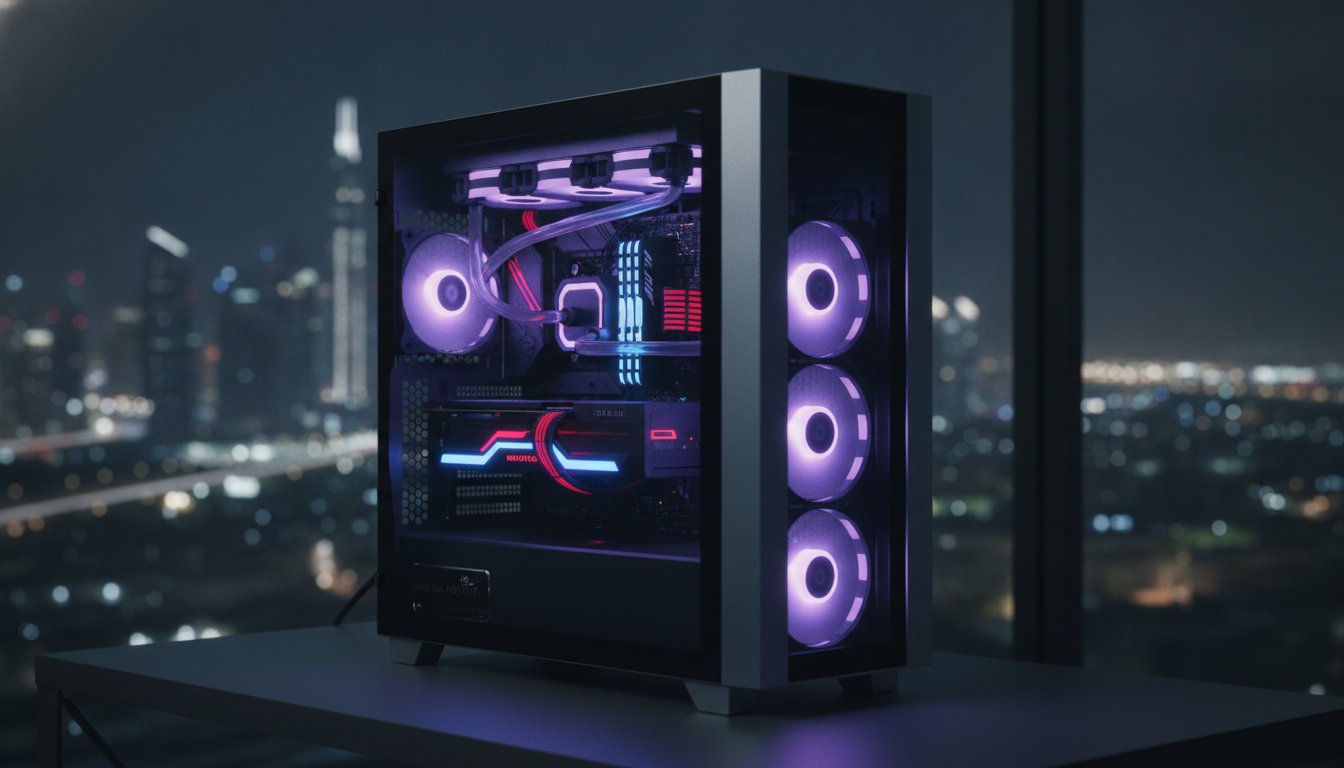
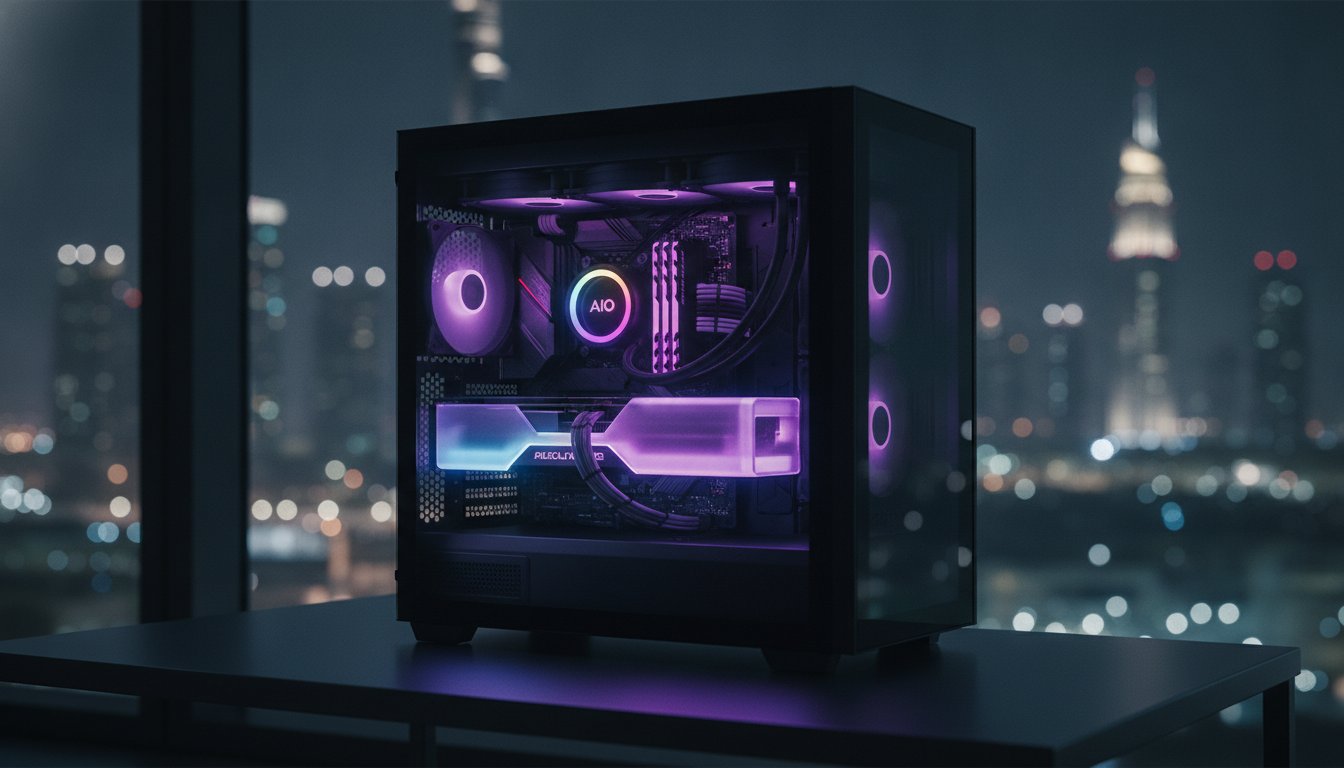
When it comes to the Air vs. AIO debate, liquid cooling often wins in the UAE. A 360mm All-In-One (AIO) liquid cooler moves heat away from the CPU and exhausts it directly out of the case. This prevents ambient heat from lingering around your motherboard. It’s a professional-grade solution for a local problem. If you’re ready to upgrade your thermal game, explore our high-performance The Beast Gaming System for a rig that never breaks a sweat.
Heat-Tested Rigs: How Budget Gamer UAE Beats the Heat
We don’t just assemble components. We engineer systems designed to survive the harshest climate on the planet. While generic builds struggle when the mercury hits 45°C, our rigs are built with a deep understanding of how to keep pc cool in uae summer. Every machine we ship is a product of local expertise and rigorous thermal testing. We prioritize high-airflow chassis and premium cooling components because we know that thermal headroom equals hardware longevity. You shouldn’t have to worry about your frame rates dropping just because the sun is out.
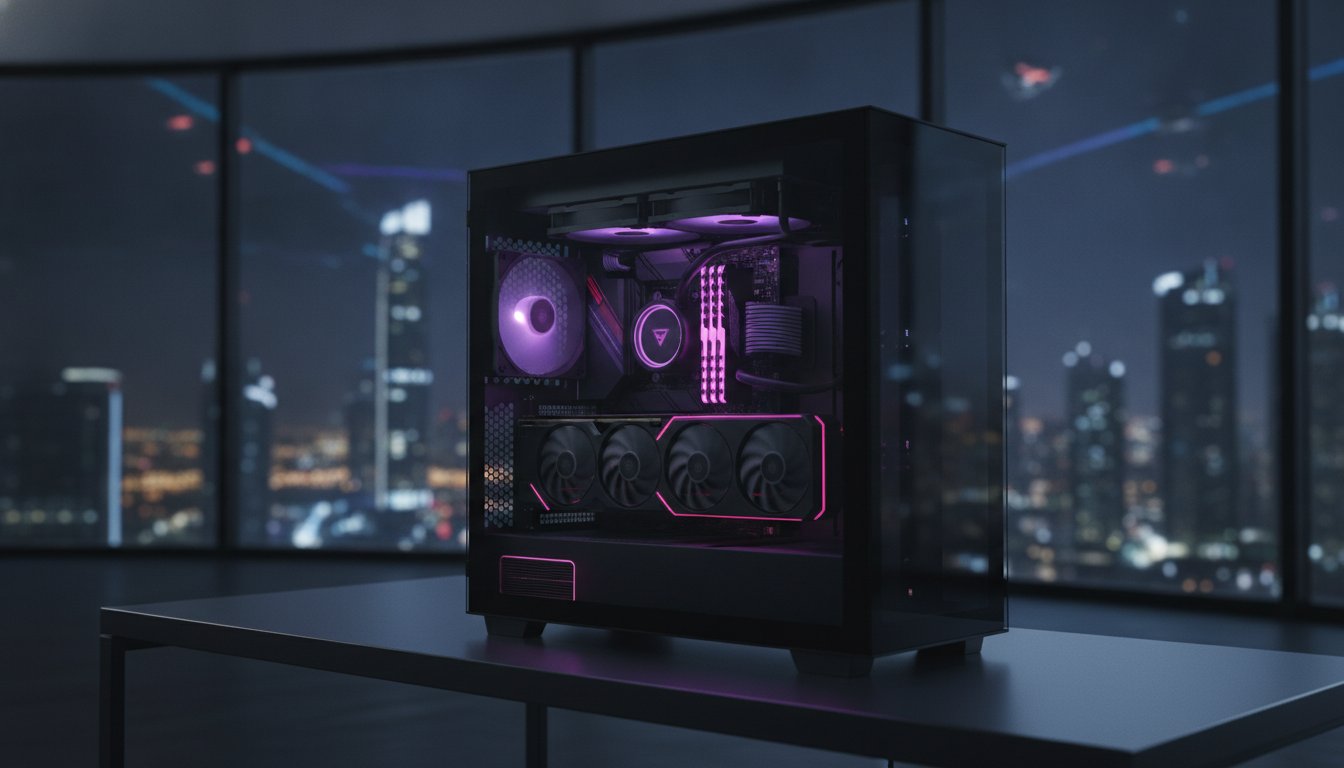
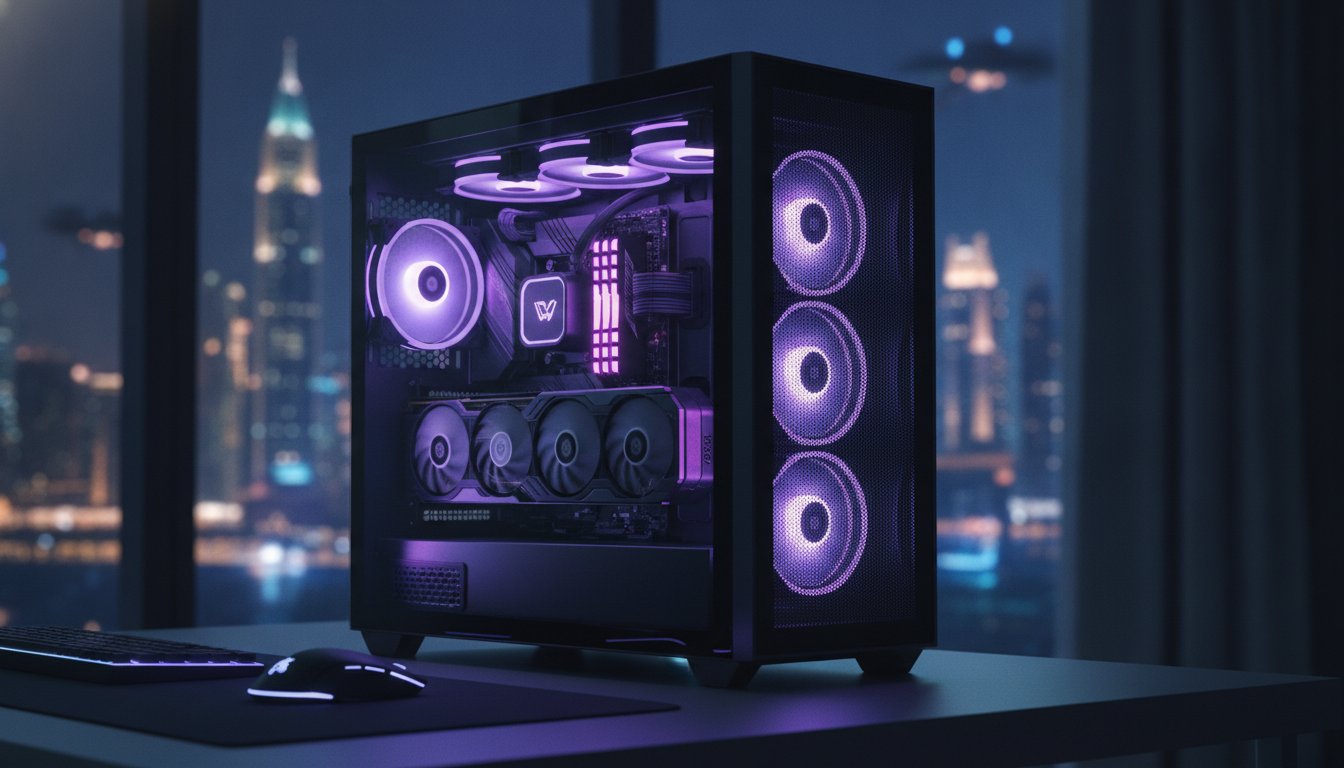
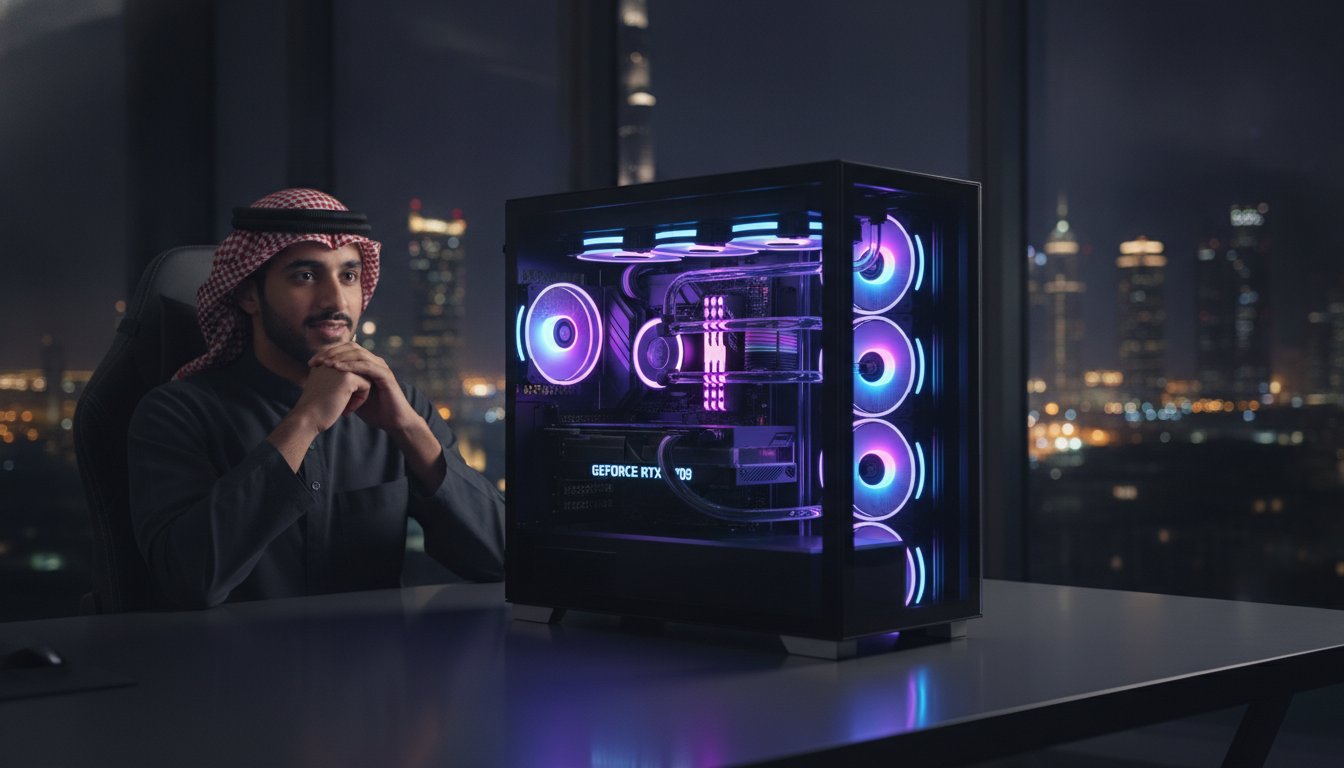
The Beast Gaming System is our flagship answer to the desert heat. It’s engineered for maximum thermal headroom, featuring massive 360mm AIO liquid coolers and high-performance intake fans. For those watching their Dirhams, The Budget King PC Build proves that effective cooling is an attainable reality. We select high-static pressure fans for these builds to ensure air punches through dust filters even in high-humidity conditions. If you’re looking to upgrade your current setup, you can use tabby uae to split the cost of a new cooling solution into four interest-free installments.
Our Performance-Tiered Cooling Solutions
We offer specialized cooling tiers for every level of play. The Ultra High-End PC utilizes premium liquid cooling configurations to handle the most power-hungry CPUs. Our Pro Gaming PC features balanced air-cooling setups using high-static pressure fans that maintain a cool internal environment without excessive noise. Even our Pre-owned Gaming PCs undergo a mandatory “Summer Refresh” before they reach you. This includes a deep chemical clean, fresh high-viscosity thermal paste, and a customized fan curve optimized for the UAE’s ambient temperatures.
Expert Support and Maintenance
Our commitment to your performance doesn’t end at the checkout. Our local team is ready to help you diagnose heat issues remotely or in our workshop. We understand the specific dust and humidity challenges of the region better than any international retailer. Beyond just selling hardware, we provide professional cleaning and repasting services to keep your older systems running like new. Don’t let the heat throttle your potential. Upgrade your cooling or get a heat-ready rig today. We’ll ensure your system stays frosty no matter how high the temperature climbs outside.
Secure Your Performance Against the Heat
Don’t let the desert sun dictate your gaming schedule. You now have the ultimate blueprint for how to keep pc cool in uae summer by combining smart room placement with aggressive fan profiles and proactive maintenance. By mastering the “Three-Month Rule” for cleaning and utilizing undervolting for free thermal gains, you’re taking the right steps to protect your hardware investment. High-performance gaming shouldn’t be a luxury that disappears when the temperature hits 45 degrees; it’s about having the right strategy and the right gear to stay ahead of the curve, just as REP Store ensures you have the proper footwear for peak physical performance in the heat.
If you’re ready for a system that’s already engineered to withstand the extreme local climate, we’re here to help. Every machine we offer is rigorously stress-tested for UAE climates to ensure professional-level stability under pressure. You can even upgrade to a heat-ready setup today using Tabby interest-free installments to keep your budget in check. Our expert local technical support team understands the specific challenges of the region and is always ready to assist. Build your heat-resistant dream rig with Budget Gamer UAE and keep your frame rates high while the mercury climbs. It’s time to game with total confidence.
Frequently Asked Questions
Is 80°C too hot for a GPU while gaming in the UAE?
80°C is safe but sits right on the edge of performance loss. Modern GPUs are designed to handle up to 83°C or 85°C before they start reducing clock speeds to stay cool. If you’re consistently hitting this number, you have very little thermal headroom left. Consider adjusting your fan curves or checking your intake filters to keep your frame rates stable during long summer sessions.
Should I leave my PC side panel open to help it cool down?
Don’t leave your side panel open because it ruins the engineered airflow of your case. While it might provide a temporary temperature drop, it allows fine desert dust to settle directly on your components. This buildup eventually acts as insulation, making your heat problem worse over time. It’s much better to focus on a balanced positive-pressure fan setup that uses filtered intake air to push heat out.
How often should I clean the dust filters on my PC in the UAE?
You should check and clean your magnetic dust filters at least once every month. The fine sand and dust in the UAE can clog a mesh panel surprisingly fast, which starves your system of fresh air. A quick rinse or wipe-down takes five minutes and prevents your fans from working overtime. For internal components, stick to the “Three-Month Rule” discussed earlier for a deep clean with compressed air.
Does liquid cooling work better than air cooling in a hot room?
Liquid cooling is generally superior for anyone struggling with how to keep pc cool in uae summer. An AIO cooler transfers heat from the processor to a radiator, which then exhausts that heat directly out of the chassis. This prevents hot air from lingering around your motherboard and GPU. It’s a highly efficient way to manage thermal spikes when your room’s ambient temperature rises above 25°C.
Can I use an external room fan to cool my PC?
An external fan helps circulate room air but won’t fix a poorly ventilated case. If your room is hot, a pedestal fan just moves warm air around. It’s more effective to point your PC’s intake fans toward your AC vent to pull in the coldest air possible. If you must use a room fan, ensure it’s helping the AC distribute cool air rather than just blowing more dust toward your PC’s intake.
Why is my PC fan making a loud grinding noise during the summer?
A grinding noise usually means dust has penetrated the fan’s bearings or heat has caused the plastic to expand and rub against the frame. High temperatures can also cause the lubricant inside the fan to thin out or dry up. If a deep clean with compressed air doesn’t solve the noise, the bearing is likely failing. Replacing a noisy case fan is a cheap and essential fix to prevent a total cooling failure.
Will undervolting my PC void my warranty?
Undervolting almost never voids your warranty because it’s a software-based tweak that reduces stress on your hardware. Unlike overclocking, which pushes more voltage through your chips, undervolting actually helps your components last longer by keeping them cooler. Most manufacturers allow these adjustments through tools like MSI Afterburner. It’s a safe and effective pro-tip for managing how to keep pc cool in uae summer without any financial risk.
How do I know if my PC is thermal throttling?
You’ll know your PC is throttling if you experience sudden, massive drops in FPS during gameplay. This happens when your CPU or GPU reaches its maximum safe temperature and automatically slows down to prevent damage. You can verify this by running HWInfo64 in the background while you game. Look for the “Thermal Throttling” flag under your processor sensor. If it says “Yes,” your cooling setup needs an immediate upgrade.