Blog
What to Check Before Buying a Used PC: The 2026 UAE Buyer’s Checklist

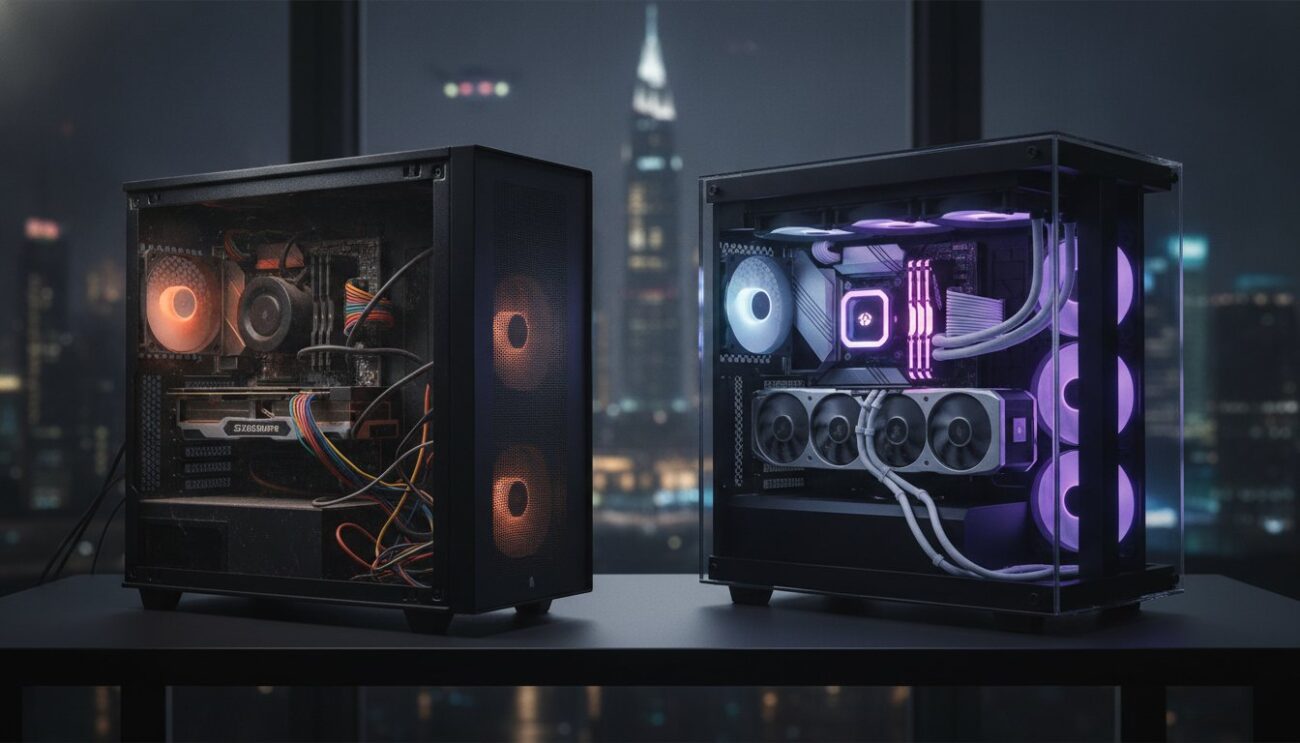
Your dream RTX 50-series gaming rig is sitting in a Sharjah warehouse for half price, but one hidden thermal defect could turn that “steal” into a very expensive paperweight. In the intense UAE climate, knowing exactly what to check before buying a used pc isn’t just a suggestion; it’s your tactical advantage. You want professional-level performance without the luxury price tag. We agree that it’s stressful to hand over cash when you aren’t 100% sure the internals match the listing or if the previous owner pushed the hardware to its breaking point.
This guide transforms you into a savvy hardware inspector. It gives you the total confidence to verify component health and score a high-performance system without the typical second-hand risks. We’ll walk through real-world stress testing with OCCT v17, explain how the 2023 UAE Consumer Protection Law shields your purchase, and reveal how to find the most reliable pre-owned systems in the region. Stop guessing and start hunting for your next upgrade with professional precision.
Key Takeaways
- Spot critical red flags like structural dents and GPU sag to avoid hardware that has suffered from poor handling or long-term mechanical stress.
- Verify internal specifications at the firmware level through the BIOS to ensure you are actually getting the high-end components listed in the ad.
- Master what to check before buying a used pc regarding thermal health by running a 15-minute stress test to ensure the system survives the local UAE heat.
- Test every USB and display port for stable data transfer to avoid connectivity issues that many buyers overlook during a quick inspection.
- Discover why choosing a “Certified Pre-owned” system from a localized expert provides a safer, professionally-vetted alternative to risky private sales.
Physical Inspection: Spotting Red Flags Before Powering On
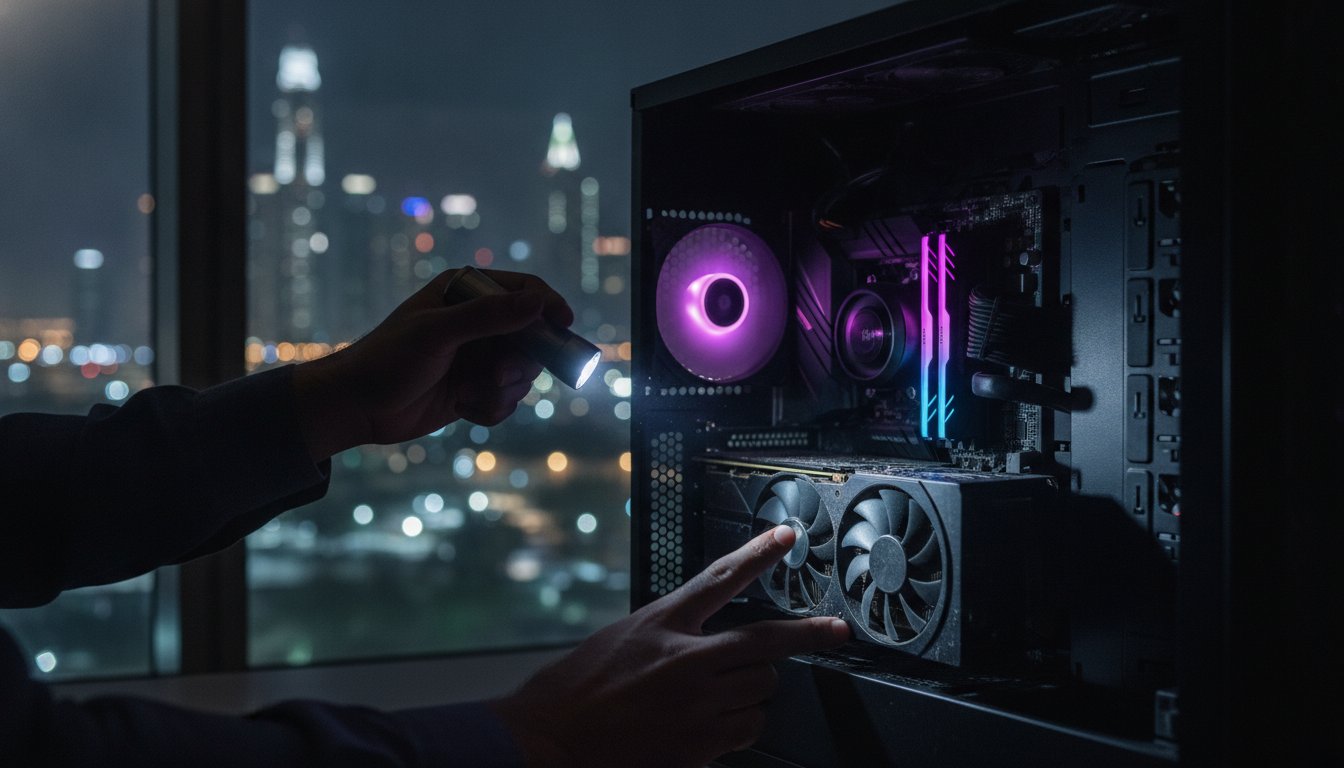
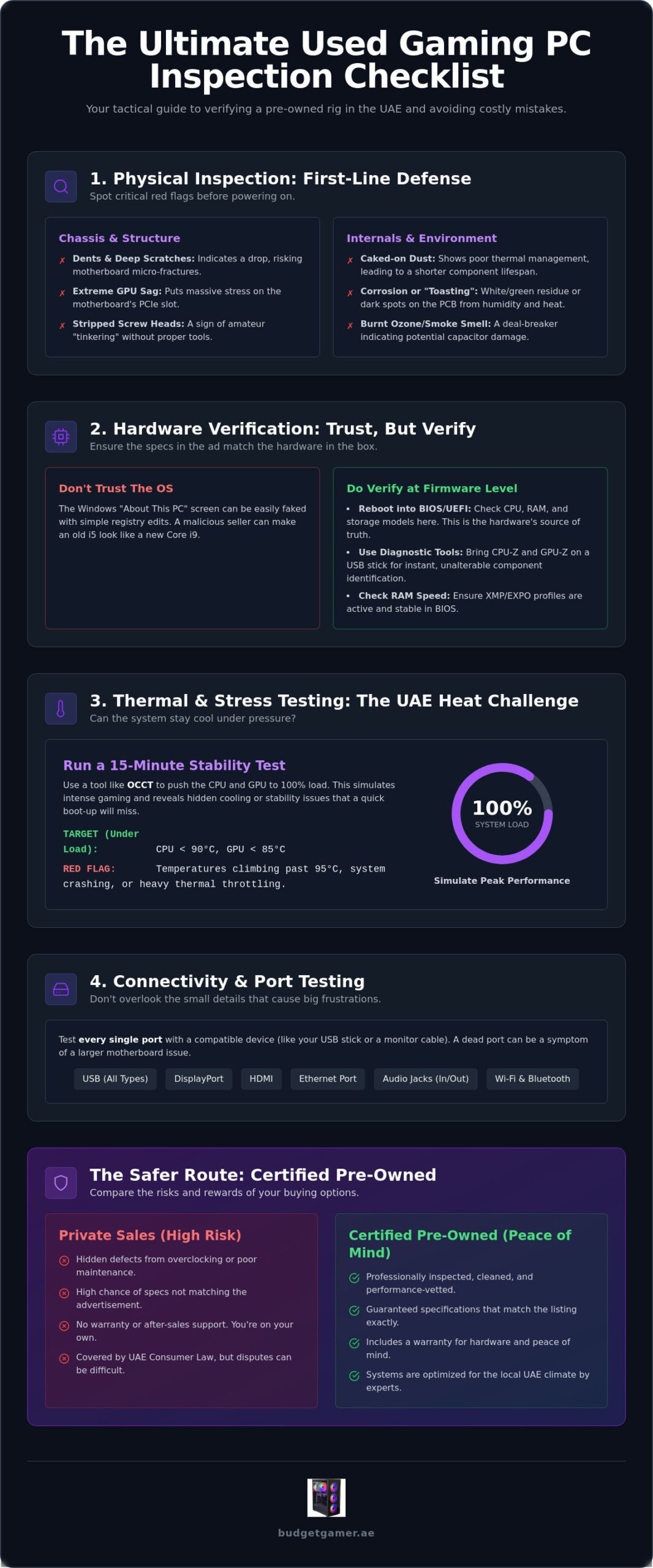
Before you even think about pressing the power button, get hands-on with the hardware. A physical inspection is your first line of defense against a lemon. You are looking for signs of trauma that software can’t always report. Start with the chassis. Inspect every corner for dents or deep scratches. A major dent usually means the PC took a tumble. Drops cause micro-fractures in motherboards and can dislodge heavy components like CPU coolers. If the case looks like it survived a desert storm, the internals likely suffered too.
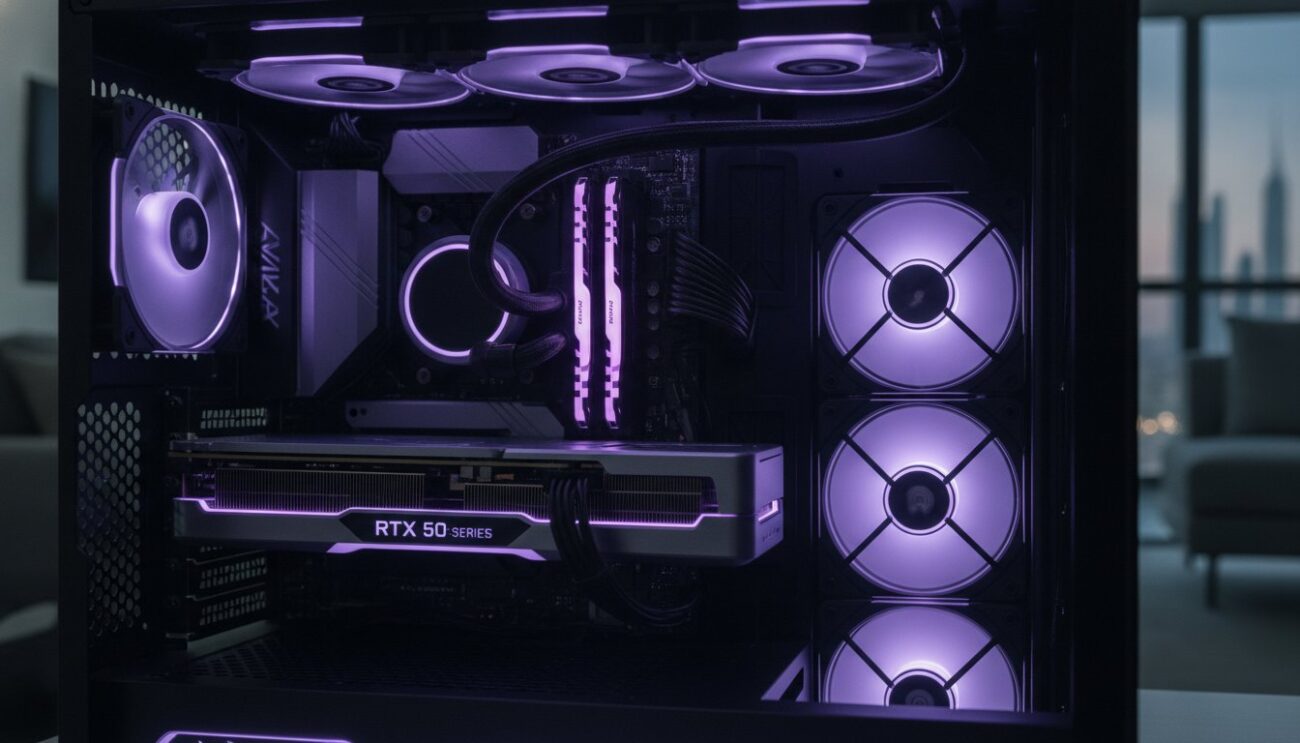
Open the side panel and look at the graphics card. Does it droop like a tired bridge? That’s GPU sag. While common in heavy RTX 50-series cards, extreme sag puts massive mechanical stress on the PCIe slot. Over time, this can lead to intermittent connection issues or a dead motherboard. Check the screw heads on the GPU bracket and the CPU cooler. Stripped or shiny screw heads are a dead giveaway. They tell you an amateur has been “tinkering” inside without the right tools. This is a critical part of what to check before buying a used pc because it reveals the previous owner’s technical competence.
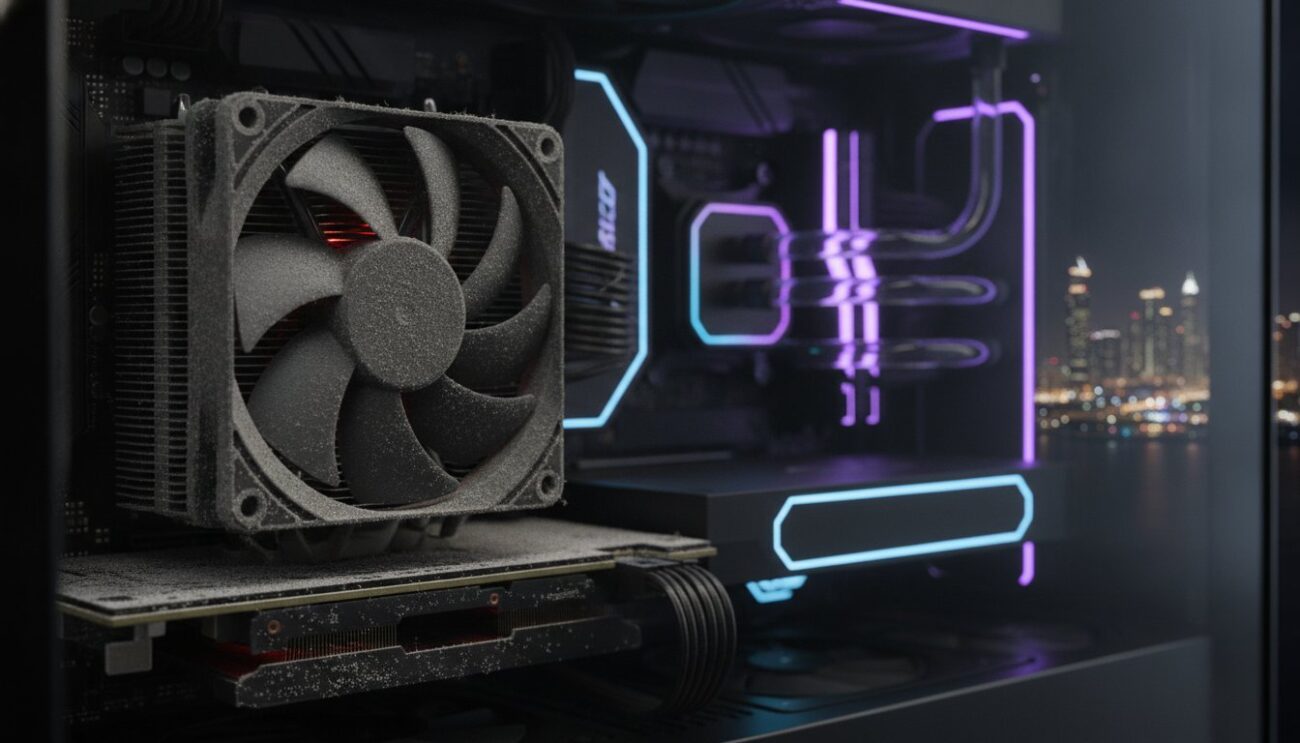
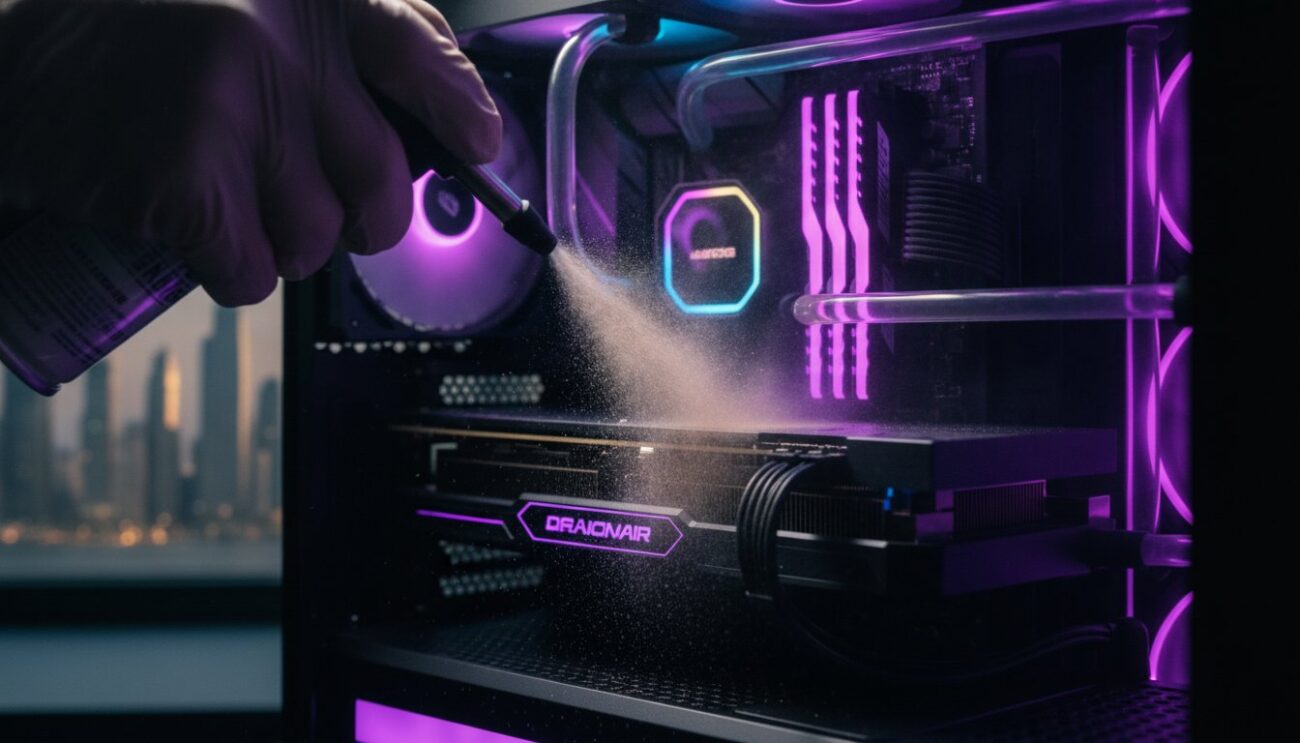
Finally, look at the fans. A little dust is normal. However, “caked” fans with thick, grey mats of grime are a red flag. Dust acts as an insulator. In the UAE heat, a dusty PC runs significantly hotter, which degrades the lifespan of the silicon. If the seller didn’t bother to blow out the dust before showing it to you, they probably didn’t care about thermal management either.
Detecting Environmental Wear and Tear
The UAE climate is brutal on electronics. If the PC lived near the coast in Dubai or Abu Dhabi, humidity is your enemy. Look for fine, salt-like white residue or green corrosion on the heatsink fins. Check the PCB (Printed Circuit Board) for dark discolouration. This “toasting” effect happens when components run at high temperatures for years. Don’t forget to use your nose. A faint scent of burnt ozone or heavy tobacco smoke is an immediate deal-breaker. Those smells linger forever and often indicate heat-damaged capacitors or sticky, conductive tar on the components.
The “Warranty Void” Sticker Reality
By 2026, the “Warranty Void if Removed” sticker is often just a relic, but its condition still matters. A broken seal means the PC has been opened. This isn’t always bad. Professional sellers of certified refurbished electronics often break these seals to perform essential maintenance, like replacing dried-out thermal paste. However, in a private sale, a torn sticker without a clear explanation suggests amateur repairs. Ask the seller why they opened it. If they can’t give you a straight answer about whether they were upgrading RAM or trying to fix a mystery crash, walk away. A clean interior is great, but a poorly executed “deep clean” can actually cause static damage if the seller used the wrong equipment.
Hardware Verification: Ensuring You Get the Specs You Paid For
Never trust the Windows “About This PC” screen. It is far too easy to spoof. A few simple registry edits can make an ancient i5 processor look like a top-tier Core Ultra 9 285K to an unsuspecting eye. To truly master what to check before buying a used pc, you must go deeper than the operating system. Malicious sellers count on buyers being too lazy to verify the hardware at the source. Don’t be that buyer.
Start by rebooting the system into the BIOS or UEFI. This is the hardware’s source of truth. Check the CPU model, the total RAM capacity, and the detected storage drives directly at the firmware level. While you are there, look at the memory frequency. If the seller promised high-speed DDR5 but the BIOS shows base speeds, check if an XMP or EXPO profile is active. If the system refuses to boot with these profiles enabled, the RAM or motherboard might be unstable at advertised speeds. If you want a guaranteed match without the manual detective work, exploring professionally vetted Pre-owned Gaming PCs ensures the specs are already verified by local experts.
Verify the high-ticket items. Cross-reference the serial numbers on the physical GPU shroud with the information displayed in your diagnostic software. For high-end CPUs, check the Integrated Heat Spreader (IHS) for laser-etched identifiers that match the software readout. If the numbers don’t align, you are likely looking at a part swap or a counterfeit.
Essential Diagnostic Software for Buyers
Download CPU-Z and GPU-Z onto a USB stick before you meet the seller. These tools provide instant, unalterable component identification. CPU-Z confirms your processor’s architecture, revision, and cache levels. GPU-Z is even more critical for gaming rigs. It identifies the exact silicon inside your graphics card and its manufacturer.
- Check the “Memory Type” field. Enthusiasts often prefer Samsung memory for its superior overclocking stability.
- Look for the “Fake” notification. GPU-Z uses a massive database to flag cards that are actually older chips flashed with modern BIOS names.
- Verify the PCIe bus interface. Ensure the card is running at its full rated speed (e.g., PCIe 4.0 x16) and not being bottlenecked by a faulty slot.
Storage Health and Power Supply Units (PSU)
Don’t overlook the storage. Run CrystalDiskInfo to see the “Health Status” and “Total Host Writes” of the SSD. A drive with 10% life left or excessive power-on hours is a ticking time bomb. Finally, look at the PSU. It is the most dangerous part to ignore. Peek through the case or remove the back panel to see the label. Look for a reputable brand and an 80 Plus Bronze, Gold, or Platinum rating. An unbranded “grey box” PSU is an immediate dealbreaker. It lacks the safety protections needed for high-performance gaming and could fry your entire investment during a minor power surge.
Thermal and Stress Testing: Can It Handle the UAE Heat?
A PC that boots in a showroom with high-blast AC might crash within minutes once it hits your gaming desk. In the UAE, ambient temperatures are a silent killer for pre-owned hardware. You must push the system to its limit while you are still with the seller. This is a non-negotiable part of what to check before buying a used pc. A system that seems fine during a five-minute web browsing session can fail once the heat truly soaks into the heatsinks.
Follow the 15-minute stress test rule. Most hardware defects related to heat only appear after the cooling system reaches its thermal equilibrium. If the PC survives 15 minutes of maximum load without rebooting or freezing, it’s likely stable. Pay close attention to the fans. If they sound like a jet engine or make grinding noises, the bearings are failing. High-intensity gaming in 2026 requires aggressive fan curves; however, excessive noise usually indicates the cooling solution is struggling to keep up with the hardware’s power draw. A well-maintained system should manage its thermals without sounding like a turbine.
Running Synthetic Benchmarks
Don’t just play a light game. Use professional tools to find hidden flaws. Run Cinebench to hammer the CPU and check for power delivery issues. If the system shuts down, the motherboard or the thermal paste is likely failing. For the GPU, use FurMark or Unigine Heaven to detect “Artifacting”. Artifacting refers to flickering lines, weird squares, or flashing shapes on the screen. If you see these, the GPU memory is dying. Walk away immediately. Even a “great deal” isn’t worth a graphics card that is about to give up.
Monitoring Temperatures in Real-Time
Keep a monitoring tool like HWiNFO or OCCT v17 open during your tests. For 2026 hardware like the RTX 5080 or Core Ultra 9 285K, idle temperatures should sit between 35°C and 50°C. Under a heavy load, seeing 85°C to 95°C is common for modern high-performance chips. However, if the numbers hit 100°C and the clock speeds suddenly drop, you are seeing thermal throttling. Thermal throttling is a protective slowdown when a component exceeds safe heat limits. In older used systems, this often happens because the thermal paste has dried into a useless crust. Replacing it is a standard maintenance task, but it shouldn’t be your problem to solve on a “ready-to-game” system.
Connectivity and Port Testing: The Details Most Buyers Miss
Most buyers focus on the “big” parts and completely ignore the IO shield. This is a mistake. A dead USB port or a flickering HDMI output can turn a high-performance bargain into a daily frustration. Plug in a high-speed thumb drive to every single USB port on the back and the front. Don’t just look for a charging icon. You must verify data transfer speeds. If a port only provides power, the internal data pins are likely fried. This is a vital step in what to check before buying a used pc because a faulty motherboard port is often a sign of a larger electrical surge in the system’s history.
Test the GPU outputs next. Switch between every DisplayPort and HDMI connection available. Wiggle the cables gently while the PC is running. If the screen flickers or the signal drops, the port is loose or the internal solder has cracked. Test the wireless connectivity too. Connect to a local Wi-Fi network and check the signal strength from across the room. If the signal is weak, the internal antennas might be disconnected or damaged. Don’t forget the Bluetooth. Pair a controller or a headset to ensure the module is functioning. These small components are cheap to replace, but they are excellent leverage for price negotiation if they aren’t working perfectly.
Front-panel audio jacks are notoriously fragile. Plug in your headphones and listen for static or popping sounds while you move the mouse. Interference through the audio jack often suggests poor grounding or a low-quality case. If you want to skip the detective work and get a rig where every port is already vetted, browse our latest Pre-owned Gaming PCs for a fully tested, port-verified experience.
Internal Expansion and Future-Proofing
Open the case and look at the motherboard. Count the empty RAM slots. If the system is already maxed out with small 8GB sticks, your future upgrade path is blocked. Check the M.2 NVMe slots. Ensure the tiny mounting screws aren’t stripped or missing. If the system lacks modern expansion options, it won’t last long in the fast-paced gaming world of 2026. You can use our Pre Built PC UAE guide as a baseline to see what modern standards you should expect for your budget.
Software Cleanliness and OS Legitimacy
Never trust a stranger’s Windows installation. It could be riddled with hidden keyloggers, bloatware, or crypto-miners that steal your performance. Check the settings to ensure you have a genuine Windows activation key. Regardless of what the seller claims, a full drive format is mandatory. Wipe the storage clean before you log into any personal accounts. It’s the only way to ensure your digital security is 100% intact from day one.
The Safer Route: Why Certified Pre-owned Gaming PCs Win
Handing over thousands of Dirhams to a stranger on a sidewalk is a massive risk. While we have taught you exactly what to check before buying a used pc, the reality is that most private sellers won’t let you run a 30-minute FurMark stress test in their living room. You shouldn’t have to be a forensic hardware expert just to play your favorite games. That’s where Certified Pre-owned (CPO) systems from Budget Gamer UAE change the game. We bridge the gap between “cheap but risky” and “new but expensive.”
A private sale is usually “sold as seen.” If the GPU dies two days later, you have zero recourse. However, the 2023 UAE Consumer Protection Law provides significant safety nets when you buy from a registered supplier. We offer a local warranty that actually protects your investment. You get the professional-level performance of a high-end rig at a fraction of the original cost. It is the ultimate tactical move for gamers who value both their time and their bank balance. Our Pre-owned Gaming PCs represent the most efficient way to enter the 2026 gaming landscape without the “second-hand” anxiety.
The Professional Inspection Process
Our engineers don’t just glance at the hardware. Every system undergoes a brutal multi-point stress test that mirrors the “UAE heat” challenges we discussed earlier. We strip the components down and perform a deep internal cleaning. We replace old, crusty thermal paste with high-performance compounds to ensure maximum cooling efficiency. Whether it’s the Budget King PC Build or a high-tier Beast Gaming System, the hardware is vetted to meet professional standards. You get a machine that looks and performs like it just came off the assembly line.
Flexible Payment Options in the UAE
High-end performance shouldn’t be gated behind a massive upfront payment. We believe every enthusiast deserves a high-quality experience. That’s why we integrated Tabby UAE into our checkout process. You can split the cost into interest-free installments, making even “The Beast” accessible on a student or worker budget. You get the immediate gratification of a pro-level rig while deferring the cost over several months. It’s about economic efficiency and giving you the power to own the best hardware available. Skip the risk and browse our certified pre-owned gaming PCs today to secure your next victory.
Secure Your Ultimate Gaming Advantage Today
Mastering what to check before buying a used pc turns a risky gamble into a strategic victory. You now know how to spot physical trauma, verify internal specs at the firmware level, and push hardware to its thermal limits. These skills ensure you never overpay for subpar performance. However, you don’t have to carry the burden of inspection alone. Finding a reliable local partner is the fastest way to bridge the gap between budget constraints and professional-grade hardware.
We take the guesswork out of the equation. Every system we sell undergoes rigorous 50-point stress testing to survive the toughest conditions. Plus, you get the security of a local UAE warranty and the flexibility of interest-free installments via Tabby. It’s time to stop worrying about hidden defects and start focusing on your next high-score. Upgrade your setup with a Certified Pre-owned Gaming PC and experience the power of a pro-vetted rig. Your dream setup is closer than you think. Let’s get you in the game!
Frequently Asked Questions
Is it safe to buy a used PC that was used for crypto mining?
It is generally safe if the previous owner managed their thermals properly. Many miners undervolt their cards to save power, which actually reduces wear on the silicon. Check the fans for any unusual wobbling or grinding noises. Look for yellowing on the PCB, as this indicates long-term heat stress. If the card passes a 15-minute stress test without artifacting, it likely has plenty of life left for gaming.
How much cheaper should a used PC be compared to a new one in 2026?
Aim for a discount of at least 30% to 50% off the current retail price. In 2026, new mid-range gaming systems cost between $800 and $1,400. If a used rig is priced too close to these figures, you are better off buying new for the full warranty. Always factor in the age of the components. A two-year-old system should be significantly cheaper than a current-gen model.
What is the most important component to check in a used gaming PC?
The Graphics Card (GPU) is the most vital part of your inspection. It is the most expensive component and handles the heaviest workload. Use diagnostic tools to verify the exact model and run benchmarks to check for stability. Knowing what to check before buying a used pc starts with the GPU because its failure is the most costly to repair. Don’t forget to check the power supply brand too.
Can I upgrade a used PC later if the specs are too low?
You can upgrade most desktops if the motherboard and power supply allow it. Check for empty RAM slots and available M.2 bays for faster storage. Ensure the case is large enough for modern, bulky GPUs like the RTX 50-series. If the PC uses proprietary parts from a major office brand, your upgrade options might be limited. Always verify the motherboard’s socket type before planning future CPU swaps.
How do I know if a used PC has been refurbished properly?
A professionally refurbished PC will be spotless inside. Look for evidence of fresh thermal paste on the CPU and GPU heatsinks. The fans and filters should be completely free of dust mats. Reliable retailers will provide a multi-point inspection report and a local warranty. This is the main difference between a “Certified Pre-owned” system and a random marketplace listing that offers no protection after the sale.
What happens if a used PC fails a stress test during inspection?
Stop the transaction immediately if the system crashes or reboots. A failure during a benchmark like FurMark or Cinebench suggests a dying power supply or critical thermal issues. This is a primary reason what to check before buying a used pc includes stress testing. Never trust a seller who says it’s just a “software glitch.” A stable gaming rig should handle maximum load without any hesitation or screen flickering.
Should I buy a used PC without a dedicated graphics card?
Only buy a PC without a dedicated GPU if you don’t plan on serious gaming. Integrated graphics on modern CPUs can handle office tasks and basic indie games, but they will fail at AAA titles. If you want a real gaming experience, you need a dedicated card. Buying a system with a dedicated GPU from the start is much more cost-effective than trying to add one to a weak office PC later.
How do I check the battery health if I am buying a used gaming laptop?
Open the Command Prompt in Windows and type “powercfg /batteryreport” to see the truth. This command generates a file showing the battery’s original design capacity versus its current full charge capacity. If the current capacity is below 80%, the battery is nearing the end of its life. Gaming laptops are notorious for battery wear due to high heat, so this check is mandatory before you pay.