
Blog
Do You Need a UPS or Surge Protector for Your Gaming PC in the UAE?

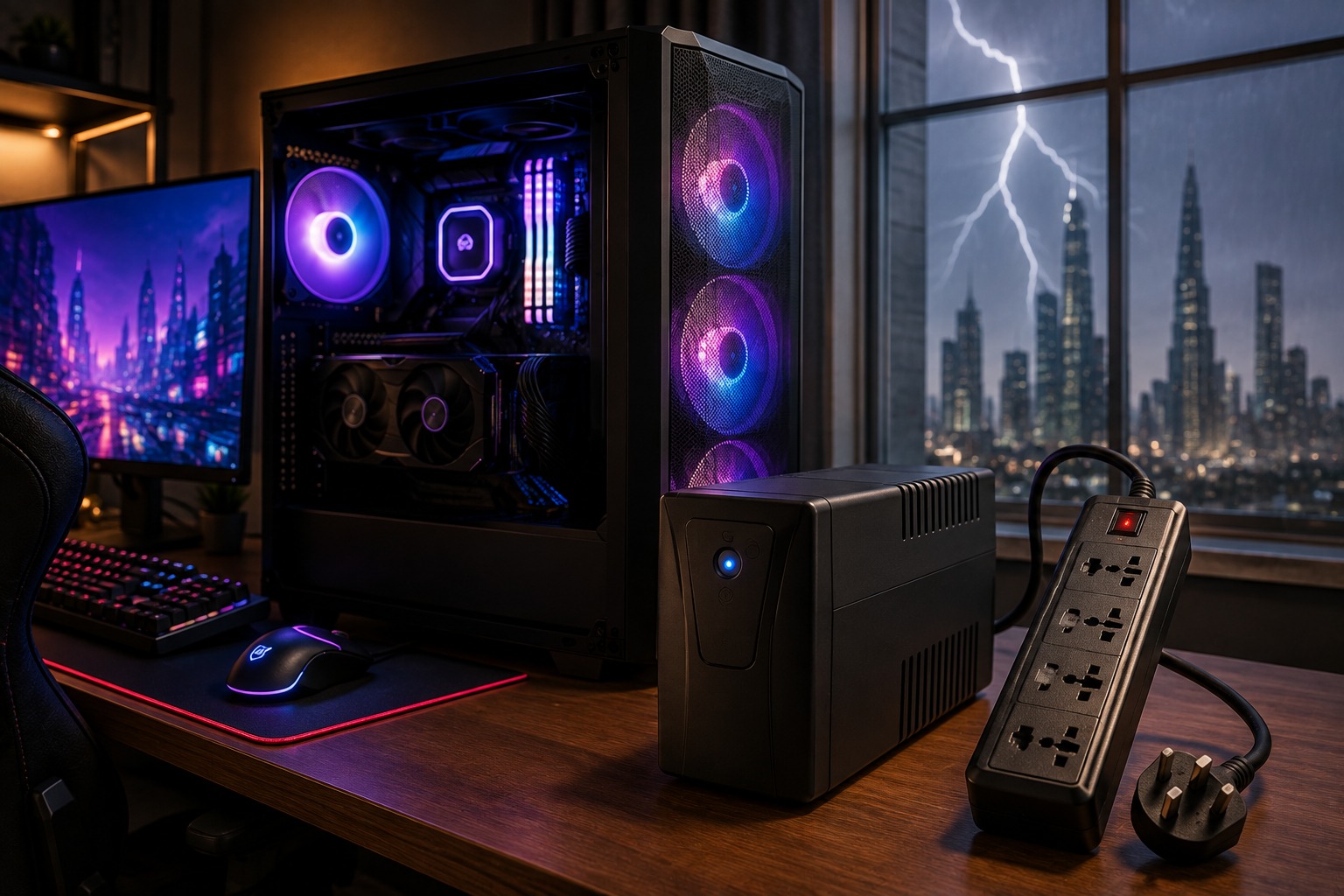
A gaming PC is a serious investment, especially when your setup includes a powerful graphics card, modern processor, high-refresh-rate monitor, NVMe storage, and premium gaming peripherals. But while gamers often focus on performance upgrades, power protection is easy to overlook.
If you’re building or using a gaming PC in the UAE, you may be wondering: Do you need a UPS, a surge protector, or both?
For most basic setups, a quality surge protector provides a useful first layer of protection. However, if you own a mid-range or high-end gaming PC, a properly sized UPS can offer significantly better protection by providing temporary battery backup during unexpected power interruptions.
In this guide, we’ll explain the differences between a UPS and surge protector, which option makes sense for UAE gamers, how to choose the correct UPS capacity, and what features you should consider.
Why Power Protection Matters for Gaming PCs
Modern gaming computers contain expensive and sensitive components. Your graphics card, motherboard, processor, SSDs, monitor, and power supply all depend on a reliable electrical supply.
Unexpected power issues may include:
- Sudden power outages
- Short voltage drops
- Power surges
- Voltage fluctuations
- Unexpected shutdowns
Even if an interruption doesn’t physically damage your hardware, an unexpected shutdown can result in lost progress, unsaved work, interrupted Windows updates, or corrupted files.
This becomes more important as the value of your setup increases.
If you’re currently planning a complete PC rather than simply protecting an existing one, read our Gaming PC Setup UAE: The 2026 Buying Guide for Every Budget to understand how to balance your budget across the PC, monitor, peripherals, cooling, and other essentials.
What Is a Surge Protector?
A surge protector is similar to a standard power strip, but it is specifically designed to help protect connected electronics from certain short-term voltage spikes.
For a gaming setup, a surge protector may be used for devices such as:
- Gaming PC
- Monitor
- Speakers
- Router
- Gaming accessories
A quality surge protector is generally a better option than connecting an expensive gaming computer to a basic extension board.
However, surge protectors have one major limitation.
A Surge Protector Does Not Provide Battery Backup
If the electricity goes off, a surge protector cannot keep your PC running.
Your gaming computer will shut down immediately.
If you’re playing an online game, editing a video, downloading or installing software, updating Windows, or working on an important project, that sudden shutdown can be frustrating and potentially lead to data problems.
This is where a UPS becomes useful.
What Is a UPS for a Gaming PC?
UPS stands for Uninterruptible Power Supply.
A UPS contains a battery that can temporarily supply electricity to connected equipment when mains power is interrupted.
Depending on the model, a UPS can also provide features such as:
- Surge protection
- Automatic Voltage Regulation (AVR)
- Battery backup
- Power monitoring
- Controlled shutdown support
The purpose of a gaming UPS usually isn’t to let you continue gaming for hours during an outage.
Instead, it gives you enough time to save your work, exit your game, close applications, and shut down your PC safely.
For anyone investing heavily in a gaming computer, this additional layer of protection can make sense. If you’re comparing systems before buying, our guide to the best value for money gaming PC in UAE can help you decide where your budget will have the biggest impact.
UPS vs Surge Protector: What’s the Difference?
| Feature | Surge Protector | UPS |
| Surge protection | Yes | Usually |
| Battery backup | No | Yes |
| Backup during an outage | No | Yes |
| Time for safe shutdown | No | Yes |
| Voltage regulation | Usually limited | Available on many models |
| Price | Lower | Higher |
| Best for high-end gaming PCs | Basic protection | Better overall solution |
A surge protector is primarily designed to protect against certain voltage spikes.
A UPS goes further by providing temporary battery power when the mains electricity fails.
For an inexpensive gaming setup, a quality surge protector may be enough. For a powerful gaming computer worth several thousand dirhams, a UPS is generally worth considering.
Do You Need a UPS for a Gaming PC in the UAE?
Not every gaming PC in the UAE requires a UPS. However, it can be a sensible investment if your computer is expensive or if unexpected power interruptions are a concern.
You should consider a UPS if:
- You have a high-end graphics card.
- Your PC contains expensive components.
- You use your PC for gaming and professional work.
- You want protection from sudden shutdowns.
- You frequently work with important local files.
- You play competitive online games.
- You want time to shut the computer down safely during an outage.
The cost of a suitable UPS should also be considered in relation to the total value of your setup.
If you’re building on a tighter budget, you don’t necessarily need to overspend on every accessory. Our Best Gaming PC Under 5000 AED: Top UAE Builds for 2026 guide can help you prioritize the components that have the greatest impact on gaming performance.
How Much Power Does a Gaming PC Actually Use?
One common mistake is assuming that the wattage printed on the power supply represents the PC’s constant power consumption.
For example, having an 850W PSU does not mean your gaming PC continuously consumes 850 watts.
Actual power consumption depends on factors including:
- Graphics card
- Processor
- Gaming workload
- Cooling system
- Storage
- RGB lighting
- Connected USB devices
Your system may consume considerably less power during normal desktop use and significantly more while gaming.
When selecting a UPS, you therefore need to consider the maximum realistic load, rather than simply copying the wattage written on your PSU.
What Size UPS Do You Need for a Gaming PC?
UPS capacity is commonly advertised in VA (volt-amperes), but you should also check the UPS’s maximum watt output.
Both figures matter.
As a general starting point:
| Gaming PC Type | UPS Capacity to Consider |
| Entry-level gaming PC | 800–1000VA |
| Mid-range gaming PC | 1000–1500VA |
| High-end gaming PC | 1500VA+ |
| Extreme gaming/workstation PC | Calculate individually |
These numbers should only be treated as general guidance.
Before purchasing a UPS, estimate the maximum power consumption of your PC and any additional equipment that will use battery-backed outlets.
You should also leave reasonable capacity headroom rather than selecting a UPS that will constantly operate close to its maximum output.
Should You Connect Your Gaming Monitor to the UPS?
In most cases, yes.
Imagine your PC remains powered during an outage but your monitor immediately turns off. It becomes much harder to save your files and perform a proper shutdown.
A practical setup is to connect the following equipment to battery-backed UPS outlets:
Gaming PC + main monitor + router if required
Accessories that don’t need emergency battery power can use surge-only outlets where available.
This helps preserve battery runtime for the equipment you actually need during an outage.
What Is AVR and Why Is It Important?
AVR stands for Automatic Voltage Regulation.
A UPS equipped with AVR can compensate for certain incoming voltage fluctuations without immediately switching to its battery.
This can be useful because it:
- Helps provide more stable voltage
- Reduces unnecessary battery usage
- Helps deal with certain low-voltage or high-voltage conditions
- Extends practical battery availability
When shopping for a gaming UPS, AVR is therefore one of the features worth looking for.
Do You Need a Pure Sine Wave UPS?
For a modern high-performance gaming PC, a pure sine wave UPS is worth considering.
Many modern PC power supplies use Active Power Factor Correction (Active PFC). Pure sine wave UPS systems provide battery output that more closely resembles normal utility AC power and can offer better compatibility with sensitive modern equipment.
This is particularly relevant if your gaming PC contains:
- A high-end GPU
- A premium PSU
- Powerful CPU
- Expensive motherboard
- Multiple storage drives
Rather than selecting a UPS based only on its VA rating, look for a balanced combination of:
Adequate watt capacity + AVR + suitable waveform + reliable battery + reputable manufacturer
If you’re planning a performance-focused system, our Gaming PC UAE: Ultimate Guide to High-Performance Builds (2026) provides additional guidance on selecting components for a powerful gaming setup.
Can You Continue Gaming During a Power Outage?
A sufficiently powerful UPS may keep your PC running temporarily, but continuing an intensive gaming session isn’t usually the best use of its battery.
Gaming places a substantial load on the GPU and CPU.
The higher the load, the faster the UPS battery will discharge.
Instead, use the backup time to:
- Save your game or work.
- Exit important applications.
- Close background software.
- Shut down Windows properly.
- Turn off your monitor and other equipment.
Think of a UPS as a temporary bridge between a power interruption and a safe shutdown rather than a long-term alternative power source.
Is a Cheap UPS Good Enough for Gaming?
Buying the cheapest UPS available isn’t always a good idea, particularly if you’re trying to protect a valuable gaming PC.
Check the following specifications before purchasing:
1. Maximum Watt Output
The UPS must be capable of handling your PC and other connected equipment under load.
2. VA Rating
VA is useful for understanding overall UPS capacity, but it should never be considered without checking the watt rating.
3. Output Waveform
For modern high-performance gaming PCs, consider a pure sine wave model.
4. AVR
Automatic Voltage Regulation is a useful feature for managing certain voltage fluctuations.
5. Battery Availability
UPS batteries eventually need replacement. Choosing a model with readily available replacement batteries can make long-term ownership easier.
6. Warranty
A reputable manufacturer with good warranty support is preferable when protecting expensive hardware.
7. Number of Battery-Backed Outlets
Make sure there are enough battery-backed connections for the PC, monitor, and any other critical equipment.
UPS or Surge Protector for an Entry-Level Gaming PC?
If you have an affordable entry-level PC and stable electricity, a high-quality surge protector may provide sufficient basic protection.
This is particularly relevant when every dirham of your initial budget needs to go toward gaming performance.
You can always add a UPS later as your setup becomes more valuable.
Before spending heavily on accessories, consider whether upgrading the GPU, RAM, SSD, or another component would provide a bigger improvement. Our guide to the Best Gaming PC Upgrade Under 1,000 AED: Where to Spend First explains which upgrades should generally receive priority.
UPS or Surge Protector for a High-End Gaming PC?
For a high-end gaming PC, a UPS is the stronger option.
When your computer contains an expensive GPU, processor, motherboard, SSDs, and premium power supply, protecting the entire setup becomes increasingly important.
For these systems, look for:
- Adequate VA capacity
- Sufficient watt output
- Automatic Voltage Regulation
- Pure sine wave output where appropriate
- Replaceable battery
- Strong warranty support
- Enough battery-backed outlets
The goal isn’t simply to buy the biggest UPS available. The goal is to choose one that properly matches your system.
Can You Connect a Surge Protector to a UPS?
Avoid randomly connecting multiple surge protectors, extension boards, and UPS units together.
A UPS commonly includes its own surge protection, and manufacturers generally provide specific installation instructions regarding how their equipment should be connected.
The safest approach is to follow the manufacturer’s instructions and use an appropriate grounded electrical outlet.
If you’re concerned about wider electrical issues in your home or gaming room, consider having the electrical installation inspected by a qualified professional.
What Else Should You Do to Protect Your Gaming PC?
Power protection is only one part of keeping a gaming computer reliable.
Regular maintenance also matters.
Dust accumulation can reduce airflow, increase component temperatures, and make cooling fans work harder.
For UAE gaming environments where dust can accumulate relatively quickly, read our How Often Should You Clean Your Gaming PC in the UAE? guide for a practical cleaning schedule and maintenance tips.
You should also:
- Keep ventilation areas clear.
- Clean dust filters regularly.
- Monitor CPU and GPU temperatures.
- Avoid low-quality extension boards.
- Use a reputable PC power supply.
- Keep important files backed up.
- Check UPS battery health periodically.
Combining proper maintenance with suitable power protection can help keep your gaming setup reliable for longer.
UPS vs Surge Protector: Which Is Better for UAE Gamers?
The right option depends on the value of your PC, your budget, and your power-protection requirements.
Choose a Surge Protector If:
- You have a basic gaming PC.
- You want affordable basic surge protection.
- Power interruptions are not a significant concern.
- You’re currently prioritizing your budget toward core PC components.
Choose a UPS If:
- You have a mid-range or high-end gaming PC.
- Your computer contains expensive hardware.
- You want temporary battery backup.
- You need time for a safe shutdown.
- You also use your PC for work or content creation.
- Unexpected outages or voltage fluctuations are a concern.
For premium gaming PCs, a properly sized UPS with AVR and an appropriate output waveform offers a more comprehensive power-protection solution.
Final Verdict
So, do you need a UPS or surge protector for your gaming PC in the UAE?
For a basic gaming computer, a quality surge protector can provide an affordable first level of protection.
For a more valuable gaming PC, a UPS is generally the better investment because it doesn’t just help protect against electrical disturbances—it also provides temporary battery power when mains electricity disappears.
If you’re running a modern performance PC, consider a UPS with sufficient watt capacity, AVR, and, where appropriate, pure sine wave output.
Most importantly, don’t select your UPS based on VA alone. Calculate the approximate load of your PC and monitor, check the maximum watt rating of the UPS, and leave suitable headroom.
At Budget Gamer UAE, you can explore more guides covering gaming PC builds, upgrades, maintenance, and buying advice designed specifically for gamers in the UAE.
Frequently Asked Questions
Is a UPS necessary for a gaming PC in the UAE?
A UPS isn’t mandatory, but it is useful for mid-range and high-end gaming PCs because it provides temporary battery power during an outage and gives you time to shut your computer down properly.
Is a surge protector enough for a gaming PC?
For an entry-level system, a reputable surge protector can provide useful basic protection. However, it cannot keep your PC running during a power outage. A UPS is more appropriate when battery backup is required.
What size UPS should I buy for my gaming PC?
It depends on the actual power consumption of your PC, monitor, and other equipment connected to battery-backed outlets. Consider both the VA rating and maximum watt output rather than selecting a UPS based on VA alone.
Is a 1500VA UPS good for gaming?
A 1500VA UPS can be suitable for many performance gaming PCs, but the watt rating varies between models. Always confirm that the specific UPS can comfortably handle your system’s expected maximum load.
Should my monitor be connected to the UPS?
Yes. Connecting your primary monitor to a battery-backed outlet makes it easier to save files and safely shut down your PC during a power interruption.
Do gaming PCs need a pure sine wave UPS?
Not every gaming PC requires one, but pure sine wave models are worth considering for modern high-performance systems, particularly those using Active-PFC power supplies.
How long will a UPS run a gaming PC?
Runtime depends on the UPS battery capacity and the load being drawn by the PC and monitor. A gaming PC under heavy load will drain the battery considerably faster than a PC sitting idle.