
Blog
Best Gaming PC Upgrade Under 1000 AED Where to Spend First

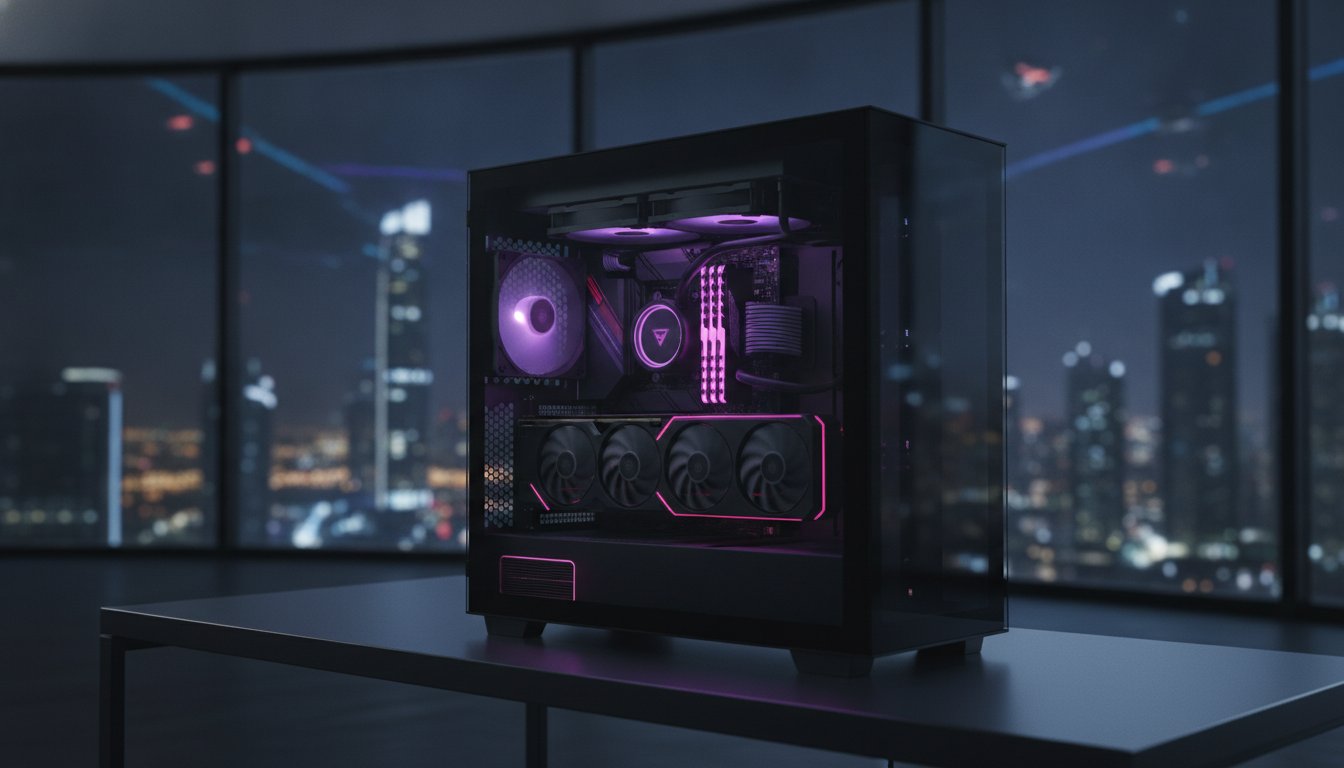
Upgrading your gaming PC does not always require thousands of dirhams. If you already have a decent system, a carefully planned gaming PC upgrade under 1,000 AED can improve gaming performance, loading times, responsiveness and overall reliability.
The biggest mistake is spending your entire budget on the first attractive component you find.
A graphics card might be the best upgrade for one gaming PC, while another system could benefit far more from additional RAM, a faster SSD, better cooling or a processor upgrade.
The goal is simple: find the component that is holding your PC back and spend your 1,000 AED there first.
In this guide, we explain how UAE gamers can get the most value from a 1,000 AED PC upgrade budget and which components should receive priority.
What Should You Upgrade First in a Gaming PC?
Before purchasing anything, check your current specifications.
Write down your:
- Processor
- Graphics card
- RAM capacity
- RAM configuration
- Storage type and capacity
- Power supply
- CPU cooler
- Motherboard
- Monitor resolution and refresh rate
Then consider what problem you are trying to fix.
Are your frame rates too low? Does the computer stutter? Are games taking too long to load? Are temperatures too high? Are you running out of storage?
Your answer determines where your money should go.
As a general priority, consider:
- Graphics card
- RAM
- NVMe SSD
- CPU
- Cooling
- Power supply
But the order can change considerably depending on your existing PC.
1. Graphics Card: Best Upgrade for More Gaming FPS
If your main objective is to increase gaming performance, the graphics card should be the first component you investigate.
The GPU handles most of the visual workload in modern games. A stronger graphics card can allow you to increase resolution, graphics quality and frame rates.
For example, a GPU upgrade can be particularly valuable when you want:
- Higher FPS at 1080p
- Better graphics settings
- More stable frame rates
- Improved 1440p gaming
- Better performance in AAA games
- Improved ray-tracing capability
Before upgrading, check the available graphics card options at Budget Gamer and compare them with the GPU already installed in your system.
Don’t Upgrade Your GPU for a Tiny Performance Increase
A common mistake is replacing an older card with another GPU that is only slightly faster.
If your new graphics card offers only a small improvement, spending your entire 1,000 AED budget may not be worthwhile.
It can sometimes make more sense to keep saving and purchase a significantly stronger graphics card later.
You should also verify that your:
- Power supply has enough wattage.
- PSU has the required GPU connectors.
- Case has sufficient space.
- Processor is powerful enough.
- Monitor can benefit from the additional performance.
A balanced PC is more important than simply owning the most expensive graphics card you can afford.
2. Upgrade Your RAM If You Still Have 8GB
If your gaming PC has only 8GB RAM, upgrading the memory should be a major priority.
Modern gaming PCs often run several applications simultaneously. You may have Windows, Discord, Steam, a browser, RGB software and background utilities running before you even launch a game.
Limited memory can result in:
- Stuttering
- Slow multitasking
- Longer application switching
- Background programs closing
- Inconsistent gaming performance
Moving from 8GB to 16GB can make a noticeable difference to an older gaming PC.
You can check the dedicated RAM category when planning your memory upgrade.
Is 16GB or 32GB RAM Better?
For a cost-conscious upgrade, 16GB is a sensible target for many gaming systems.
However, 32GB provides more flexibility if you regularly:
- Stream your gameplay.
- Edit videos.
- Use productivity applications.
- Play heavily modded games.
- Keep many browser tabs open.
- Play demanding modern titles.
- Want extra memory headroom.
If you already have 16GB and rarely use all of it, upgrading to 32GB may not provide as much gaming benefit as putting the money toward your graphics card or processor.
Use Dual-Channel Memory Where Possible
Memory configuration also matters.
A 2 × 8GB setup can be preferable to a single 16GB module when the platform benefits from dual-channel memory.
Before buying RAM, verify:
- DDR4 or DDR5
- Motherboard compatibility
- Existing RAM speed
- Number of available slots
- Supported maximum capacity
Do not mix random memory kits simply because they have the same capacity.
3. Install an NVMe SSD for a Faster Gaming Experience
If your PC still uses a traditional hard drive for Windows or your main games, an SSD can be one of the most noticeable upgrades you can make.
An SSD will not normally transform average gaming FPS like a major graphics card upgrade, but it can make your PC feel much faster.
A good SSD can improve:
- Windows startup
- Game loading
- Application launches
- File transfers
- Game installations
- Updates
- General responsiveness
You can explore the SSD section when planning a storage upgrade for your gaming PC.
Should You Buy a 500GB or 1TB SSD?
For a gaming system, choosing 1TB where your budget allows is usually more practical than purchasing a very small drive.
Modern game installations can require considerable storage, and a small SSD can fill quickly once Windows, applications and several large games are installed.
If your motherboard supports M.2 NVMe storage, an NVMe SSD also keeps your build clean because it installs directly onto the motherboard without additional SATA data and power cables.
Before purchasing, check:
- M.2 slot availability
- NVMe support
- PCIe generation
- Maximum supported capacity
- Existing motherboard configuration
4. CPU Upgrade: Worth It for CPU-Limited Gaming
A graphics card is not always the problem.
Competitive games and CPU-heavy titles can depend heavily on processor performance, especially when targeting high frame rates.
A CPU upgrade can make sense if you play games at:
- 144Hz
- 165Hz
- 240Hz
- Higher competitive refresh rates
It can also be important for players who stream or run multiple applications while gaming.
Budget Gamer has a dedicated selection of gaming processors covering Intel and AMD platforms.
If you are uncertain which platform suits your gaming needs, you can also read the existing guide on Intel vs AMD for Gaming in 2026.
Check Motherboard Compatibility First
Do not order a processor based solely on price or benchmark results.
Your motherboard must support the CPU.
Check:
- CPU socket
- Chipset
- BIOS support
- RAM compatibility
- Cooler compatibility
- Power requirements
A 700 AED processor that requires a new motherboard, new RAM and a new cooler can quickly become a 2,000+ AED platform upgrade.
When your budget is limited to 1,000 AED, compatibility is critical.
5. Upgrade Cooling If Your PC Is Running Hot
Cooling does not look as exciting on a specifications sheet as a new GPU or processor, but poor thermal performance can affect the entire system.
When components become too hot, they may reduce clock speeds to keep temperatures under control.
That can result in inconsistent performance during longer gaming sessions.
If your CPU temperature is regularly excessive, consider checking available CPU cooling options.
A cooling upgrade may include:
- Better CPU air cooler
- Liquid CPU cooler
- Additional intake fans
- Better exhaust fans
- New thermal paste
- Improved cable management
- Cleaning existing heatsinks and filters
Don’t Overspend on Cooling
If you are using a mid-range processor, you probably do not need to spend most of your 1,000 AED budget on an oversized liquid cooling system.
A sensible CPU cooler combined with good case airflow can often be enough.
Use the remaining budget for components that directly address your system’s bottleneck.
6. Power Supply: Upgrade Before Installing More Powerful Hardware
Your power supply does not directly increase FPS, but it supports every component inside your gaming PC.
If you are preparing for a graphics card upgrade, check the PSU before purchasing the GPU.
Budget Gamer also has a dedicated power supply section for PC build planning.
Consider replacing the PSU when:
- Wattage is insufficient.
- The unit is very old.
- It is from an unknown manufacturer.
- Required GPU connectors are unavailable.
- You are planning a significantly more powerful GPU.
- The system experiences power-related instability.
Do not choose a PSU simply because a high wattage number is printed on the box.
Efficiency, protections, build quality and reliability all matter.
Best Ways to Spend 1,000 AED on a Gaming PC Upgrade
Your ideal combination will depend on your existing computer, but these examples can help you prioritize your budget.
Scenario 1: You Have 8GB RAM and an Old Hard Drive
Spend first on:
RAM + SSD
This is one of the best combinations for improving an older gaming PC.
Additional RAM can improve multitasking and reduce memory-related issues, while the SSD makes Windows, applications and games much faster to load.
Scenario 2: Your CPU Is Good but Your GPU Is Weak
Spend first on:
Graphics card
In this situation, put most of your budget toward graphics performance.
Avoid spending 300–400 AED on cosmetic upgrades and then purchasing a very small GPU upgrade.
If a worthwhile graphics card does not fit your 1,000 AED budget, saving additional money may be the better decision.
Scenario 3: Gaming Performance Is Fine but Loading Is Slow
Spend first on:
1TB NVMe SSD
You do not need to replace a perfectly capable processor or graphics card simply because your system feels slow outside gaming.
Storage could be the real problem.
Scenario 4: Your PC Gets Very Hot While Gaming
Spend first on:
CPU cooler + case airflow
Improving thermals can help your existing hardware maintain stable performance and may also prepare the PC for future upgrades.
Scenario 5: You Want a Better GPU Later
Spend first on:
Quality PSU + cooling
Preparing the rest of your computer can make your future graphics card installation easier and safer.
Scenario 6: Your Processor Is the Bottleneck
Spend first on:
Compatible processor upgrade
A processor upgrade can make sense when you already have a capable GPU but struggle to maintain the high FPS required by competitive games.
Check Budget Gamer processors before deciding whether an upgrade within your existing platform is possible.
How to Find the Bottleneck Before Spending Your Money
One of the smartest things you can do is test your current gaming PC before buying anything.
Monitor your PC while playing the games you actually use.
Check GPU Usage
If your GPU is consistently working close to its maximum while the CPU still has plenty of headroom, the graphics card is probably your main bottleneck.
Check CPU Performance
If the processor is struggling while the GPU is not reaching its full utilization, a CPU bottleneck could be limiting frame rates.
Check RAM Usage
If your memory is almost completely consumed while gaming, increasing RAM may improve the overall experience.
Check Storage
If Windows and games are still running from a mechanical HDD, an SSD should be high on your list.
Check Temperatures
High CPU or GPU temperatures could indicate poor airflow, dust buildup, a weak CPU cooler or degraded thermal paste.
Testing first can save hundreds of dirhams.
What Not to Spend Your First 1,000 AED On
When performance is your priority, avoid using most of your budget on cosmetic modifications before fixing important hardware limitations.
That includes:
- Excessive RGB lighting
- Premium RGB controllers
- Decorative cable extensions
- LCD decorations
- Expensive case modifications
- Oversized CPU cooling for an entry-level processor
- Premium case when your existing case already has good airflow
There is nothing wrong with improving the appearance of your setup, but performance upgrades should generally come first when you only have 1,000 AED available.
Upgrade or Buy a New Gaming PC?
Sometimes upgrading an old PC no longer makes financial sense.
If you need to replace the:
- Processor
- Motherboard
- RAM
- Graphics card
- Power supply
- Storage
- Cooling
you are no longer making a simple upgrade—you are rebuilding most of the computer.
In this situation, compare the total upgrade cost against a pre-built gaming PC.
A newer platform can provide better performance, easier future upgrades and fewer compatibility limitations.
You can also use Budget Gamer’s Build Your Own PC service to choose your processor, motherboard, RAM, graphics card, SSD, power supply, cooler and other components for a customized gaming setup.
Should You Upgrade Several Components at Once?
Sometimes the best 1,000 AED upgrade is not one expensive component.
For example, an older gaming PC may benefit more from:
16GB RAM + NVMe SSD + improved cooling
than spending the entire amount on a processor that provides only a small gaming improvement.
Your upgrade should fix the weaknesses of your specific system.
Think about the PC as a complete platform rather than individual components.
Best Gaming PC Upgrade Under 1,000 AED: Final Verdict
The best gaming PC upgrade under 1,000 AED depends on what is limiting your current system.
If your graphics card is weak, prioritize the GPU.
If you only have 8GB RAM, upgrading your memory could provide better everyday performance.
If you’re still using an HDD, installing an NVMe SSD can completely change how responsive your PC feels.
If your processor is limiting high-FPS gaming, check whether a compatible CPU upgrade fits your existing motherboard.
And if your system runs too hot or your PSU cannot support future hardware, improve cooling or power delivery before installing more demanding components.
Most importantly, do not spend 1,000 AED simply because you have 1,000 AED available.
Identify the bottleneck, check compatibility and spend only where the upgrade will make a meaningful difference.
If you are unsure which components work together, use the Budget Gamer Custom PC Builder to plan a balanced gaming PC using compatible processors, graphics cards, RAM, storage, cooling and power options.
Frequently Asked Questions
Is 1,000 AED enough to upgrade a gaming PC?
Yes. A 1,000 AED budget can provide a useful PC upgrade, particularly for RAM, SSD storage, cooling, selected processors or part of a graphics-card upgrade. The best choice depends on your current hardware.
Should I upgrade RAM or GPU first?
If you only have 8GB RAM and regularly run out of memory, RAM should be a priority. If you already have sufficient RAM but gaming FPS is limited by your graphics card, put the budget toward the GPU.
Is 16GB RAM enough for gaming?
For many gaming systems, 16GB remains a practical amount of memory. Gamers who stream, multitask heavily, edit content or play memory-intensive games may benefit from 32GB.
Will an SSD increase FPS?
An SSD generally has a much larger effect on loading times and system responsiveness than average FPS. However, replacing an HDD with an SSD can make the entire gaming PC feel substantially faster.
Should I upgrade my CPU or graphics card?
If your GPU is operating at maximum utilization while gaming, upgrading the graphics card usually makes more sense. If the CPU prevents the GPU from reaching its potential, a processor upgrade may be more beneficial.
Is upgrading an old gaming PC worth it?
Yes, when the main platform is still capable. If you need a new CPU, motherboard, RAM, GPU and PSU at the same time, comparing the cost with a new pre-built gaming PC is recommended.
Where can I build a custom gaming PC in the UAE?
You can use the Budget Gamer Build Your Own PC page to configure a custom gaming or workstation PC with your preferred processor, motherboard, memory, graphics card, storage, power supply and cooling options.