Blog
Gaming and Video Editing PC Build UAE: The 2026 Hybrid Performance Guide

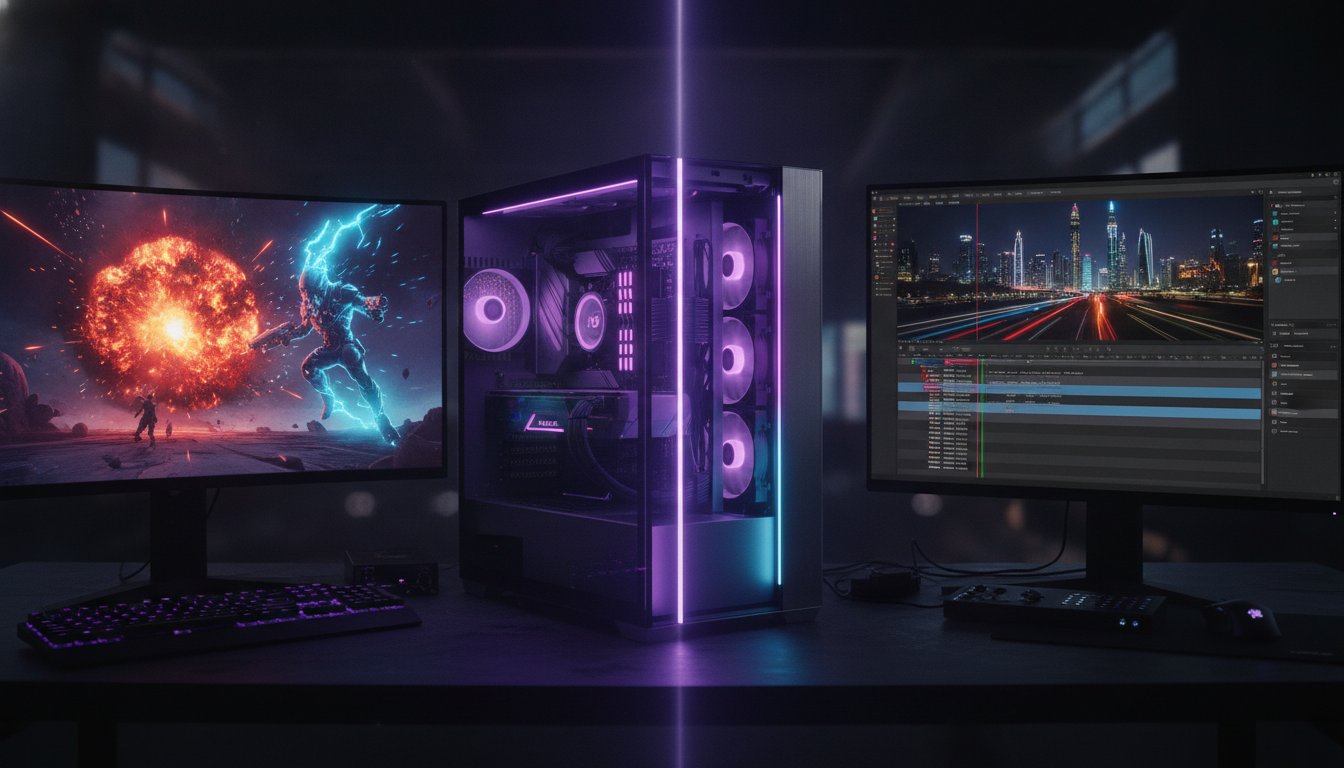
What if you didn’t have to choose between 144Hz gaming and lightning-fast 4K video rendering? Finding the perfect gaming and video editing pc build uae often feels like a balancing act where your wallet always loses. You likely feel the sting of high GPU markups at local retailers or worry your CPU will throttle when the summer heat hits its peak. It’s frustrating to feel like professional performance is a luxury reserved for those with unlimited funds.
We’re here to bridge that gap. You’ll learn how to master the balance between high-frame-rate gaming and professional rendering with a custom build that actually fits your budget. We’ll show you how to prioritize VRAM efficiency and multi-threaded stability over raw clock speed. This guide previews a clear list of 2026 components, explains how to use installments for a better rig, and gives you the confidence to render for hours without overheating. Stop settling for entry-level specs when you can build a Beast Gaming System designed for work and play. Professional power is finally within your reach.
Key Takeaways
- Master the “Bottleneck Pivot” to balance high-speed gaming frames with dense multi-core processing for video rendering.
- Identify the most efficient component pairings for a gaming and video editing pc build uae that leverages the latest RTX hardware encoding.
- Learn how to optimize a 5,000 AED budget using smart component allocation and reliable pre-owned hardware options.
- Protect your investment from the local climate with specialized “Positive Pressure” cooling tactics to prevent thermal throttling.
- Find your perfect match by comparing specialized configurations like the Budget King for social content or the Beast Gaming System for heavy 4K workloads.
Defining the Hybrid PC: Why Gaming and Video Editing Demand Different Specs
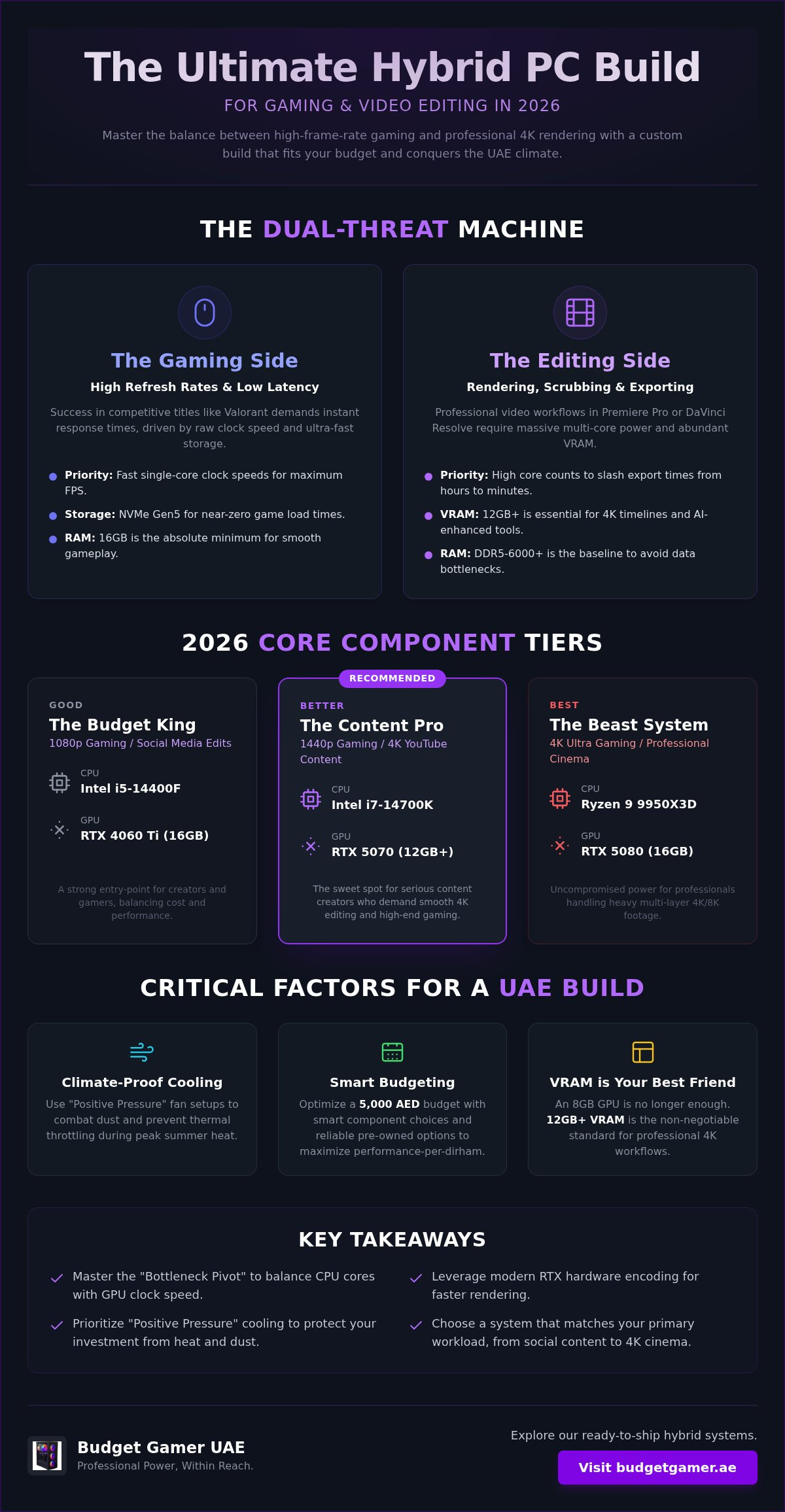
A hybrid PC is a dual-threat machine. It’s built to handle instant GPU tasks for gaming and heavy, sequential CPU loads for video production. When you plan your gaming and video editing pc build uae, you’re essentially building two computers in one chassis. You need to understand the “Bottleneck Pivot.” Gaming loves fast single-core clock speeds to push high frame rates. Editing craves massive multi-core density to process thousands of video frames at once. Balancing these core computer components is the secret to professional results without wasting cash.
The Gaming Side: High Refresh Rates and Low Latency
High frame rates depend on raw GPU clock speed. In competitive titles like Valorant or Call of Duty, every millisecond counts. Low latency is the goal here. By 2026, NVMe Gen5 storage is the standard for slashing game load times to near zero. While 16GB of RAM is the absolute floor for gaming, don’t go lower. You want your system to breathe while you’re pushing for that final kill. Fast storage and high clock speeds keep your gameplay smooth and your reactions sharp.
The Editing Side: Rendering, Scrubbing, and Exporting
Exporting is a different beast entirely. This is where multi-core giants like the Intel i9 or Ryzen 9 shine. They slash export times from hours to minutes. Scrubbing through 4K or 8K footage requires high-speed scratch disks to prevent stuttering. Video editing software like Premiere Pro and DaVinci Resolve eat VRAM for breakfast. If your GPU runs out of memory during a complex render, your system will crawl or crash. You need a rig that handles the heavy lifting of a 3-hour timeline without breaking a sweat. High core counts ensure your creative flow stays uninterrupted from the first cut to the final export.
The Core Components: Balancing High FPS with Rendering Speed
Building a machine that dominates both the leaderboard and the timeline requires a surgical approach to hardware. You can’t just throw money at the most expensive parts and hope for the best. A successful gaming and video editing pc build uae relies on the synergy between your processor’s multi-threaded muscle and your GPU’s VRAM capacity. Before you start assembly, consulting a step-by-step gaming PC guide can help you understand how these parts interact physically. In 2026, the standard has shifted. DDR5-6000+ RAM is now the baseline for any serious workstation; anything slower creates a data traffic jam that kills your rendering speed.
| Tier | CPU Recommendation | GPU Recommendation | Ideal Use Case |
|---|---|---|---|
| Good | Intel i5-14400F | RTX 4060 Ti (16GB) | 1080p Gaming / Social Media Edits |
| Better | Intel i7-14700K | RTX 5070 (12GB+) | 1440p Gaming / 4K YouTube Content |
| Best | Ryzen 9 9950X3D | RTX 5080 (16GB) | 4K Ultra Gaming / Professional Cinema |
Choosing the Processor: Cores vs. Clock Speed
The 2026 CPU market offers incredible value for hybrid users. The Intel i5-14400F remains a budget hero because it handles mid-range gaming and light editing without breaking the bank. However, if you’re dealing with heavy 4K multi-layer editing or complex color grading, you’ll need the raw power of a Ryzen 9 9950X3D. For professional 4K editing in 2026, a minimum of 12 high-performance cores is the industry standard for smooth playback and rapid exports. If you want to see how these processors fit into a complete package, explore our ready-to-ship hybrid systems.
GPU Selection: VRAM is Your Best Friend
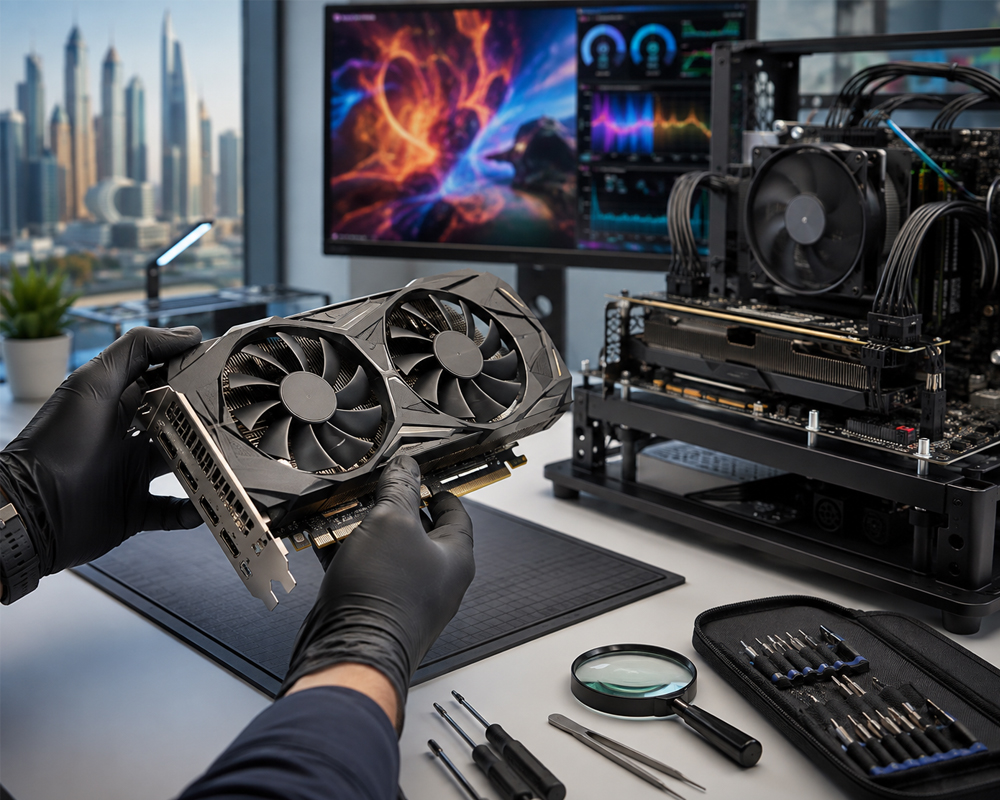
Your graphics card is the engine for both your frames and your filters. An 8GB GPU is no longer enough for professional 4K workflows; it will simply choke on modern high-resolution assets. You need 12GB or more VRAM to render complex 3D effects and maintain stability during long export sessions. The NVIDIA RTX 50-series is the current sweet spot because of the improved NVENC hardware encoder, which offloads the heavy lifting from your CPU. For those starting out, The Budget King PC Build often utilizes high-VRAM cards from previous generations to provide 4K editing capabilities at a fraction of the cost of new flagship hardware.
Maximizing Value: How to Build a Professional Editing Rig on a Budget
Stop dreaming and start building. Professional performance isn’t just for the elite with unlimited funds. You can assemble a powerhouse gaming and video editing pc build UAE for approximately 5,000 AED if you spend your money where it actually matters. Focus on a 40/30 split. Allocate 40% of your budget to a high-VRAM GPU and 30% to a multi-core CPU. The remaining 30% covers your motherboard, RAM, and storage. For a deep dive into component selection, check out this PC Build UAE guide. It breaks down exactly how to extract every drop of value from the local market. Combining these local insights with a comprehensive guide to building a video editing PC ensures your hardware choices align with professional software requirements.
Don’t fear the secondary market. Choosing Pre-owned Gaming PCs or refurbished components from a reliable local builder can boost your editing power by 20% to 30% for the same price as new, entry-level gear. Use the “Step-Up” strategy. Buy a solid base system with 16GB of RAM today. Add a second 16GB stick and more storage next month. This allows you to start creating immediately without waiting until you’ve saved for a maxed-out rig.
The “Budget King” Hybrid Configuration
The Budget King PC Build is the perfect foundation for social media creators. To pivot this gaming beast into an editing workstation, make one critical change: add a second SSD. Use a fast 500GB NVMe drive specifically for your “scratch disk” or cache files. This prevents your primary OS drive from slowing down during heavy renders. Choose a B760 or B650 motherboard. These boards offer the right balance of affordability and power delivery, ensuring you have a clear path for future CPU upgrades when your channel grows.
Using Installments to Secure Higher-End Hardware
Cash flow shouldn’t kill your creativity. Using Tabby UAE allows you to secure a much higher-tier GPU without the immediate financial sting. Splitting a 6,000 AED workstation into four interest-free payments of 1,500 AED makes professional gear accessible. The math is simple. Investing an extra 500 AED into a better power supply or a GPU with more VRAM today saves you over 2,000 AED in upgrade costs next year. Buy it right the first time. Split the cost. Boost your specs. Start rendering faster today.
The Regional Factor: Cooling and Power Stability for Long Sessions
The summer heat in the UAE is no joke for high-performance hardware. “Will my PC melt during a 3-hour render in July?” It’s the most common concern we hear from local creators. When you’re pushing a gaming and video editing pc build uae to its limits, thermal management is your top priority. You aren’t just fighting component heat; you’re fighting the ambient temperature of the region. A system that runs fine in a cold climate will throttle and underperform here without the right setup.
Start with “Positive Pressure” airflow. This means having more intake fans than exhaust fans. It creates a pocket of high pressure inside the case that forces air out of every small gap. This strategy is critical for combating the fine dust that settles in local environments. If you don’t use positive pressure, your case becomes a vacuum for dust. That dust eventually blankets your components and causes thermal throttling during long rendering sessions. Keep your internals clean to keep your performance high.
Air vs. Liquid Cooling for Rendering
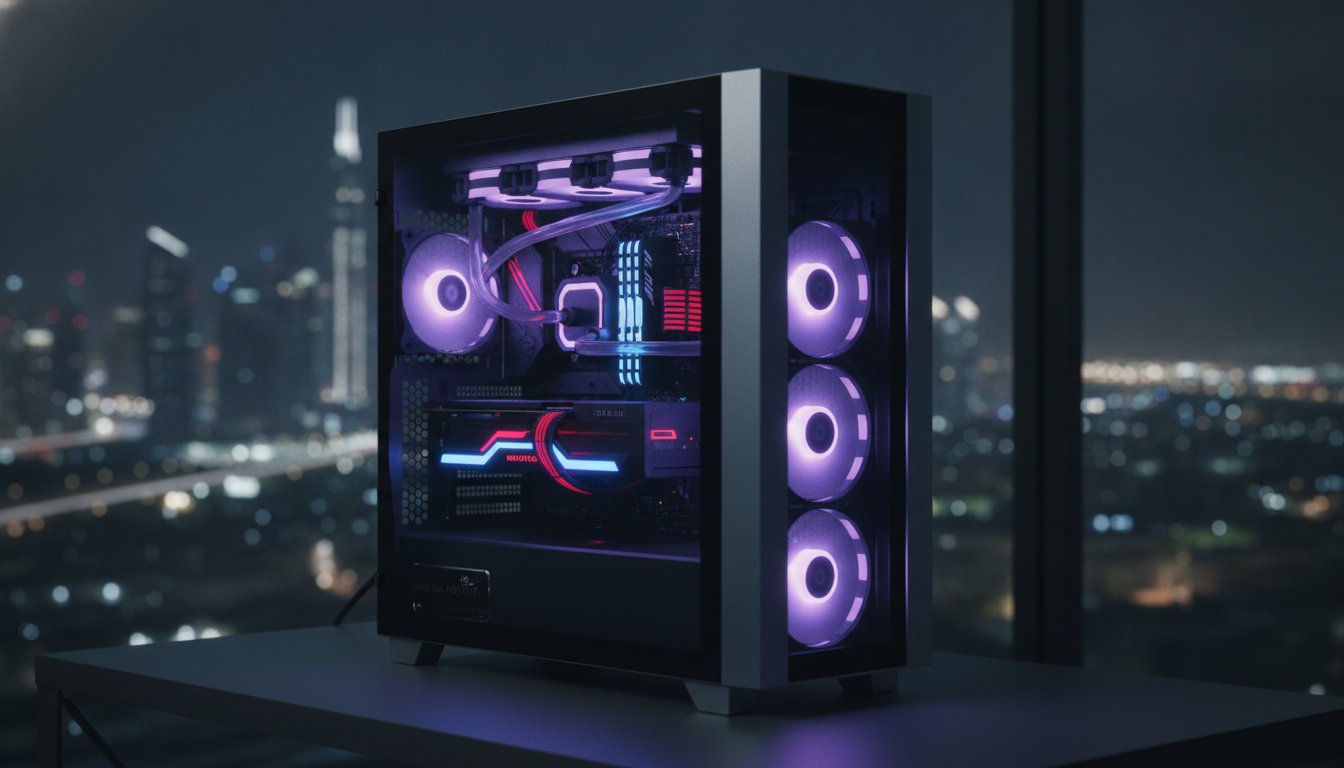
Liquid cooling is the gold standard for high-end hybrid builds. A 360mm All-In-One (AIO) cooler is the preferred choice for i7 and i9 processors. These chips generate massive heat during a 4K export, and a large radiator provides the surface area needed to dissipate that energy quickly. If you prefer long-term simplicity, a high-end dual-tower air cooler offers incredible reliability for 24/7 tasks. Set your fan curves to be silent during gaming and aggressive during editing. This gives you the best of both worlds without the noise.
Case Selection: Airflow over Aesthetics
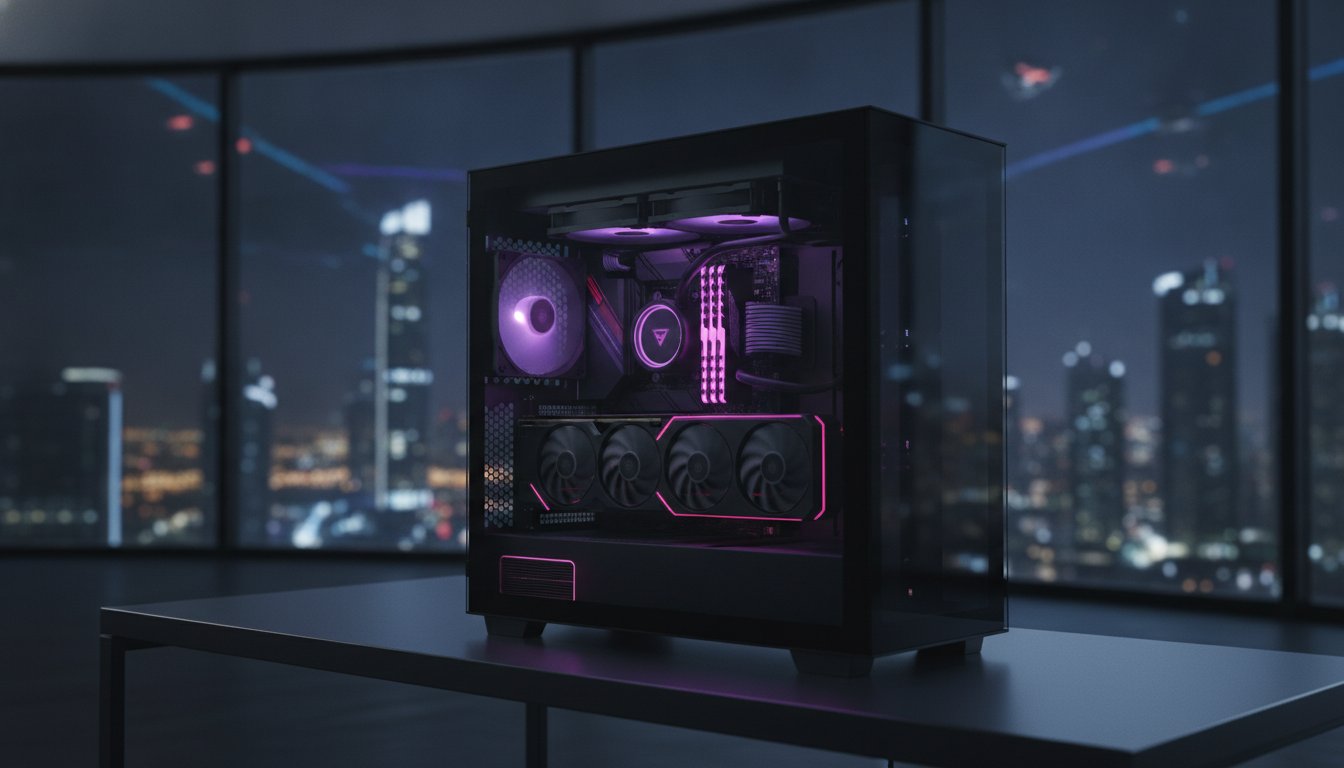
Mesh front panels are essential. Solid glass fronts might look sleek, but they often create “The Oven Effect.” This is especially dangerous for small form factor (ITX) builds. Editors should generally avoid ITX cases because they lack the air volume to move hot air away from the GPU and CPU simultaneously. Stick to mid-tower cases with integrated dust filters. These filters are your first line of defense against the local climate. Ready to build a rig that survives the summer? Check out our UAE-optimized cooling configurations and keep your frames high and your temps low.
Choosing Your System: From the Budget King to the Beast Gaming Build
Stop overthinking the specs. Start creating. Your gaming and video editing pc build uae should match your specific output goals. We have categorized our builds to ensure you don’t overspend on power you won’t use. The Budget King PC Build is the ultimate entry point for 1080p TikTok and Reels creators. It provides the perfect balance for quick edits and smooth gameplay without a massive price tag. If you are a 1440p YouTube streamer, The Pro Gaming PC is your sweet spot. It handles high bitrate streaming and gaming simultaneously without dropping a single frame. For those handling professional 4K cinematography and high-end gaming, The Beast Gaming System is the only choice. It offers the multi-core density and VRAM capacity required for heavy cinema-grade timelines.
Ready-to-Ship vs. Custom Configured
Time is your most valuable resource. If you have a project deadline looming tomorrow, choosing a Pre Built PC UAE is the smartest move for immediate results. These systems are already tested and optimized for local thermal conditions. You can still customize these rigs for specific software needs. For example, DaVinci Resolve users should prioritize a RAM boost during the checkout process. Buying locally also means you get full warranty support and regional technical assistance. You won’t have to deal with international shipping if you need a quick component swap. We keep you up and running so your channel never goes dark.
Final Checklist Before You Buy
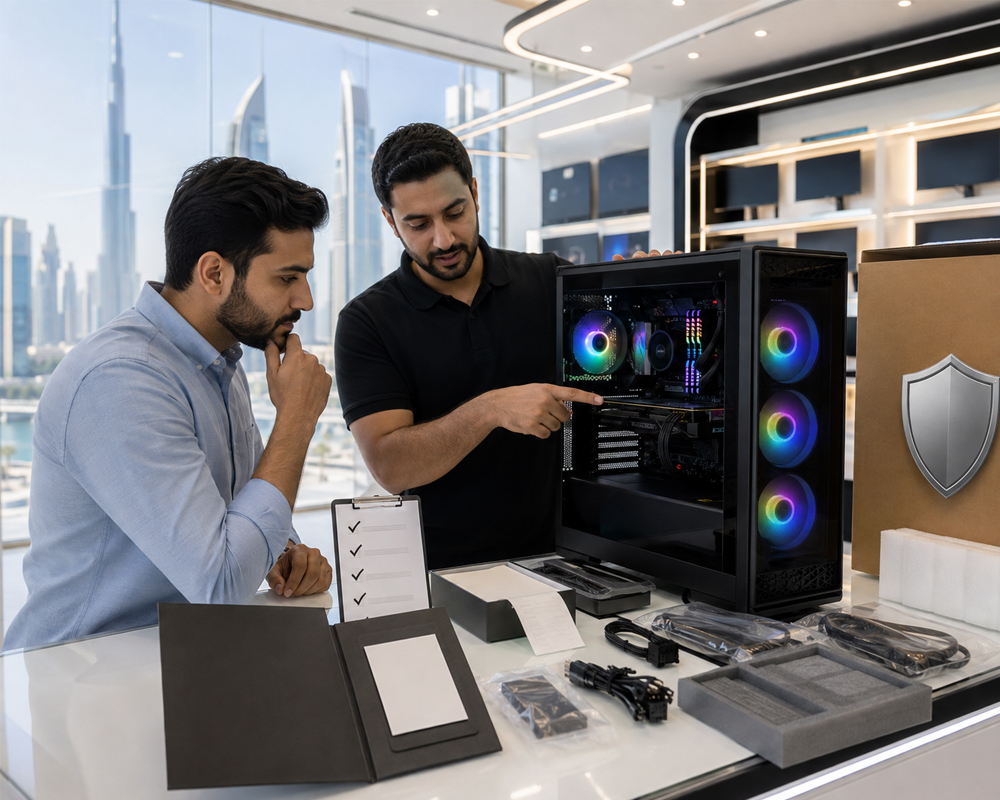
Don’t bottleneck a high-end GPU with an inferior screen. Verify that your monitor matches your system’s output. A 4K IPS panel is essential for color accuracy in video editing, while a high refresh rate is non-negotiable for gaming. Check for Gaming Monitor deals that complement your new build. Ensure your desk has enough space for proper airflow and that your power outlets are grounded. You have the knowledge. You have the component list. Now, it is time to execute. Build your dream hybrid PC today with Budget Gamer UAE and take control of your creative future. Professional performance is no longer a luxury. It is your new standard.
Power Your Passion: Launch Your Hybrid Career Today
High-performance technology shouldn’t be a gatekept luxury. You now have the roadmap to master the “Bottleneck Pivot” and build a system that conquers both 4K timelines and competitive lobbies. By prioritizing VRAM for AI tools and implementing UAE-specific cooling tactics, you ensure your investment stays fast and stable for years. Professional-grade results are no longer out of reach for local creators. You have the specs; now you just need the hardware.
Ready to stop researching and start rendering? Your perfect gaming and video editing pc build uae is just a few clicks away. We back every brand new build with a 1-Year Warranty. You get specialized local support and expert assembly right here in the region. Don’t let the upfront cost slow you down. Use interest-free installments via Tabby to secure your gear today. Build Your Custom Hybrid PC Now and join the next generation of UAE content leaders. Your dream setup is waiting. Let’s get to work.
Frequently Asked Questions
Is an Intel or AMD CPU better for video editing and gaming in 2026?
Intel remains the leader for video editing because of QuickSync technology, while AMD’s Ryzen 9000-series offers incredible multi-threaded efficiency. Choose Intel if you use Premiere Pro heavily for smooth timeline scrubbing. Pick AMD if you want the absolute highest gaming frames alongside your creative work. Both platforms are future-proof for 2026. Your choice depends on which software you use most often. Both brands offer professional-level power for local creators.
How much RAM do I really need for 4K video editing in the UAE?
32GB of DDR5 RAM is the absolute sweet spot for 4K video editing. While 16GB works for gaming, it will choke on high-resolution timelines and complex color grading. If you work with 8K footage or heavy After Effects compositions, consider jumping to 64GB. More RAM prevents your system from using the slower page file on your SSD. This keeps your workflow snappy and your render times predictable.
Can I use a gaming PC for professional video editing?
You can absolutely use a gaming PC for professional video editing. Most high-end gaming components, like NVIDIA RTX GPUs, are actually designed to handle the heavy math required for rendering. The main difference is that a pure gaming rig might lack the core count or RAM density needed for long exports. By following a gaming and video editing pc build uae guide, you can balance these specs to ensure one machine handles both worlds perfectly.
What is the best budget GPU for a hybrid gaming and editing build?
The NVIDIA RTX 4060 Ti 16GB version is currently the best budget-friendly choice. That extra VRAM is a lifesaver for 4K rendering and AI-assisted editing tools. It provides enough power for 1080p and 1440p gaming while ensuring your editing software doesn’t crash during complex exports. Don’t settle for 8GB cards if you plan to edit professionally. Higher memory capacity is the secret to a stable hybrid workstation.
Do I need a liquid cooler for my PC build in this climate?
Liquid cooling is highly recommended for high-end i7 or i9 builds in the local climate. A 360mm AIO radiator provides the surface area needed to keep temperatures stable during a grueling three-hour render in July. If you are building a mid-range system with an i5 or Ryzen 5, a high-quality dual-tower air cooler is sufficient. Always prioritize airflow and high-quality thermal paste to protect your hardware from the regional heat.
How long does it take to assemble a custom PC build in the UAE?
Most custom builds are assembled and tested within 1 to 3 business days. This timeframe includes professional cable management, BIOS updates, and rigorous stress testing to ensure stability in our warm climate. We don’t just slap parts together. We make sure every component is communicating perfectly before it leaves the bench. You can start your next creative project almost immediately after placing your order.
Can I pay for my gaming and editing PC in installments?
Yes, you can pay for your gaming and video editing pc build uae using interest-free installments via Tabby. This allows you to split the cost of a professional workstation into four manageable monthly payments. It is a great way to secure higher-end components, like a better GPU or more RAM, without the immediate financial sting. Empowerment means making professional-grade technology accessible to every creator in the region.
Is 1TB of SSD storage enough for both games and video projects?
1TB is usually not enough for a serious hybrid user. Modern AAA games can take up over 150GB, and 4K video projects generate massive cache files very quickly. We recommend a dual-drive setup. Use a fast 500GB or 1TB NVMe for your OS and software, and a separate 2TB drive for your active projects and game library. This keeps your system organized and prevents your boot drive from slowing down.