Blog
How to Reduce Gaming PC Temperature in UAE Weather

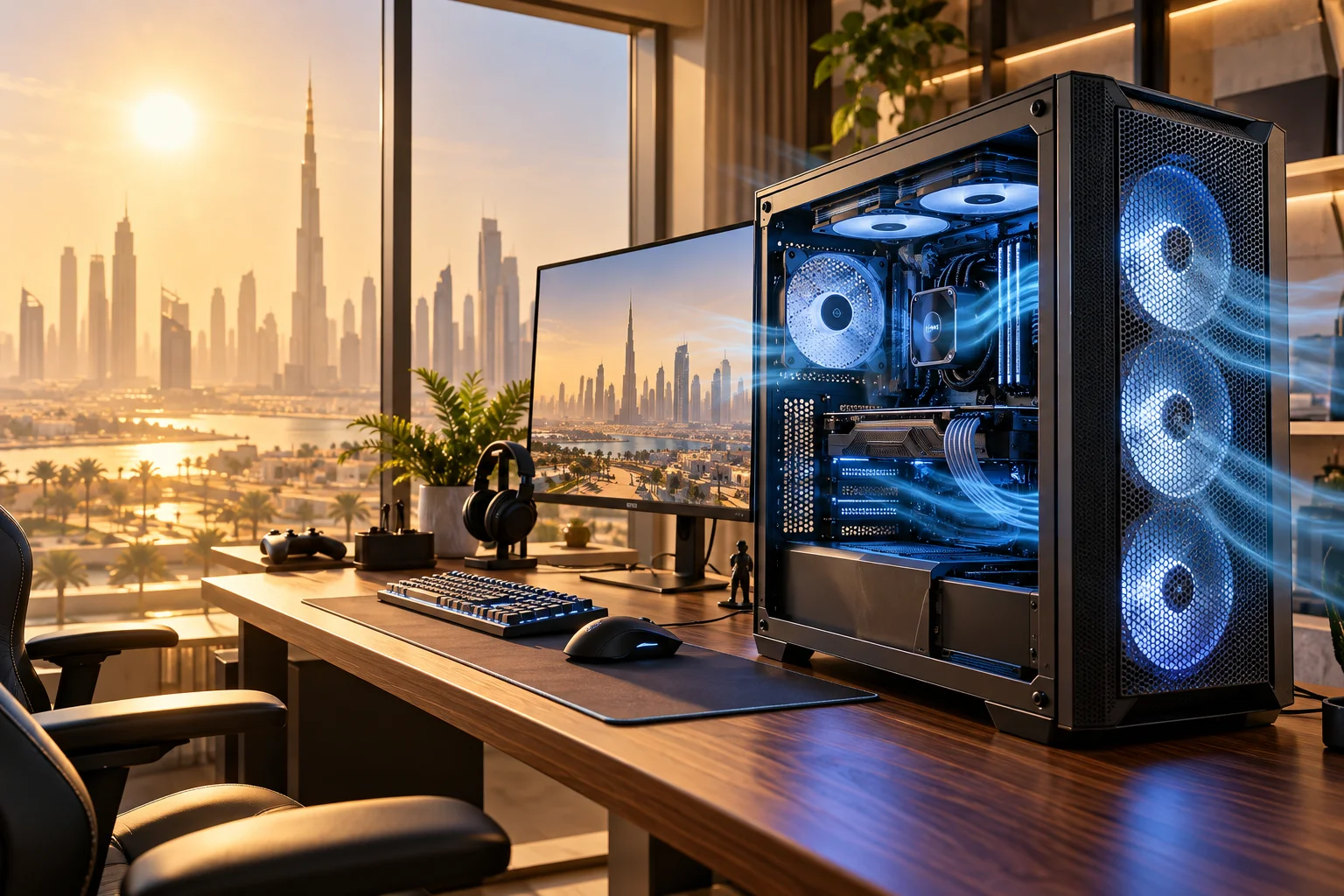
Gaming PCs naturally generate heat, but UAE conditions can make poor cooling more noticeable. Warm rooms, long gaming sessions, dust buildup, restricted cases, and incorrect fan setups can all push CPU and GPU temperatures higher than necessary.
The solution is not always a bigger cooler. Cleaning filters, improving airflow, giving the case more breathing room, and tuning fans can often reduce heat without an expensive upgrade.
Why Gaming PC Temperature Rises in UAE Conditions
A gaming PC cools itself using the air around it. If the room air is warm, the CPU cooler, GPU cooler, and case fans all start with warmer intake air. Dust can make the problem worse by covering filters, heatsinks, fans, and radiators and reducing airflow.
That is why cooling should be treated as a complete system. Room temperature, case design, fan direction, CPU cooling, GPU airflow, and maintenance all matter.
For a deeper comparison of CPU cooling methods, read Air Cooling vs Liquid Cooling for Gaming PCs in the UAE.
1. Improve Case Airflow Before Buying New Cooling
Before replacing the CPU cooler, check whether fresh air can enter the case easily.
A good gaming case should have clear intake ventilation at the front or bottom and an easy path for hot air to leave through the rear or top. Mesh-front cases are often easier to cool than cases with heavily restricted front panels.
For many PCs, front intake fans combined with rear exhaust provide a solid starting point. Keep large cable bundles away from the GPU and major airflow paths.
2. Keep Dust Filters, Fans, and Heatsinks Clean
Dust is one of the most common reasons an older gaming PC starts running hotter and louder.
Check the front intake filter, top filter, PSU filter, case fans, CPU heatsink, GPU fans, and any AIO radiator. If filters are visibly covered, clean them before they become seriously restricted.
Budget Gamer’s How Often Should You Clean Your Gaming PC in the UAE? recommends regular inspection because local dust conditions can require more frequent maintenance.
When cleaning, shut the PC down and do not open the power supply itself. If you are uncomfortable working inside a PC, professional cleaning is the safer choice.
3. Give the PC Space to Breathe
Do not place a gaming PC inside a tightly closed cabinet or press its intake vents against a wall.
Warm exhaust air needs somewhere to go. Keep the tower slightly elevated where practical, especially in dusty or carpeted rooms, and avoid direct sunlight on the case.
Room temperature matters too. Air cooling and normal AIO liquid cooling both depend on the surrounding air, so a comfortably air-conditioned room gives the cooling system better conditions to work with.
4. Check Fan Direction and Fan Curves
More fans do not automatically mean lower temperatures. The fans need to move air in a useful direction.
A common layout uses front fans as intake and rear or top fans as exhaust. This creates a clear path through the case instead of having fans work against each other.
Fan curves are also important. Modern motherboards and GPUs can increase fan speed as component temperatures rise. A gradual fan curve can keep the PC quiet during light use and provide stronger cooling during gaming.
If you also want to reduce noise, read How to Build a Quiet Gaming PC Without Sacrificing Performance.
5. Make Sure the CPU Cooler Matches the Processor
A basic cooler may work well with an efficient processor but struggle with a high-power CPU during long gaming or productivity workloads.
If CPU temperatures remain unusually high after cleaning and improving case airflow, check whether the cooler is appropriate for your processor and whether it is mounted correctly.
A quality tower air cooler can handle many mainstream Ryzen 5, Ryzen 7, and Core i5-class gaming systems. Larger air coolers or AIO liquid coolers become more useful as CPU power and sustained workloads increase.
Do not buy liquid cooling simply because you live in the UAE. Match the cooler to the processor, case, and workload.
6. Reduce Unnecessary GPU Heat
Your GPU is often the biggest heat source inside a gaming PC.
If a game is rendering far more frames than your monitor can display, setting a sensible frame-rate limit can reduce GPU workload in some games. Adjusting unnecessarily heavy graphics settings can also lower power consumption while preserving a good gaming experience.
Start with airflow, cleaning, sensible frame-rate limits, and normal graphics settings before considering more advanced tuning.
7. Monitor Temperatures Before Replacing Parts
Use trusted motherboard or GPU monitoring software to check CPU and GPU temperatures while gaming. Compare those results with the operating guidance for your specific processor and graphics card because acceptable temperatures differ between models.
If temperatures are reasonable but performance is still poor, cooling may not be the problem. Budget Gamer’s Gaming PC Upgrade Guide: Which Parts Should You Upgrade First? can help identify the real bottleneck.
When Should You Upgrade the Case or Cooling System?
Consider a new case if ventilation or fan support is badly restricted. Upgrade the CPU cooler when the current unit still cannot manage the processor after airflow and cleaning issues are fixed.
If several components are already outdated, compare pre-built gaming PCs from AED 3,800 to AED 7,000 before spending heavily on an older system.
For a value-focused replacement, also read the Best Budget Gaming PC in UAE 2026: Complete Buying Guide.
Final Thoughts
Reducing gaming PC temperature in UAE weather is mainly about helping heat leave the system efficiently.
Start with clean filters, good airflow, correct fan direction, enough space around the tower, and a cooler that suits the CPU.
A well-designed air-cooled PC can run perfectly well in the UAE, while an expensive liquid-cooled build can still run hot if its radiator is dusty or the case cannot breathe.
The best cooling solution is the one that matches your hardware, case, room conditions, and actual gaming workload.
Frequently Asked Questions
Why does my gaming PC get hotter in UAE weather?
Warmer room air reduces cooling headroom, while dust can also restrict airflow through filters and heatsinks.
Does air conditioning help PC temperatures?
Yes. Cooler room air gives both air and liquid cooling systems better intake conditions.
Is liquid cooling necessary in the UAE?
No. Many gaming PCs run well with a quality air cooler and good case airflow.
How often should I clean my gaming PC?
Inspect filters regularly and clean them whenever visible dust starts building up. Dustier environments may need more frequent attention.
Should front case fans be intake?
In many conventional cases, front fans are used as intake while rear and top fans are used as exhaust.
Can dust increase CPU and GPU temperatures?
Yes. Heavy dust restricts airflow and reduces heatsink and radiator efficiency.
Will adding more fans always lower temperatures?
No. Fan position, direction, case design, and airflow balance matter more than fan count alone.
Does a 360mm AIO guarantee low temperatures?
No. CPU power, room temperature, case airflow, radiator placement, and mounting all affect results.
Can limiting FPS reduce GPU temperature?
Yes, in some games. Lower GPU workload can reduce power consumption and heat output.
When should I replace my PC case for better cooling?
Replace it when ventilation is severely restricted or it cannot support the airflow and component clearance your hardware needs.