Blog
How to Choose the Right RAM for a Gaming PC: 16GB vs 32GB Guide

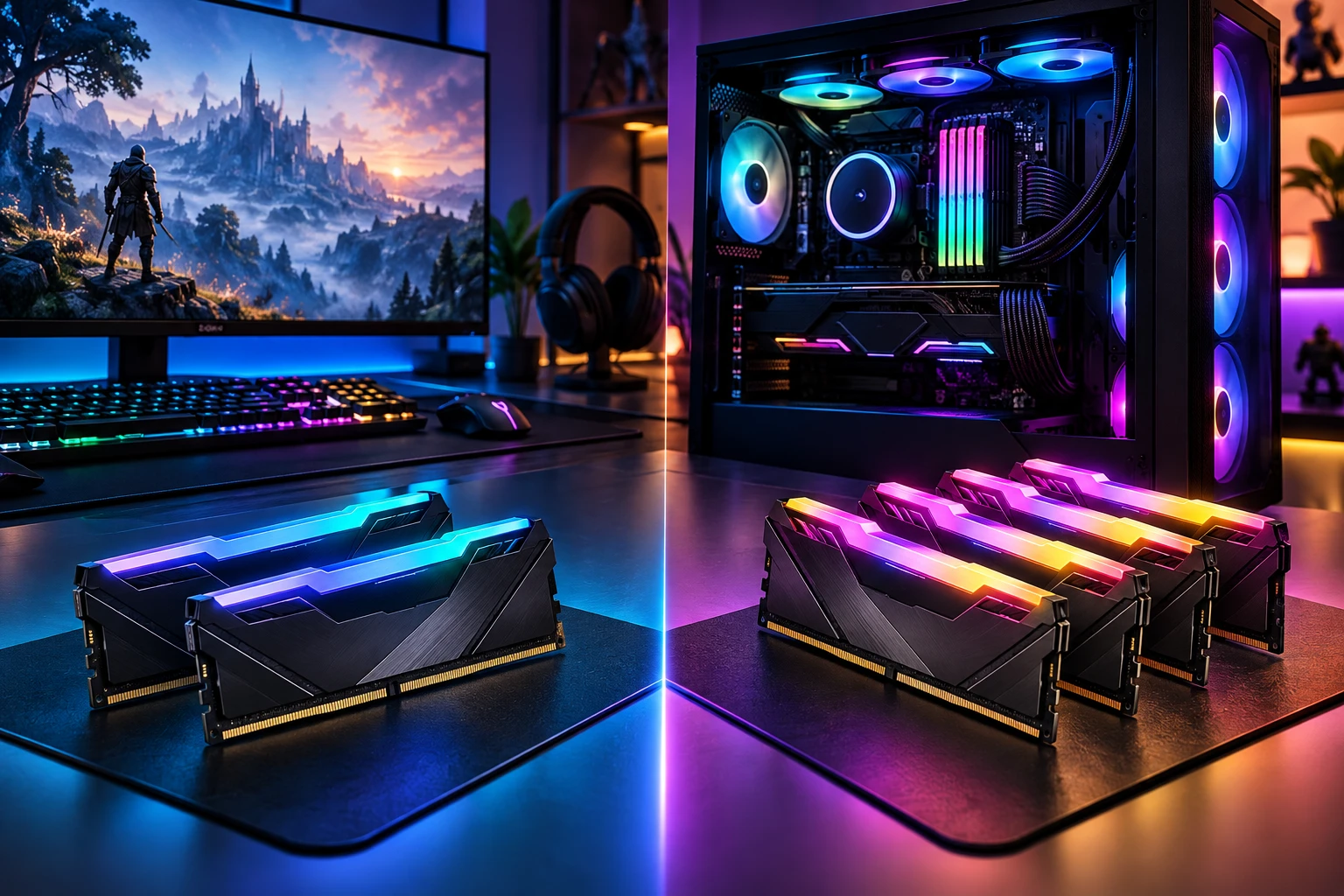
RAM is easy to overlook when buying a gaming PC. Most buyers focus first on the graphics card and processor, but insufficient or poorly configured memory can still cause stuttering, slow multitasking, and unnecessary performance limitations.
In 2026, the biggest question for most UAE gamers is whether 16GB RAM is still enough or whether 32GB should be the new target.
The answer depends on your games, budget, background applications, streaming habits, and whether you are building a completely new PC or upgrading an existing one.
This guide explains how much RAM you actually need and what else matters beyond capacity.
16GB vs 32GB RAM: Quick Comparison
| Feature | 16GB RAM | 32GB RAM |
|---|---|---|
| Budget gaming | Excellent | More than necessary for some builds |
| Esports games | Usually enough | Excellent |
| Modern AAA gaming | Usable | Better headroom |
| Gaming + Discord/browser | Good | Better |
| Streaming/recording | Limited headroom | Recommended |
| Heavy multitasking | Average | Much better |
| New mid-range build | Acceptable | Preferred |
| Upgrade longevity | Lower | Better |
The important point is that more RAM does not automatically create higher FPS. Capacity helps most when your system is actually running short of available memory.
Is 16GB RAM Still Enough for Gaming in 2026?
Yes. A 16GB gaming PC can still run a large number of modern games successfully.
For budget systems focused on Valorant, Fortnite, Counter-Strike 2, Rocket League, Minecraft, and similar games, 16GB can be perfectly reasonable.
It is especially sensible if upgrading to 32GB would force you to buy a weaker graphics card.
For example, if your budget only allows one of these choices:
16GB RAM + stronger GPU
or
32GB RAM + weaker GPU
the first configuration will often provide better gaming performance.
Budget Gamer’s Best Budget Gaming PC in UAE 2026 follows the same principle: balance the entire system rather than overspending on one component.
When Does 16GB Start to Feel Limited?
The problem is usually not the game alone.
A gaming PC may simultaneously run:
- Windows
- Discord
- Chrome or another browser
- Steam or other launchers
- RGB software
- Voice chat
- Recording software
- Monitoring utilities
- Antivirus and background services
Once all of these applications are running together, a 16GB system has less memory available for the game itself.
Large open-world titles, heavily modded games, simulation games, and newer AAA releases can also increase memory usage.
If you regularly keep many applications open while gaming, moving to 32GB becomes much easier to justify.
Why 32GB RAM Makes Sense for New Gaming PCs
For a completely new mid-range gaming PC in 2026, 32GB is the capacity we would generally prefer when the budget allows.
It provides enough headroom for gaming and normal multitasking without forcing you to constantly close applications.
A common configuration is:
2 × 16GB = 32GB
This also leaves a cleaner upgrade path than filling all available memory slots with small-capacity modules.
32GB is particularly useful if you:
- Play demanding AAA games
- Stream gameplay
- Record clips regularly
- Run Discord and browsers while gaming
- Use mods
- Edit video or photos
- Use the PC for gaming and work
- Plan to keep the system for several years
For a broader explanation of gaming specifications, read Understanding Gaming PC Specs in the UAE: The 2026 Performance Guide.
Does 32GB RAM Increase FPS?
Sometimes, but this should not be the main reason to upgrade.
If a game comfortably fits within 16GB, moving to 32GB may produce little difference in average FPS.
The upgrade becomes much more useful when your PC is running close to its memory limit. In that situation, additional RAM can help reduce interruptions caused by the system having to manage insufficient available memory.
The practical benefits are often smoother multitasking, better consistency, and more room for background applications rather than a dramatic increase in average FPS.
16GB or 32GB for Competitive Gaming?
For competitive games such as Valorant and CS2, 16GB can still be enough.
These games generally benefit more from a strong CPU, capable GPU, and properly configured memory than simply installing a large amount of RAM.
However, competitive players who also record gameplay, stream, keep Discord running, or use several background tools may prefer 32GB.
Budget Gamer’s Best Gaming PC Build for Fortnite, Valorant, and CS2 in 2026 recommends 32GB when the budget permits while keeping overall component balance in mind.
DDR4 vs DDR5: Which RAM Should You Buy?
Capacity is only one decision. You also need to choose the correct memory generation.
DDR4 remains useful for existing and budget systems. If you already have a capable DDR4 gaming PC, there is usually little reason to replace the entire platform simply because DDR5 is newer.
For a completely new PC using a modern platform, DDR5 is generally the more logical choice.
It offers greater bandwidth and a better path for newer CPUs and future upgrades.
You can compare both technologies in detail in DDR4 vs DDR5 RAM: Is DDR5 Worth the Upgrade for Gaming?.
RAM Speed Matters Too
Do not shop by capacity alone.
Two 32GB kits can have different speeds and timings. Your CPU and motherboard also determine which memory specifications are officially supported and which higher-speed profiles are practical.
For DDR5 gaming builds, kits around the DDR5-5600 to DDR5-6000 class are common sensible targets, depending on your platform.
However, buying extremely expensive RAM for a small speed increase often makes less sense than putting the same money toward a better GPU or CPU.
Always check motherboard compatibility before ordering.
XMP and EXPO Explained
Many RAM kits advertise speeds above their basic default specifications.
Intel XMP and AMD EXPO are memory profiles that allow compatible systems to apply the kit’s intended performance settings more easily.
If you buy faster RAM but never enable the correct supported memory profile, the kit may operate below its advertised performance.
Check your motherboard manual and BIOS options, and make sure the RAM kit is appropriate for your platform.
Why Two RAM Sticks Are Usually Better
Memory configuration matters.
For a 16GB system, a common configuration is:
2 × 8GB
For 32GB:
2 × 16GB
Using a matched kit is generally preferable to buying unrelated modules separately.
Avoid assuming that two sticks with the same advertised speed will automatically work perfectly together. Different memory chips, timings, voltages, and profiles can create stability issues.
Buying one matched kit from the beginning is simpler.
Should You Use Four RAM Sticks?
Four modules can work, but filling every slot is not automatically better.
For most new 32GB gaming builds, 2 × 16GB is cleaner than 4 × 8GB.
Two modules place less complexity on the memory controller and leave free slots for future upgrades.
If you already own 16GB and want 32GB, check the specifications of your existing memory carefully before adding another kit.
Sometimes replacing the old kit with a matched 32GB set is the easier option.
How Much RAM Should Different Gaming PCs Have?
For a budget 1080p gaming PC, 16GB is still acceptable.
For a new mid-range gaming PC, 32GB is preferable.
For gaming plus streaming, editing, content creation, or heavy multitasking, 32GB should be the starting point.
64GB is generally unnecessary for a gaming-only PC. It becomes more relevant when the computer also handles professional workloads that genuinely consume large amounts of memory.
If you are shopping for a complete system, you can compare pre-built gaming PCs from AED 3,200 to AED 6,000 and check how RAM capacity changes across different CPU and GPU configurations.
Should You Upgrade From 16GB to 32GB?
Upgrade when your existing memory is actually becoming a limitation.
Open the games and applications you normally use together and monitor memory usage.
If you are constantly running close to your available RAM, 32GB is a sensible upgrade.
If your system uses far less than 16GB and your GPU is struggling to maintain your desired FPS, upgrading the graphics card may produce a much larger improvement.
Budget Gamer’s Gaming PC Upgrade Guide: Which Parts Should You Upgrade First? can help identify where your upgrade budget should go.
Final Thoughts
For gaming in 2026, 16GB is not obsolete, but it is increasingly the budget option rather than the ideal target for every new gaming PC.
Choose 16GB if you are building an affordable system and need to protect your GPU or CPU budget.
Choose 32GB if you are assembling a new mid-range or high-end gaming PC, regularly multitask, stream, record gameplay, use mods, or simply want more memory headroom for the next several years.
Also pay attention to DDR generation, speed, timings, motherboard compatibility, XMP or EXPO support, and memory configuration.
The smartest RAM purchase is not the kit with the biggest capacity or highest frequency. It is the kit that fits your platform and keeps the rest of your gaming PC properly balanced.
Frequently Asked Questions
Is 16GB RAM enough for gaming in 2026?
Yes. 16GB remains usable for many games and is still a sensible choice for budget gaming PCs.
Is 32GB RAM better for gaming?
32GB provides more memory headroom for demanding games, multitasking, streaming, recording, and background applications.
Does 32GB RAM give more FPS than 16GB?
Not necessarily. If 16GB is already enough for the game, average FPS may change very little.
Is 32GB overkill for a gaming PC?
Not for a new mid-range or high-end build. It is increasingly a practical capacity for gamers who multitask.
Is 64GB RAM needed for gaming?
Usually not. Gaming-only systems rarely need 64GB unless heavily modded games or other memory-intensive workloads are involved.
Is 2 × 16GB better than 4 × 8GB?
For many new 32GB builds, 2 × 16GB is preferable because it leaves free memory slots and provides a simpler configuration.
Should I buy DDR4 or DDR5 RAM?
Keep DDR4 if your existing system performs well. For most completely new gaming platforms in 2026, DDR5 is the better long-term choice.
What RAM speed is good for gaming?
It depends on your CPU and motherboard. Balanced DDR5 kits around 5600–6000 MT/s are common options for modern gaming systems.
What are XMP and EXPO?
They are memory profiles that allow compatible Intel or AMD systems to apply supported performance settings for the RAM kit.
Should I upgrade RAM or GPU first?
If you are running out of memory, upgrade RAM. If memory usage is comfortable but gaming FPS is limited by graphics performance, upgrade the GPU first.