Blog
How to Choose a Gaming PC Under 5000 AED

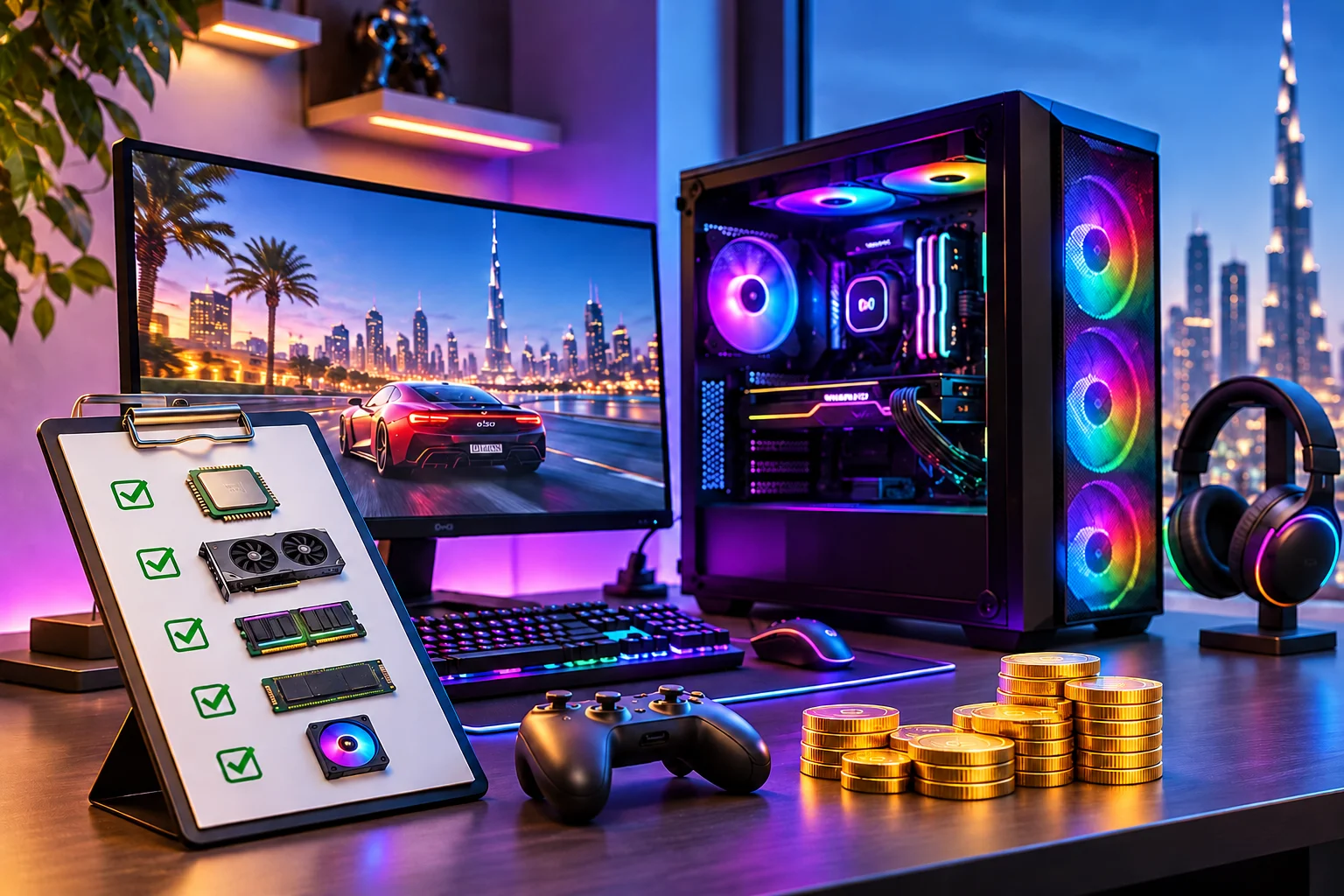
Choosing a gaming PC under 5000 AED can feel overwhelming, especially when dozens of configurations promise excellent performance. From graphics cards and processors to RAM and cooling systems, every component influences your gaming experience.
The good news is that AED 5,000 provides enough flexibility to purchase a capable gaming computer for competitive esports, demanding single-player games, and everyday productivity.
However, spending your entire budget on powerful components does not automatically guarantee the best results. You need to understand which specifications matter for your gaming preferences.
This guide explains how to choose a balanced gaming PC in the UAE, compare available configurations, and avoid unnecessary expenses.
1. Identify Your Gaming Requirements First
Before comparing gaming computers, consider the games you play most frequently.
Different games have different hardware requirements. Competitive titles generally benefit from high frame rates, while graphically demanding games require stronger graphics processing capabilities.
For example:
- Valorant and Counter-Strike 2: Prioritize processor performance and consistent frame rates.
- Fortnite: Look for balanced CPU and GPU performance.
- Cyberpunk 2077: Prioritize graphics performance and sufficient video memory.
- GTA V: A balanced mid-range configuration delivers an enjoyable experience.
Your target resolution also matters. A computer intended for 1080p gaming may require a different graphics card than one designed for 1440p.
Understanding your requirements prevents unnecessary spending on components that offer little practical benefit.
2. Set a Realistic Budget for Your Gaming PC
Although your maximum budget is AED 5,000, you do not necessarily need to spend the entire amount.
A practical approach is to divide your budget into different performance categories.
| Budget | Suitable Gaming Experience |
|---|---|
| AED 3,000–3,500 | Entry-level 1080p gaming |
| AED 3,500–4,000 | Mainstream 1080p gaming |
| AED 4,000–4,500 | Stronger mid-range performance |
| AED 4,500–5,000 | Enhanced graphics and component options |
These are general budget categories rather than guaranteed performance levels.
If you already own a gaming monitor and peripherals, you can dedicate more money to your computer.
For additional comparisons, explore the best gaming PCs under 4000 AED.
3. Choose the Right Graphics Card
The graphics card is one of the most important components when choosing a gaming PC.
It processes the visual information displayed on your monitor and directly influences gaming performance.
For a computer costing less than AED 5,000, consider graphics cards such as:
- NVIDIA GeForce RTX 5060
- NVIDIA GeForce RTX 5060 Ti
- AMD Radeon RX 9060 XT
Each option offers different performance characteristics, graphics memory configurations, and supported technologies.
The RTX 5060 is a practical choice for mainstream 1080p gaming, while the RTX 5060 Ti can provide additional performance in demanding games.
Before purchasing, compare benchmarks for the specific titles you intend to play.
You can learn more in our best GPU for budget gaming PCs in 2026.
4. Select a Processor That Matches Your GPU
A powerful graphics card needs a capable processor to deliver balanced performance.
For this budget, Intel Core i5 and AMD Ryzen 5 processors are sensible starting points.
Consider models such as the Intel Core i5-14400F or AMD Ryzen 5 9600X, depending on the available configuration.
Both processor families offer options suitable for gaming and multitasking.
Avoid spending excessively on a premium processor if doing so forces you to purchase a significantly weaker graphics card.
A balanced combination often delivers better gaming value than an expensive CPU paired with entry-level graphics.
5. Decide Between 16GB and 32GB RAM
Memory determines how effectively your system handles active applications and game data.
For many modern games, 16GB remains sufficient, particularly when unnecessary background applications are closed.
However, 32GB provides more flexibility for demanding titles, streaming, recording, and multitasking.
When comparing RAM, consider capacity, speed, motherboard compatibility, and whether the memory operates in dual-channel mode.
Do not prioritize expensive RGB memory over essential improvements to your graphics card or storage.
6. Choose Fast SSD Storage
Modern gaming computers should use solid-state storage rather than relying on traditional hard drives.
An NVMe SSD provides fast loading speeds, responsive application performance, and convenient game installation.
For a gaming PC under AED 5,000, a 1TB NVMe SSD is a practical choice.
It provides room for Windows, applications, and several modern games.
If you regularly install large AAA titles, consider whether your motherboard supports additional storage upgrades.
Storage capacity is usually easier to expand later than replacing an underpowered graphics card.
7. Check Cooling and Power Supply Quality
Cooling is particularly important for gaming PCs used in the UAE, where high ambient temperatures can increase cooling demands.
Choose a case with adequate ventilation, properly installed fans, and a suitable CPU cooler.
A quality air cooler is sufficient for many mid-range gaming configurations.
Your power supply deserves equal attention.
Look for a reliable PSU from a reputable manufacturer with sufficient wattage and appropriate protection features.
A 550W–650W power supply may suit many mid-range configurations, but actual requirements depend on your selected components.
Never compromise on power supply quality simply to afford additional RGB lighting.
8. Compare Pre-Built Gaming PCs Before Purchasing
Pre-built gaming computers are convenient because they arrive assembled and are generally tested before delivery.
However, two computers featuring the same graphics card can have different memory capacities, motherboards, cooling systems, and storage configurations.
Before purchasing, review the complete specification sheet.
At Budget Gamer UAE, you can explore available pre-built gaming computers and compare their hardware configurations.
For a focused selection, browse pre-built gaming PCs from AED 4,000 to AED 4,800.
This price range allows you to compare mid-range systems while keeping some flexibility for accessories or upgrades.
9. Consider Your Monitor and Future Upgrades
Your gaming monitor determines the resolution and refresh rate you can experience.
A 1080p monitor with a high refresh rate is an excellent choice for competitive gaming.
A 1440p monitor provides sharper images but requires more graphics processing power.
Read our 1080p vs 1440p gaming guide to understand which option suits your needs.
Also examine motherboard expansion slots, available RAM capacity, storage connections, and PSU headroom.
Choosing upgrade-friendly components can extend the useful life of your gaming computer.
10. Check Warranty and After-Sales Support
Before completing your purchase, confirm what happens if a component develops a problem.
Check warranty duration, covered components, repair procedures, and customer support availability.
You should also confirm whether the advertised price includes Windows installation, delivery, and other services.
A slightly more expensive configuration with dependable support may provide better long-term value than an unfamiliar system with unclear warranty conditions.
Final Thoughts
Learning how to choose a gaming PC under 5000 AED involves more than comparing processor names or graphics card specifications.
Start with your gaming requirements, choose a balanced CPU and GPU, prioritize sufficient RAM and SSD storage, and examine cooling and power supply quality.
Most importantly, compare complete configurations instead of choosing based on appearance alone.
Explore Budget Gamer UAE to discover pre-built gaming PCs and find a configuration that matches your budget and gaming preferences.
Frequently Asked Questions
1. Can I buy a good gaming PC under 5000 AED?
Yes. AED 5,000 can purchase a capable mid-range gaming computer suitable for 1080p gaming and selected 1440p workloads.
2. Which processor is best for a gaming PC under 5000 AED?
Intel Core i5 and AMD Ryzen 5 processors offer strong options. The best choice depends on the specific model and configuration.
3. Which graphics card should I choose?
Consider the RTX 5060, RTX 5060 Ti, or comparable AMD Radeon options based on gaming benchmarks and current prices.
4. Is 16GB RAM enough for modern gaming?
Yes, 16GB supports many modern games. However, 32GB provides additional flexibility for demanding workloads and multitasking.
5. Can a 5000 AED gaming PC support 1440p gaming?
Yes. A suitable graphics card can handle 1440p gaming, although demanding titles may require reduced graphics settings.
6. Should I buy a pre-built or custom gaming PC?
Pre-built computers offer convenience, while custom configurations provide greater component selection and personalization.
7. How much SSD storage should I choose?
A 1TB NVMe SSD is a practical starting point for most gaming computers.
8. Does a gaming PC need liquid cooling?
Not necessarily. Quality air cooling is sufficient for many mid-range processors when installed in a well-ventilated case.
9. Can I upgrade my gaming PC later?
Usually, yes. Upgrade possibilities depend on motherboard compatibility, available space, power supply capacity, and supported components.
10. Where can I buy a gaming PC under 5000 AED in UAE?
Visit Budget Gamer UAE to compare gaming computers, component configurations, and available pricing.