Blog
Gaming PC Under 5000 AED for Fortnite, Valorant, and Counter-Strike 2

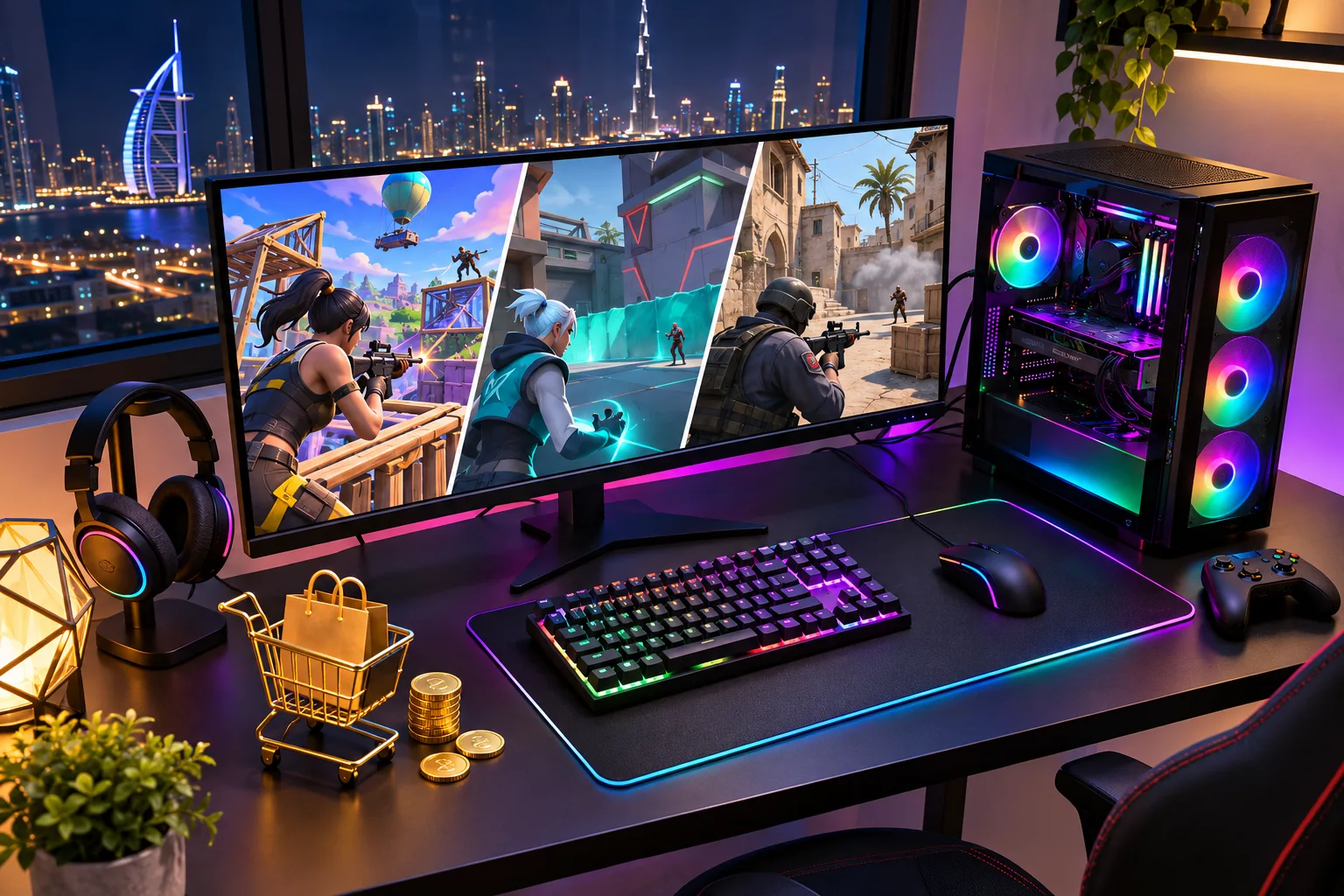
Finding a gaming PC under 5000 AED for Fortnite, Valorant, and Counter-Strike 2 is easier when you understand what competitive games actually require. Unlike demanding AAA titles, esports games prioritize high frame rates, responsive controls, and consistent performance.
For UAE gamers, AED 5,000 provides enough flexibility to purchase a capable gaming computer without investing in expensive flagship hardware.
However, choosing the right processor, graphics card, memory, and monitor is essential. An unbalanced configuration can limit your performance even when individual components appear impressive.
This guide explains which specifications matter most for competitive gaming and how to choose a reliable esports PC within your budget.
Why Fortnite, Valorant, and CS2 Need Balanced Hardware
Competitive gaming is different from playing visually demanding single-player games.
Fortnite, Valorant, and Counter-Strike 2 reward responsive gameplay, consistent frame delivery, and low input latency.
While graphics quality matters, competitive players frequently reduce visual settings to achieve higher frame rates.
This makes processor performance particularly important, especially when targeting 144Hz or 240Hz monitors.
A balanced gaming computer should provide enough graphics power without sacrificing CPU performance.
For additional recommendations, explore our best gaming PC build for Fortnite, Valorant, and CS2.
Recommended Gaming PC Specifications Under 5000 AED
Before comparing pre-built computers, understand the hardware suitable for competitive 1080p gaming.
| Component | Recommended Specification |
|---|---|
| Processor | Intel Core i5-14400F or comparable Ryzen 5 |
| Graphics Card | NVIDIA RTX 5060 8GB |
| RAM | 16GB minimum; 32GB preferred |
| Storage | 1TB NVMe SSD |
| Motherboard | Compatible Intel or AMD motherboard |
| Cooling | Quality air cooling |
| Power Supply | Reliable 550W–650W PSU |
| Monitor | 1080p, 144Hz–240Hz |
These specifications represent a balanced starting point. Actual performance depends on component combinations, game settings, and current hardware prices.
Fortnite Performance Under 5000 AED
Fortnite is one of the more demanding competitive games because its graphical requirements vary considerably between settings.
Using Epic graphics quality, advanced lighting, and detailed environments increases GPU workload.
However, competitive players often select Performance Mode and lower graphics settings to prioritize responsiveness.
An Intel Core i5 processor paired with an RTX 5060 can provide a capable foundation for competitive Fortnite.
Players targeting particularly high frame rates should pay attention to processor performance, memory configuration, and frame-time consistency.
Avoid assuming that purchasing a more expensive graphics card will automatically eliminate every performance limitation.
Valorant Performance Under 5000 AED
Valorant is designed to run on a wide range of gaming computers.
Consequently, an AED 5,000 system can provide substantial performance headroom for competitive gameplay.
At lower graphics settings, processor performance often becomes more important than purchasing an extremely expensive GPU.
A modern Intel Core i5 or AMD Ryzen 5 paired with an RTX 5060 is more than sufficient for Valorant’s basic hardware requirements.
However, maintaining consistently high frame rates depends on CPU performance, background applications, and system configuration.
For serious competitive players, pairing the computer with a high-refresh-rate monitor is particularly valuable.
Counter-Strike 2 Performance Under 5000 AED
Counter-Strike 2 places considerable importance on responsive gameplay and stable frame delivery.
Unlike average FPS alone, inconsistent frame times can affect how smooth the game feels during intense competitive situations.
A capable processor, fast memory, and suitable graphics card help maintain consistent performance.
An RTX 5060-class GPU provides sufficient graphics capability for many competitive 1080p configurations.
However, players targeting extremely high refresh rates should prioritize CPU benchmarks and real CS2 performance testing.
Choosing balanced components is generally more useful than maximizing graphics quality.
Expected FPS for Competitive Gaming
Frame rates vary depending on the game, resolution, processor, GPU, drivers, and graphics settings.
The following table describes general performance expectations for a balanced mid-range esports computer.
| Game | Expected 1080p Experience |
|---|---|
| Fortnite | High-FPS gaming with competitive settings |
| Valorant | Excellent high-refresh-rate potential |
| Counter-Strike 2 | Smooth competitive gameplay |
| Rocket League | High-refresh-rate gaming |
| Apex Legends | Responsive gameplay with optimized settings |
These descriptions are not measured benchmarks or guaranteed FPS results.
Always review independent tests using hardware similar to the system you intend to purchase.
Choosing the Right CPU for Esports
For competitive games, a capable processor can make a significant difference.
The CPU handles game logic, physics calculations, and frame preparation.
When playing at 1080p with reduced graphics settings, CPU performance may determine how many frames your system can generate.
Intel Core i5 and AMD Ryzen 5 processors are practical choices for this budget.
However, processor generation, memory compatibility, and overall platform cost should influence your decision.
Avoid spending excessively on a high-end CPU while compromising important components.
Is RTX 5060 Enough for Competitive Gaming?
For most players targeting 1080p, the RTX 5060 is a sensible graphics card.
It provides sufficient graphics capability for Fortnite, Valorant, CS2, and many other popular esports games.
An RTX 5060 Ti may offer additional performance, particularly when playing more demanding games or increasing visual settings.
However, the upgrade is not essential for everyone.
If your primary goal is competitive Valorant, spending extra on a stronger GPU may offer less value than improving your processor or monitor.
Read our best GPU for budget gaming PCs for more detailed comparisons.
RAM, Storage, and Cooling Requirements
A balanced esports computer should include sufficient memory and fast storage.
For most gamers, 16GB RAM remains usable, while 32GB provides additional capacity for Discord, browsers, streaming, and recording software.
A 1TB NVMe SSD offers a practical amount of storage for Windows, games, and applications.
Cooling also matters during extended gaming sessions in the UAE.
Choose a case with adequate ventilation and properly installed fans.
A quality air cooler is sufficient for many mid-range processors, making expensive liquid cooling unnecessary.
Should You Choose a 144Hz or 240Hz Monitor?
Your monitor determines how effectively you experience the frame rates produced by your computer.
A 144Hz or 165Hz monitor provides noticeably smoother motion than a traditional 60Hz display.
A 240Hz monitor is attractive for serious competitive players, provided the computer can maintain sufficiently high frame rates.
For most gamers under this budget, 1080p remains an excellent resolution.
It reduces graphics workload and helps make high-refresh-rate gaming more achievable.
Read our 1080p vs 1440p gaming comparison before selecting your monitor.
Where to Buy a Gaming PC Under 5000 AED in UAE
Purchasing a pre-built gaming PC can simplify component selection, assembly, and initial setup.
At Budget Gamer UAE, buyers can compare computers featuring Intel Core i5 processors and NVIDIA RTX graphics cards.
For affordable esports configurations, browse pre-built gaming PCs priced between AED 3,600 and AED 4,400.
This range offers room within your AED 5,000 budget for accessories or potential upgrades.
Before purchasing, compare complete specifications, warranty coverage, and current product availability.
Final Thoughts
A gaming PC under 5000 AED can deliver an excellent experience for Fortnite, Valorant, and Counter-Strike 2.
Prioritize a capable processor, suitable graphics card, sufficient memory, fast storage, and reliable cooling.
For competitive gaming, consistent frame rates and a high-refresh-rate monitor are often more valuable than maximum graphics settings.
Explore available configurations at Budget Gamer UAE to find a system that matches your gaming preferences and budget.
Frequently Asked Questions
1. Is 5000 AED enough for Fortnite, Valorant, and CS2?
Yes. This budget can purchase a capable mid-range gaming PC suitable for all three competitive titles.
2. Can a 5000 AED gaming PC achieve 240 FPS?
Potentially, in selected games and settings. Consistent 240 FPS depends on the processor, GPU, and game conditions.
3. Is RTX 5060 good for Fortnite?
Yes. It is suitable for competitive 1080p Fortnite, particularly when using optimized graphics settings.
4. Does Valorant require an expensive graphics card?
No. Valorant has relatively modest GPU requirements, making processor performance particularly important at high frame rates.
5. Which CPU is best for CS2 under 5000 AED?
Modern Intel Core i5 and AMD Ryzen 5 processors offer suitable options. Compare actual CS2 benchmarks before purchasing.
6. Is 16GB RAM enough for esports gaming?
Yes. However, 32GB provides additional flexibility for multitasking, streaming, and demanding applications.
7. Should I choose a 144Hz or 240Hz monitor?
Choose 144Hz for affordable smooth gaming. Consider 240Hz if competitive performance is your priority and your PC can support it.
8. Is 1080p better than 1440p for competitive gaming?
1080p generally makes higher frame rates easier to achieve, while 1440p provides sharper visual details.
9. Do esports gaming PCs need liquid cooling?
Not necessarily. Quality air cooling and sufficient case ventilation work well for many mid-range systems.
10. Where can I buy an esports gaming PC in UAE?
Visit Budget Gamer UAE to compare gaming computers, specifications, and current prices.