Blog
Gaming PC Under 5000 AED for 1080p Gaming: Features That Matter

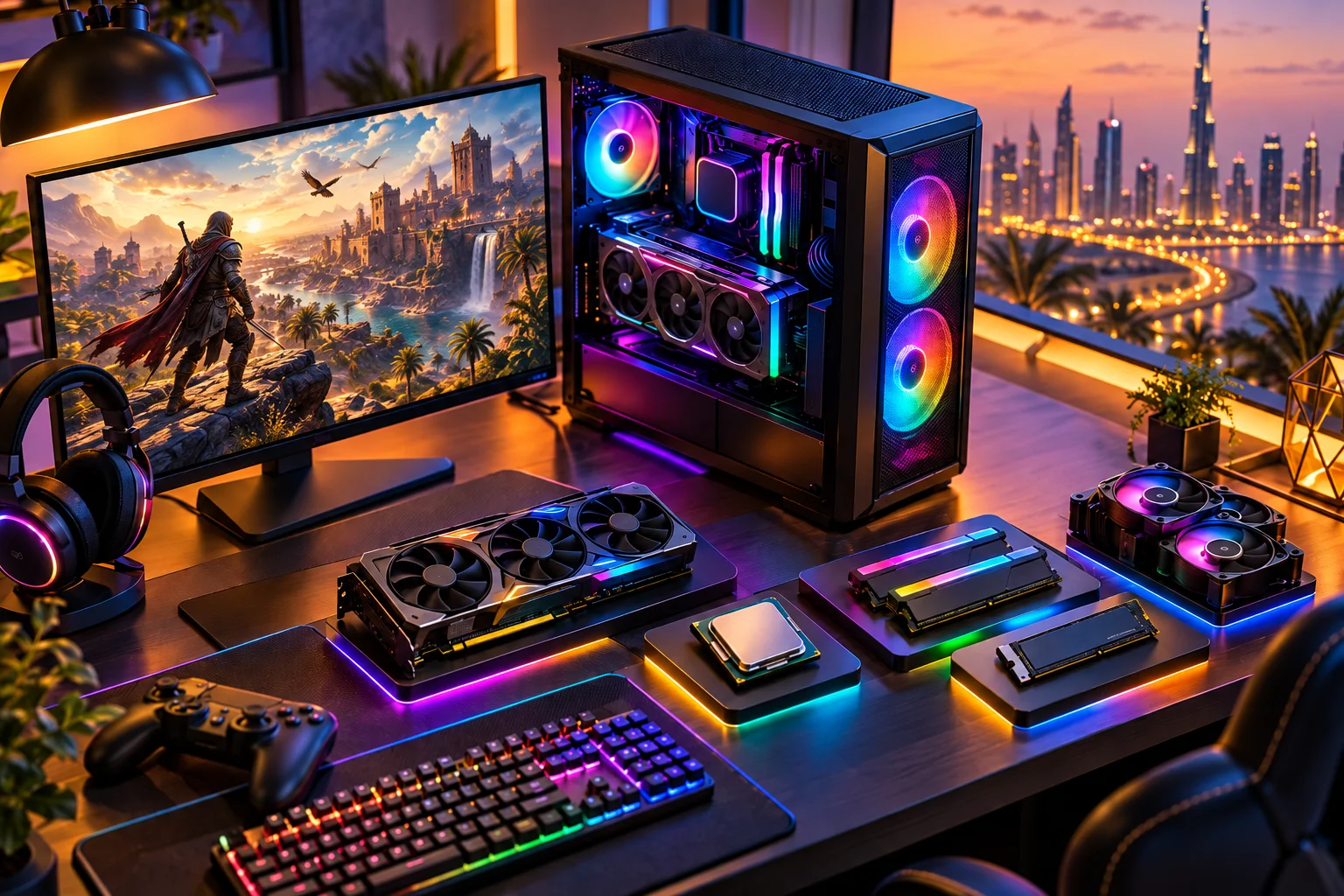
Finding a gaming PC under 5000 AED for 1080p gaming is easier when you understand which hardware features actually improve performance. A powerful graphics card matters, but the processor, memory, cooling, and monitor also influence how smoothly games run.
For UAE gamers, AED 5,000 is a practical budget for building or purchasing a capable gaming computer. Whether you enjoy Valorant, Fortnite, Counter-Strike 2, or demanding AAA games, the right configuration can provide excellent Full HD performance.
However, expensive components do not always guarantee better results. This guide explains the features worth prioritizing when choosing a reliable 1080p gaming PC.
Why 1080p Gaming Still Makes Sense in 2026
1080p, also called Full HD, uses a resolution of 1920 × 1080 pixels. It remains a popular choice because it offers sharp visuals without requiring extremely expensive graphics hardware.
Compared with 1440p and 4K, 1080p places less demand on your graphics card, making higher frame rates easier to achieve.
This is particularly important for competitive games where responsiveness matters more than maximum graphical detail.
A balanced system can provide smooth gameplay while leaving room for a quality monitor and peripherals.
For a detailed comparison, read our 1080p vs 1440p gaming guide.
1. Graphics Card: The Most Important Gaming Component
Your graphics card determines how efficiently your computer renders game environments, textures, lighting, and visual effects.
For gaming PCs below AED 5,000, consider options such as:
- RTX 5060: Suitable for mainstream 1080p gaming and competitive titles.
- RTX 5060 Ti: Offers additional performance for demanding games.
- AMD Radeon RX 9060 XT: An alternative worth comparing for graphics memory and value.
An 8GB graphics card can handle many Full HD games, although demanding titles may require reduced texture settings.
Before purchasing, compare actual gaming benchmarks instead of relying entirely on GPU model numbers.
Our best GPU for budget gaming PCs in 2026 explains the available options.
2. Processor Performance for High FPS Gaming
Although the graphics card handles visual rendering, the processor plays a major role in competitive gaming.
At 1080p, particularly when using lower graphics settings, processor performance can become an important limitation.
Intel Core i5 and AMD Ryzen 5 processors offer excellent starting points for mid-range builds.
Models such as the Intel Core i5-14400F can provide capable gaming performance when paired with a suitable graphics card.
Avoid purchasing an expensive processor while compromising heavily on GPU quality.
The best gaming experience comes from balanced hardware rather than maximizing one specification.
3. RAM Capacity and Memory Configuration
RAM affects how efficiently your computer handles active games and background applications.
For many modern titles, 16GB remains a practical starting point.
However, 32GB offers additional flexibility for demanding games, Discord, browsers, and streaming software.
Memory configuration also matters.
Using compatible memory modules in dual-channel mode can improve memory bandwidth compared with certain single-module configurations.
Check your motherboard’s supported memory type before purchasing.
If your budget is limited, prioritize graphics performance before paying extra for decorative RGB memory.
4. Fast SSD Storage for Modern Games
Modern games frequently contain large environments and high-resolution assets, making fast storage increasingly valuable.
An NVMe SSD helps reduce loading times and improves overall system responsiveness.
For a gaming PC under AED 5,000, a 1TB SSD is a practical choice.
It provides space for Windows, gaming applications, and multiple installed titles.
Although faster storage does not automatically increase average FPS, it can improve loading and asset-streaming experiences in supported games.
Consider future storage expansion when comparing motherboards.
5. Expected 1080p Gaming Performance
A properly balanced gaming computer can handle many competitive titles at high frame rates.
However, results depend on the complete configuration and individual graphics settings.
| Game | Expected 1080p Experience |
|---|---|
| Valorant | High-FPS competitive gaming |
| Counter-Strike 2 | Responsive gameplay |
| Fortnite | Smooth performance with optimized settings |
| GTA V | Strong Full HD gaming |
| Cyberpunk 2077 | Playable with suitable settings |
| Rocket League | High-refresh-rate gaming |
These descriptions represent general expectations, not guaranteed benchmark results.
For demanding AAA titles, reducing ray tracing or enabling supported upscaling technologies can improve performance.
6. Choose a Suitable 1080p Gaming Monitor
Your monitor determines how effectively you experience the frame rates produced by your computer.
A 1080p display with a 144Hz or 165Hz refresh rate is an excellent option for many competitive gamers.
Compared with a traditional 60Hz monitor, higher refresh rates can provide noticeably smoother motion when your system generates sufficient frames.
A 24-inch monitor is a popular choice for Full HD gaming because it provides comfortable pixel density and viewing distance.
Also consider response times, adaptive synchronization, and panel quality.
There is little benefit in purchasing an expensive high-FPS computer without considering the display connected to it.
7. Cooling and Airflow in UAE Conditions
Cooling is particularly important for gaming computers used in Dubai, Abu Dhabi, Sharjah, and other UAE locations.
During extended gaming sessions, processors and graphics cards generate considerable heat.
A well-ventilated case should include suitable intake and exhaust fans to maintain consistent airflow.
For most mid-range processors, quality air cooling is sufficient.
Expensive liquid cooling is not automatically necessary.
Keep ventilation openings unobstructed, clean dust filters regularly, and avoid positioning your PC in direct sunlight.
Good cooling helps components maintain stable performance during longer gaming sessions.
8. Power Supply and Motherboard Quality
A reliable power supply is essential for protecting components and maintaining stable operation.
Choose a reputable PSU with appropriate wattage, connectors, and safety features.
Many mid-range configurations can operate with a suitable 550W–650W PSU, although requirements vary by hardware.
Your motherboard should also provide adequate memory support, storage connections, and expansion options.
Avoid sacrificing component quality simply to purchase a more attractive gaming case.
For additional purchasing advice, explore 10 mistakes to avoid when buying a gaming PC in UAE.
9. Compare Pre-Built Gaming PCs Under 5000 AED
Pre-built gaming computers provide a convenient option for buyers who prefer professionally assembled hardware.
At Budget Gamer UAE, you can compare systems featuring modern Intel processors and NVIDIA RTX graphics cards.
For a focused selection, explore pre-built gaming PCs priced between AED 3,800 and AED 4,700.
Compare the graphics card, processor, RAM, cooling, storage, and warranty before purchasing.
Remember that two computers with similar prices may offer different overall gaming experiences.
10. Future Upgrades and Long-Term Value
A good gaming PC should support your current requirements while allowing reasonable future improvements.
Common upgrades include additional RAM, larger SSD storage, and a stronger graphics card.
Before purchasing, check motherboard compatibility, available power supply capacity, and case dimensions.
Planning these details helps avoid replacing several components unnecessarily.
Our gaming PC upgrade guide explains which improvements provide the most practical benefits.
Final Thoughts
A gaming PC under 5000 AED for 1080p gaming can deliver excellent performance when equipped with balanced components.
Prioritize a capable graphics card, reliable processor, sufficient RAM, NVMe storage, and effective cooling.
Pair your computer with a suitable high-refresh-rate monitor and avoid overspending on unnecessary decorative features.
Visit Budget Gamer UAE to compare gaming computers and choose a configuration that suits your preferred games and budget.
Frequently Asked Questions
1. Is 5000 AED enough for 1080p gaming?
Yes. This budget can purchase a capable mid-range computer suitable for competitive games and many modern AAA titles.
2. Which GPU is best for 1080p gaming under 5000 AED?
The RTX 5060 and RTX 5060 Ti are worthwhile options, depending on the complete system price and performance requirements.
3. Is 1080p gaming still worth it in 2026?
Yes. Full HD remains an excellent resolution for competitive gaming, affordability, and achieving high frame rates.
4. Can a 5000 AED gaming PC achieve 144 FPS?
Yes, in many competitive titles with suitable hardware and settings. Performance varies by game.
5. Is 16GB RAM enough for 1080p gaming?
Yes, for many games. However, 32GB provides greater flexibility for demanding applications and multitasking.
6. Do I need an RTX 5060 Ti for 1080p gaming?
Not necessarily. The standard RTX 5060 may provide sufficient performance depending on your games and desired settings.
7. Which monitor is best for 1080p gaming?
A 24-inch monitor with a 144Hz or 165Hz refresh rate is a practical choice for competitive gaming.
8. Is liquid cooling necessary for a budget gaming PC?
No. A quality air cooler and properly ventilated case are sufficient for many mid-range gaming systems.
9. Can I upgrade my gaming PC later?
Usually, yes. Upgrade options depend on motherboard compatibility, PSU capacity, and available case space.
10. Where can I buy a 1080p gaming PC in UAE?
Visit Budget Gamer UAE to compare available pre-built gaming PCs, specifications, and current prices.