
Blog
Gaming PC Under 5000 AED: How to Balance Your CPU and GPU

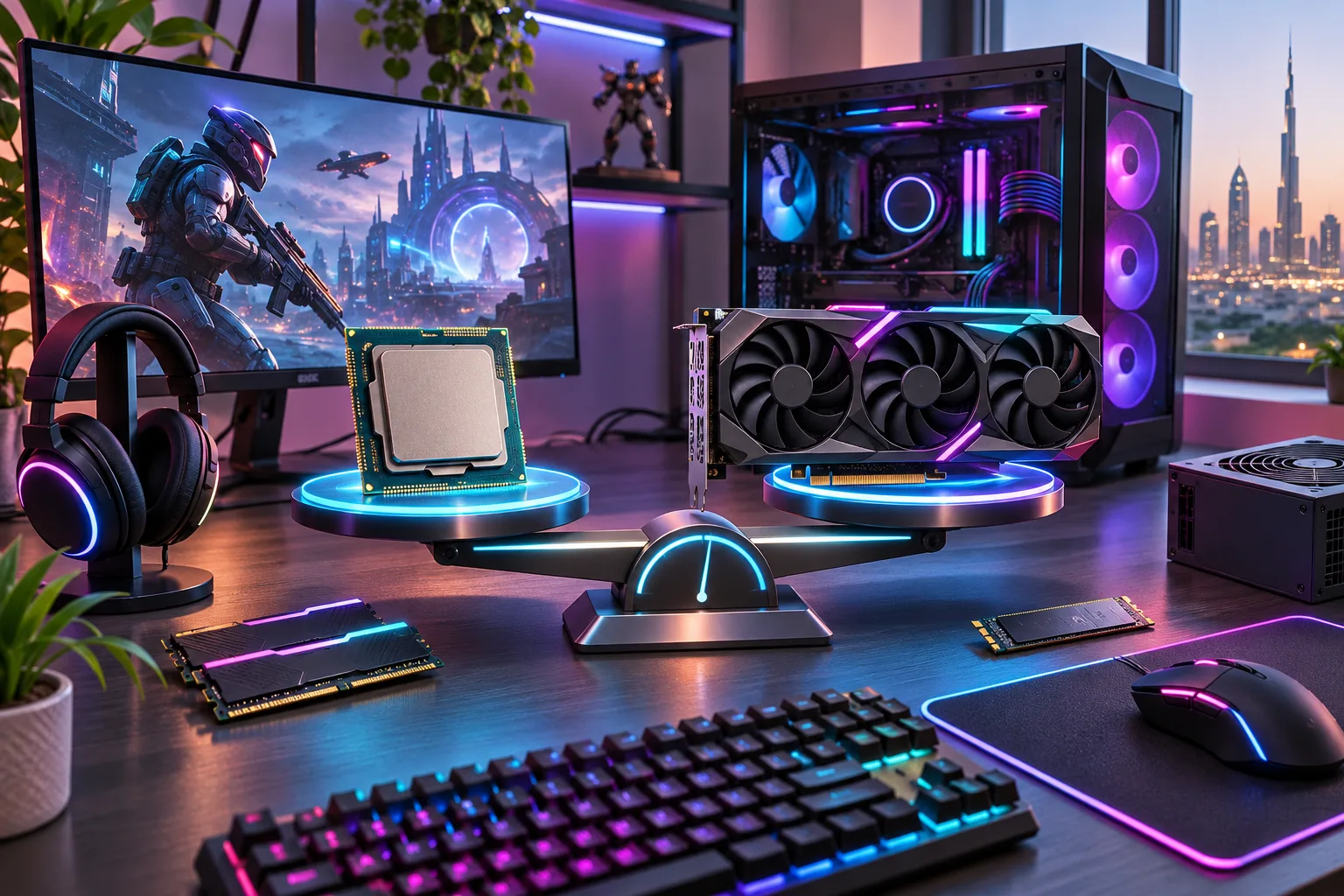
Buying a gaming PC under 5000 AED requires more than choosing an expensive graphics card or the latest processor. The secret to smooth gaming performance is finding the right balance between your CPU and GPU.
Many UAE gamers spend heavily on one component while overlooking the other. This can lead to performance bottlenecks, inconsistent frame rates, and unnecessary expenses.
Fortunately, AED 5,000 is enough to purchase a capable gaming computer when your hardware is selected carefully.
This guide explains how CPUs and GPUs work together, which combinations make sense for your budget, and how to maximize gaming performance without overspending.
Why CPU and GPU Balance Matters
Your CPU and GPU perform different tasks, but both influence gaming performance.
The CPU processes game logic, physics, artificial intelligence, and instructions required to prepare frames.
Meanwhile, the GPU renders graphics, textures, lighting, shadows, and visual effects displayed on your monitor.
If either component cannot keep pace with the other, performance becomes limited.
For example, pairing an expensive graphics card with an outdated processor may prevent the GPU from reaching its full potential.
A balanced configuration helps maintain consistent frame rates and delivers better value.
For more information, explore our complete budget gaming PC buying guide.
What Is a CPU or GPU Bottleneck?
A bottleneck occurs when one component limits the performance another component could otherwise deliver.
CPU Bottleneck
A CPU bottleneck happens when your processor cannot prepare frames quickly enough for your graphics card.
This is particularly noticeable in competitive games such as Valorant, Counter-Strike 2, and Fortnite.
Common symptoms include inconsistent frame times, lower-than-expected GPU utilization, and performance that barely improves after reducing graphics settings.
GPU Bottleneck
A GPU bottleneck occurs when your graphics card reaches its processing limit.
This is common in demanding AAA games, particularly at higher resolutions and graphics settings.
Some GPU limitation is normal and expected in a well-configured gaming computer.
The goal is not eliminating every bottleneck but avoiding unnecessarily mismatched components.
Best CPU and GPU Combinations Under 5000 AED
Several processor and graphics card combinations are worth considering.
| Processor | Graphics Card | Best For |
|---|---|---|
| Intel Core i5-14400F | RTX 5060 8GB | Balanced 1080p gaming |
| Intel Core i5-14400F | RTX 5060 Ti 8GB | More demanding 1080p games |
| AMD Ryzen 7 5700X | RX 9060 XT 8GB | Mainstream gaming |
| AMD Ryzen 5 9600X | RTX 5060 8GB | Modern platform and upgrades |
These are potential configurations, not guaranteed prices. Motherboard, RAM, storage, and other component costs determine whether each complete system fits your budget.
Compare the overall system specifications rather than choosing based entirely on processor or graphics card branding.
How Much Should You Spend on Your CPU and GPU?
When building a gaming PC under AED 5,000, your CPU and GPU should receive a substantial portion of the budget.
A practical example allocation is:
| Component | Example Budget |
|---|---|
| Graphics Card | AED 1,500 |
| Processor | AED 800 |
| Motherboard | AED 500 |
| RAM | AED 350 |
| SSD Storage | AED 300 |
| Power Supply | AED 350 |
| Case and Cooling | AED 500 |
| Total | AED 4,300 |
These figures are illustrative, not live component quotations. Actual prices and compatible configurations will vary.
This allocation leaves some flexibility for upgrades or changes in component pricing.
Avoid sacrificing power supply reliability or cooling quality to afford a marginal GPU upgrade.
CPU vs GPU for 1080p Gaming
For 1080p gaming, both processors and graphics cards are important.
Competitive games frequently benefit from stronger CPU performance, especially when players use lower graphics settings to maximize frame rates.
In Valorant or Counter-Strike 2, a capable processor helps support high-refresh-rate monitors and consistent frame delivery.
However, graphically demanding games such as Cyberpunk 2077 place greater demands on the GPU, even at 1080p.
If competitive gaming is your priority, select a capable processor alongside a sensible graphics card.
Read our best gaming PC build for Fortnite, Valorant, and CS2 for more targeted recommendations.
CPU vs GPU for 1440p Gaming
At 1440p, your graphics card generally handles a larger workload because it must render more pixels.
A stronger GPU becomes particularly valuable for maintaining smooth gameplay in visually demanding titles.
For example, an RTX 5060 Ti may offer meaningful advantages over an RTX 5060 when paired with a suitable processor.
However, the actual improvement depends on the game, graphics settings, and memory requirements.
You can explore our best GPU for budget gaming PCs in 2026 to compare current graphics options.
Should You Choose Intel or AMD?
Both Intel and AMD offer processors suitable for gaming computers under AED 5,000.
Intel Core i5 processors provide capable gaming performance and multitasking for balanced mid-range builds.
AMD Ryzen processors offer competitive alternatives, with some platforms providing attractive future upgrade opportunities.
However, processor model, motherboard compatibility, memory type, and total platform cost matter more than choosing one manufacturer.
An older processor paired with an expensive graphics card is not necessarily better than a balanced modern configuration.
Focus on real gaming benchmarks and the complete system price.
RAM, Storage, and Cooling Still Matter
A good CPU and GPU combination cannot compensate for every weakness elsewhere in your computer.
For most gaming builds, 16GB RAM is a workable minimum, while 32GB provides additional flexibility for demanding games and multitasking.
A 1TB NVMe SSD is also a practical choice for fast loading and sufficient game storage.
Cooling deserves particular attention in the UAE.
Choose a ventilated case, suitable CPU cooler, and reliable power supply.
These components help your processor and graphics card maintain stable operation during extended gaming sessions.
Compare Pre-Built CPU and GPU Configurations
Buying a pre-built gaming computer allows you to compare complete hardware combinations without assembling components yourself.
At Budget Gamer UAE, you can explore systems featuring Intel Core i5, AMD Ryzen, and NVIDIA RTX graphics cards.
For example, browse pre-built gaming PCs between AED 3,900 and AED 4,600.
Compare processor performance, graphics memory, RAM configuration, storage, and warranty coverage before selecting a system.
A slightly cheaper configuration with balanced hardware may provide better value than an expensive system with a noticeable component mismatch.
How to Check Your CPU and GPU Balance
If you already own a gaming computer, monitoring performance can help identify potential limitations.
Use a trusted hardware-monitoring application to examine CPU utilization, GPU utilization, temperatures, and frame times during gameplay.
If GPU utilization remains unusually low while performance is limited, investigate potential CPU restrictions, frame-rate caps, and software settings.
If GPU utilization remains consistently high, the graphics card may be your primary performance limitation.
Our gaming PC upgrade guide explains how to prioritize hardware improvements.
Final Thoughts
Choosing a gaming PC under 5000 AED is ultimately about balancing processing power and graphics performance.
For competitive 1080p gaming, prioritize capable CPU performance without overlooking your graphics card.
For demanding AAA games and 1440p gaming, allocating more money toward the GPU often makes sense.
Avoid unnecessarily expensive components, check compatibility, and compare complete system specifications.
Explore available gaming computers at Budget Gamer UAE to find a balanced configuration that suits your requirements.
Frequently Asked Questions
1. What is the best CPU and GPU combination under 5000 AED?
An Intel Core i5-14400F paired with an RTX 5060 or RTX 5060 Ti is a practical option when the complete system fits your budget.
2. Should I spend more on the CPU or GPU?
For most graphically demanding games, prioritize the GPU. For high-FPS competitive gaming, CPU performance becomes especially important.
3. What causes a CPU bottleneck?
A CPU bottleneck occurs when the processor cannot prepare frames quickly enough to utilize the graphics card effectively.
4. Can an RTX 5060 work with a Ryzen 5 processor?
Yes. An RTX 5060 can pair effectively with compatible Ryzen 5 platforms when the system has sufficient power and appropriate hardware.
5. Is Intel Core i5 enough for gaming in 2026?
Yes. Modern Core i5 processors provide capable gaming performance for many competitive and AAA titles.
6. Does a better GPU always increase FPS?
No. Improvements depend on whether the graphics card is limiting performance. CPU bottlenecks can restrict gains.
7. Is 16GB RAM enough for a gaming PC?
Yes, for many games. However, 32GB provides additional capacity for demanding titles, streaming, and multitasking.
8. Is a CPU bottleneck bad for gaming?
Not always. Every system has performance limits, but a severe CPU bottleneck can reduce frame rates and cause inconsistent frame delivery.
9. Can I upgrade my GPU without changing my CPU?
Yes, provided your processor remains suitable and your power supply, motherboard, and case support the new graphics card.
10. Where can I buy a balanced gaming PC in UAE?
Visit Budget Gamer UAE to compare pre-built gaming computers, CPU and GPU combinations, specifications, and current prices.