Blog
Future-Proof Gaming PC Build: Components That Will Last 5 Years

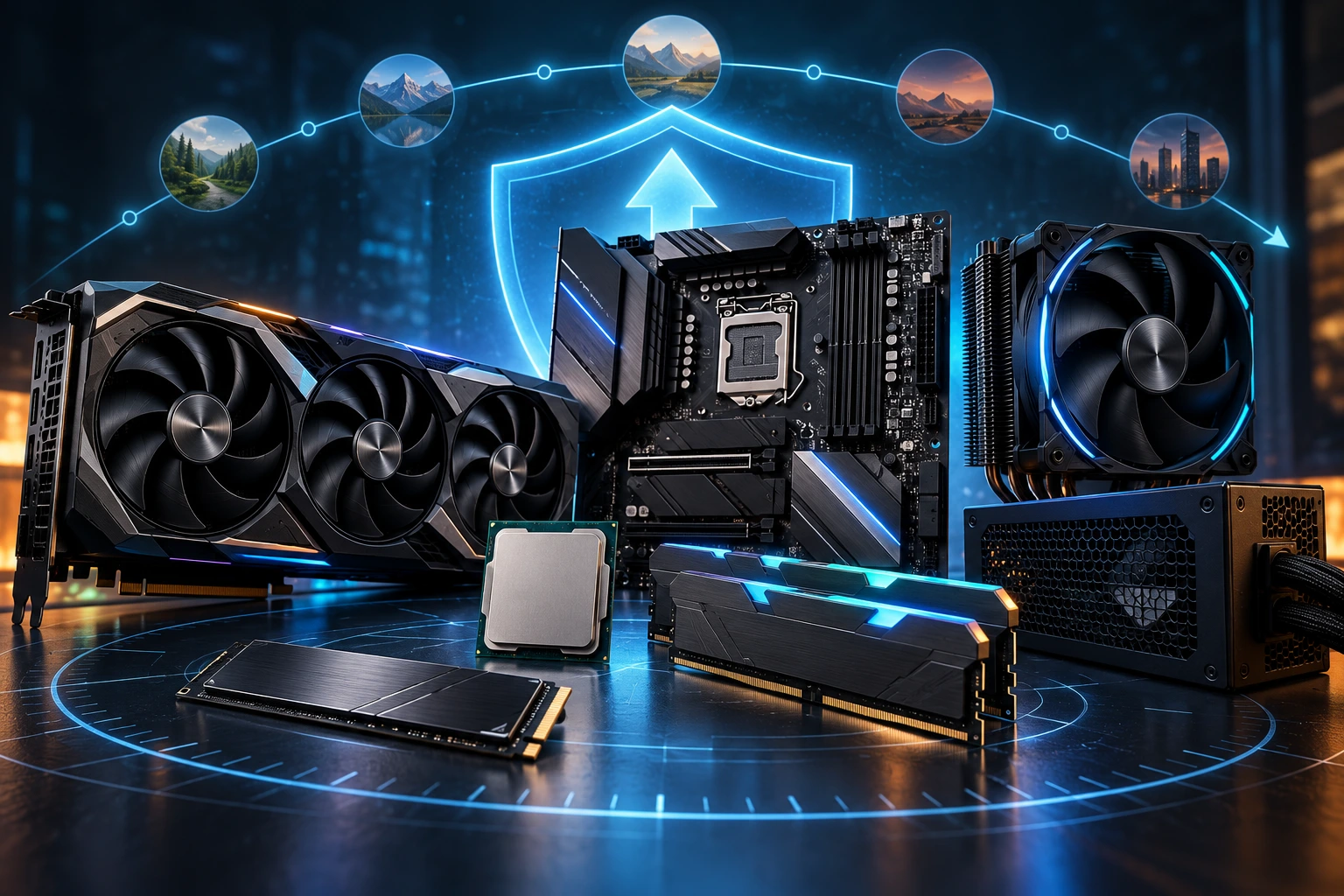
A five-year gaming PC cannot guarantee Ultra settings through 2031. Instead, it should play today’s games well and accept sensible upgrades without a complete rebuild.
For UAE gamers, that means prioritizing the motherboard, PSU, case, and cooling—not just the newest GPU.
Recommended Five-Year Gaming PC Specifications
| Component | Sensible 2026 Target |
|---|---|
| CPU | Ryzen 5 9600X or Ryzen 7 9700X |
| Motherboard | Compatible AM5 B650/B850 with useful expansion |
| GPU | Strong 1440p card, preferably 12–16GB VRAM |
| RAM | 32GB DDR5, ideally 2 × 16GB |
| Storage | 2TB NVMe PCIe 4.0 SSD |
| PSU | Quality 750–850W unit, sized for the GPU |
| Case | Airflow-focused with GPU clearance |
| Cooler | Capable tower air cooler or suitable AIO |
| Monitor | 1080p high-refresh or 1440p, depending on GPU |
Adjust these targets for your games and budget.
1. Start With an Upgrade-Friendly CPU Platform
The CPU socket determines how easily you can install a newer processor later. AMD’s AM5 platform is a strong option for a new 2026 build because AMD has publicly committed to supporting it through 2027 and beyond.
A Ryzen 5 9600X is a practical starting point for a balanced gaming PC. A Ryzen 7 9700X offers eight cores for users who also multitask or create content. Neither requires paying flagship prices.
Check the motherboard manufacturer’s CPU support list and BIOS requirements before planning any future swap. Platform support does not mean every upcoming processor will work in every board.
For CPU and GPU budgeting, see Understanding Gaming PC Specs in the UAE.
2. Buy the Motherboard for Useful Features
An expensive motherboard will not automatically improve FPS.
Instead, check voltage regulation suitable for your CPU, the number of M.2 slots, available RAM slots, USB connectivity, Wi-Fi requirements, and enough space for a future graphics card.
A good B650 or B850 board may offer better value.
PCIe 5.0 support can be useful, but it should not come at the expense of a better GPU. Its value lies in upgrade options.
3. Choose a GPU for Your Monitor, Not Hype
Your graphics card is the component most likely to need an upgrade within five years, especially if you play demanding AAA titles.
For 1080p esports, a modest modern GPU may be enough. For 1440p, look for stronger real-world benchmarks and adequate VRAM. 12GB or 16GB can offer headroom, but VRAM alone cannot predict longevity.
Compare performance in the actual games you play, ray-tracing demands, driver support, power consumption, and local pricing. A faster card with less VRAM can sometimes outperform a slower high-memory model.
If your budget is limited, the Best Value for Money Gaming PC UAE guide helps explain balanced spending.
4. Choose 32GB DDR5 Without Overspending
For a new mid-range or higher-end gaming PC, 32GB DDR5 is a comfortable target. It leaves room for demanding games, browsers, Discord, recording, and other background apps.
A matched 2 × 16GB kit is a sensible configuration. Check memory compatibility and supported EXPO or XMP profiles rather than buying the highest advertised speed.
Existing DDR4 owners need not replace a capable PC just for DDR5; AM5 builds use DDR5.
Read DDR4 vs DDR5 RAM: Is DDR5 Worth the Upgrade for Gaming? for the trade-offs.
5. Prioritize SSD Capacity Over Extreme Speeds
A reliable 2TB NVMe SSD is an attractive starting point for a PC intended to last several years. Game installations, updates, recordings, and school or work files can quickly fill smaller drives.
PCIe 4.0 offers excellent value. PCIe 5.0 helps heavy transfers more than gaming FPS.
Choose a motherboard with additional M.2 slots so storage expansion is simple.
Budget Gamer’s SSD for Gaming: The Ultimate 2026 Guide explains speed versus capacity in greater depth.
6. Spend Carefully on the PSU and Case
A good PSU and case can outlast several upgrades.
For many mid-range builds, a reputable 750W or 850W PSU may provide sensible headroom. The correct wattage depends on your specific components; an oversized PSU is not automatically better.
Check protection features, warranty, efficiency, suitable connectors, and current GPU requirements. Quality matters more than labels.
Choose a ventilated case with enough GPU length, cooler height, and future fan or radiator space. Standard components generally make replacements easier.
7. Plan for UAE Heat and Dust
A future-focused build also needs maintainable cooling.
Many Ryzen 5 and Ryzen 7 systems work well with a quality tower air cooler. Higher-power CPUs may justify a stronger cooler or AIO. Neither fixes blocked airflow.
Choose accessible dust filters, straightforward fan placement, and a case that is easy to clean. Keep vents clear and inspect dust accumulation regularly.
Compare the options in Air Cooling vs Liquid Cooling for Gaming PCs in the UAE.
8. Compare Total Cost Before Buying
Do not judge future-proofing by the price of one premium component. Balance matters more than a premium CPU paired with a weak GPU.
If you prefer professional assembly, browse pre-built gaming PCs from AED 4,800 to AED 8,200. Compare the exact PSU, motherboard, RAM configuration, SSD capacity, case, and warranty—not only the advertised processor and graphics card.
A Realistic Five-Year Upgrade Plan
2026: Build for today’s games and monitor, with enough RAM, SSD space, cooling, and PSU capacity.
2027–2028: Review actual game performance. Expand SSD storage if needed; upgrade only when something becomes restrictive.
2029–2031: Reassess your GPU first for newer demanding games. Consider a supported CPU upgrade if high-refresh performance is CPU-limited.
The objective is avoiding unnecessary complete replacements.
If your current hardware is already capable, read Upgrade GPU or Buy a New PC? before starting from zero.
Final Thoughts
The smartest future-proof gaming PC build invests in an upgrade-friendly platform, 32GB DDR5, sensible NVMe capacity, a reliable PSU, and good airflow. Choose the GPU for the resolution you actually use and leave room for practical upgrades.
No hardware purchase can guarantee 2031 performance at maximum settings. But careful choices in 2026 can help your PC remain useful, serviceable, and enjoyable for years.
Frequently Asked Questions
Can a gaming PC last five years?
Yes. A well-balanced desktop can remain useful for five years, although new games or higher resolutions may eventually require upgrades.
Is 32GB RAM enough through 2031?
It is a sensible starting point, but future games and individual workloads may need more.
Is AM5 good for future upgrades?
Yes. AMD has committed to AM5 support through 2027 and beyond, subject to motherboard and BIOS compatibility.
Do I need a Ryzen 9?
Usually not for gaming alone. A good Ryzen 5 or Ryzen 7 can leave more budget for your GPU.
Is 16GB GPU VRAM necessary?
Not universally. Evaluate the target resolution, games, overall GPU speed, and price.
Should I buy a PCIe 5.0 SSD?
Not just for FPS. A quality PCIe 4.0 NVMe drive is sufficient for many gaming builds.
Is an 850W PSU future-proof?
It can provide useful headroom, but suitability depends on current and future component power requirements.
Is liquid cooling required in the UAE?
No. Good air cooling and case ventilation can handle many mainstream processors.
Should I buy prebuilt or custom?
Either can last well. Compare component quality, expansion room, warranty, and total cost.
What part will need upgrading first?
Often the GPU, especially when moving to demanding games or higher-resolution monitors.