Blog
Can a Gaming PC Under 5000 AED Handle 1440p Gaming?

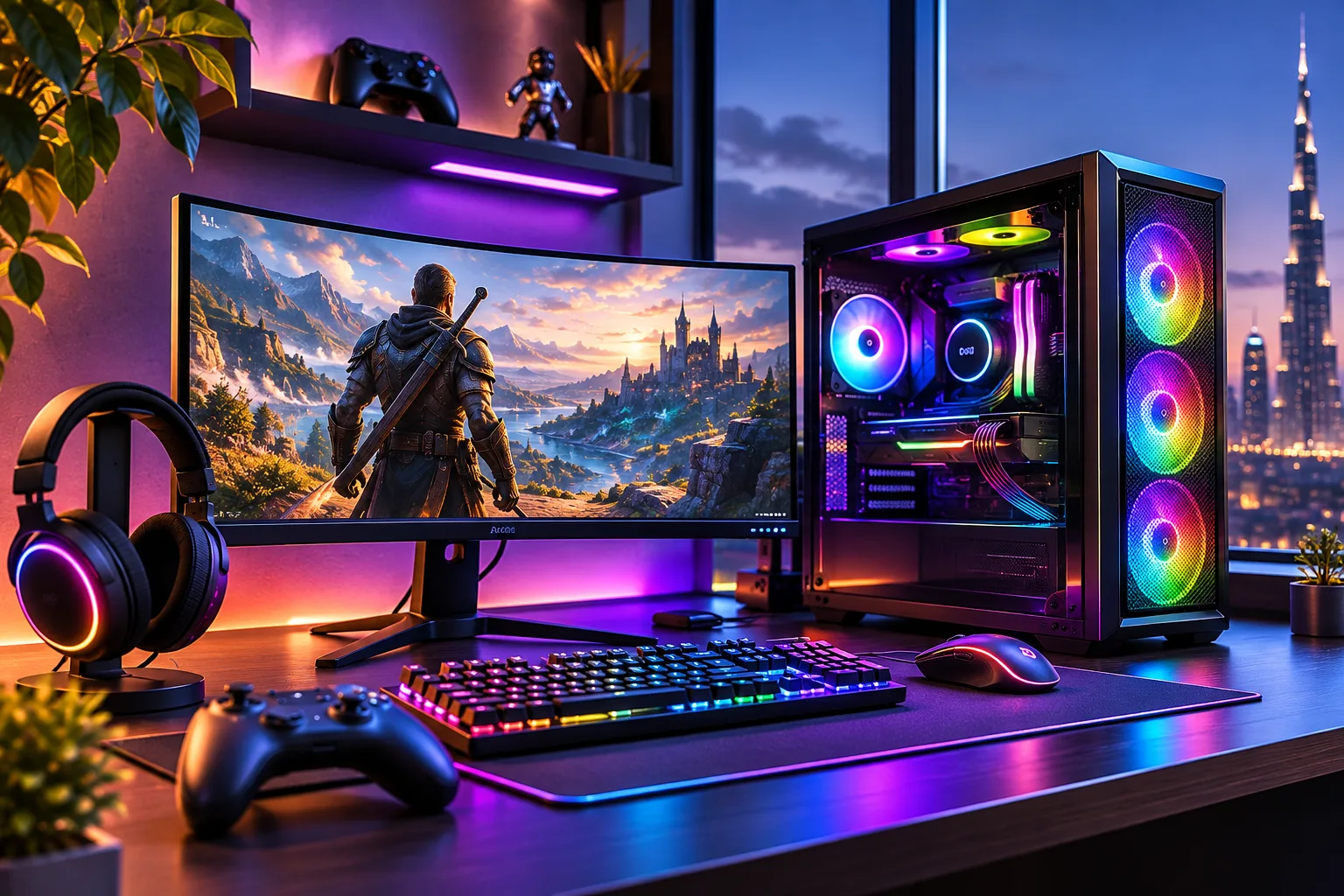
Can a gaming PC under 5000 AED handle 1440p gaming without sacrificing smooth performance? For UAE gamers looking to upgrade beyond Full HD, this is an important question.
The good news is that modern mid-range graphics cards make 1440p gaming possible without investing in an expensive flagship computer. However, performance depends on your graphics card, processor, memory, and game settings.
A computer within this budget can deliver sharp visuals and enjoyable frame rates in many popular games. Understanding realistic performance expectations will help you choose the right configuration.
This guide explores 1440p gaming performance, recommended hardware, graphics settings, and buying considerations for UAE gamers.
What Is 1440p Gaming?
1440p gaming refers to playing games at a resolution of 2560 × 1440 pixels, commonly called Quad HD or QHD.
Compared with 1080p, this resolution displays approximately 78% more pixels, producing sharper images and greater visual detail.
1440p is particularly attractive for open-world adventures, racing simulators, role-playing games, and visually detailed AAA titles.
However, rendering additional pixels requires more graphics processing power.
If you are unsure which resolution suits your setup, read our 1080p vs 1440p gaming comparison.
Can a Gaming PC Under 5000 AED Run 1440p?
Yes. A properly configured gaming PC costing less than AED 5,000 can run numerous games at 1440p.
The experience depends heavily on your selected GPU and desired graphics quality.
Competitive games generally require less graphical processing power than demanding single-player titles.
For example, Valorant and Rocket League can achieve high frame rates on suitable mid-range hardware, while Cyberpunk 2077 may require reduced settings or upscaling.
You should expect a combination of medium and high graphics settings rather than maximum settings in every modern game.
Best Graphics Cards for 1440p Gaming Under 5000 AED
The graphics card is the most important component when targeting 1440p performance.
Consider these options when comparing complete gaming computers.
| Graphics Card | 1440p Gaming Suitability |
|---|---|
| NVIDIA RTX 5060 8GB | Entry-level 1440p with optimized settings |
| NVIDIA RTX 5060 Ti 8GB | Stronger mainstream 1440p option |
| AMD RX 9060 XT 16GB | Attractive option for memory-intensive games |
The RTX 5060 Ti generally offers more graphics performance than the standard RTX 5060.
Meanwhile, a graphics card with 16GB VRAM may provide additional flexibility in games requiring substantial texture memory.
For a detailed comparison, explore our best GPU for budget gaming PCs in 2026.
Expected 1440p Gaming Performance
Gaming performance varies considerably between titles, hardware configurations, and graphics settings.
The following table provides general expectations for a balanced mid-range computer featuring an RTX 5060 Ti-class GPU.
| Game | Expected Experience |
|---|---|
| Valorant | High-FPS competitive gaming |
| Counter-Strike 2 | Smooth gameplay |
| Fortnite | Playable with optimized settings |
| GTA V | Strong 1440p performance |
| Cyberpunk 2077 | Benefits from upscaling and adjusted settings |
| Red Dead Redemption 2 | Playable with balanced graphics settings |
These are qualitative expectations, not benchmark measurements or guaranteed FPS figures.
Actual performance depends on individual settings, drivers, CPU capabilities, and GPU memory.
Why Your Processor Still Matters
Although 1440p gaming generally places greater demands on the graphics card, your processor remains important.
The CPU handles game logic, physics calculations, background tasks, and frame preparation.
Processors such as the Intel Core i5-14400F or AMD Ryzen 7 5700X can provide capable performance when paired with suitable graphics cards.
Avoid spending excessively on a premium processor while compromising significantly on GPU performance.
A balanced CPU and GPU combination usually provides better overall value.
Is 8GB VRAM Enough for 1440p?
An 8GB graphics card can handle many games at 1440p, but it has limitations.
Some modern AAA titles require substantial video memory when using high-resolution textures, ray tracing, and demanding visual effects.
When VRAM requirements exceed available capacity, performance may become inconsistent.
Reducing texture quality or other memory-intensive settings can improve the experience.
A 16GB graphics card offers greater flexibility, provided the GPU itself delivers sufficient processing performance.
More VRAM does not automatically guarantee higher FPS.
How DLSS and FSR Improve 1440p Gaming
Upscaling technologies can make 1440p gaming more accessible on mid-range hardware.
NVIDIA DLSS and AMD FSR render games internally at a lower resolution before reconstructing the image for your display.
This can improve frame rates while maintaining attractive visual quality.
For supported games, using a Quality upscaling mode is often a reasonable starting point.
Frame generation may also improve perceived smoothness, although it does not replace strong base performance or eliminate input latency.
These technologies are particularly useful when balancing image quality and performance in demanding games.
How Much RAM and Storage Do You Need?
For a gaming PC under AED 5,000, 16GB RAM remains a workable starting point.
However, 32GB provides additional flexibility for multitasking, streaming, and memory-intensive games.
A 1TB NVMe SSD is also recommended for storing modern games and reducing loading times.
Importantly, upgrading RAM or storage will not automatically solve a graphics-card performance limitation.
Prioritize a suitable GPU before spending heavily on unnecessary accessories.
Choosing a 1440p Gaming Monitor
Your monitor determines how you experience the resolution and frame rates generated by your computer.
A 27-inch 1440p monitor offers an attractive balance between image sharpness and screen size.
For many gamers, a 144Hz or 165Hz refresh rate provides smooth motion and responsive gameplay.
Look for adaptive synchronization support, suitable response times, and good image quality.
Remember that purchasing a monitor separately may increase your overall setup budget.
Best Pre-Built Gaming PCs for 1440p Under 5000 AED
Pre-built gaming computers offer convenience because the hardware arrives assembled and ready for setup.
At Budget Gamer UAE, you can explore configurations featuring Intel and AMD processors alongside NVIDIA RTX graphics cards.
For example, the store lists systems combining an Intel Core i5-14400F with an RTX 5060 Ti 8GB.
You can browse pre-built gaming PCs between AED 4,100 and AED 4,950 to compare available options.
Before purchasing, check the GPU, RAM, storage, cooling, and warranty details.
1440p vs 1080p: Which Should You Choose?
Choose 1080p if you primarily play competitive esports and want to maximize frame rates.
Choose 1440p if sharper images and richer visual detail matter more than achieving the highest possible FPS.
Both resolutions make sense for a computer under AED 5,000.
The ideal choice ultimately depends on your gaming preferences, monitor, and graphics card.
Final Thoughts
A gaming PC under 5000 AED for 1440p gaming can provide an excellent experience when equipped with balanced hardware.
Prioritize a capable graphics card, choose a suitable processor, and consider VRAM requirements before purchasing.
Use optimized graphics settings and supported upscaling technologies when necessary.
Explore available configurations at Budget Gamer UAE to find a gaming computer that matches your performance expectations and budget.
Frequently Asked Questions
1. Can a gaming PC under 5000 AED run games at 1440p?
Yes. Many mid-range gaming PCs can handle 1440p, although performance depends on the graphics card and individual game settings.
2. Is the RTX 5060 good for 1440p gaming?
Yes, for selected games with optimized settings. More demanding AAA titles may benefit from a stronger graphics card.
3. Is RTX 5060 Ti better for 1440p?
Yes. The RTX 5060 Ti generally delivers stronger gaming performance than the standard RTX 5060.
4. How much FPS can I expect at 1440p?
Frame rates vary by game and hardware. Competitive titles generally achieve higher FPS than graphically demanding AAA games.
5. Is 8GB VRAM enough for 1440p gaming?
It can be sufficient for many games, but demanding titles may require reduced texture settings or additional VRAM.
6. Do I need 32GB RAM for 1440p?
Not necessarily. Many games run with 16GB, while 32GB offers additional multitasking flexibility.
7. Can I play Cyberpunk 2077 at 1440p?
Yes, with suitable hardware and optimized graphics settings. Upscaling can improve performance.
8. Is 1440p better than 1080p?
1440p provides sharper images, while 1080p generally makes achieving higher frame rates easier.
9. Which monitor is best for budget 1440p gaming?
A 27-inch 1440p monitor with a 144Hz or 165Hz refresh rate is a practical choice.
10. Where can I buy a 1440p gaming PC in UAE?
Visit Budget Gamer UAE to explore pre-built gaming computers, compare specifications, and check current prices.