
Blog
Best SSD for Gaming PC: Does Faster Storage Improve FPS?

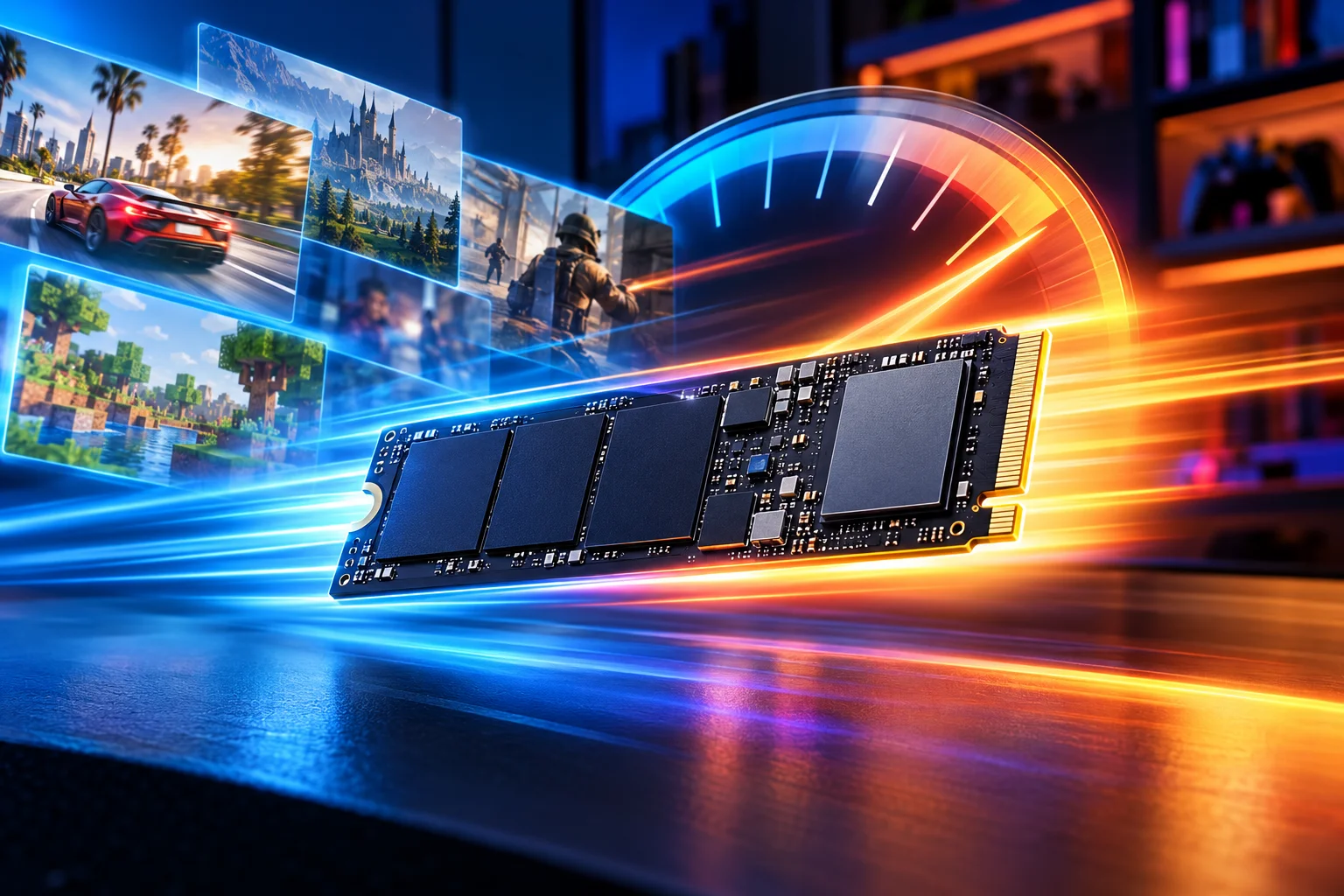
When upgrading a gaming PC, SSD specifications can quickly become confusing. One drive advertises 3,500 MB/s, another claims more than 7,000 MB/s, while newer PCIe 5.0 SSDs can offer even higher sequential speeds.
That creates an obvious question: does buying a faster SSD actually increase gaming FPS?
For most games, the answer is not significantly. Moving from a hard drive to an SSD can transform loading times and general responsiveness, but upgrading from an already capable NVMe SSD to a much faster model usually has a far smaller effect on average frame rate.
That does not mean SSD speed is unimportant. Storage can affect loading times, asset streaming, installation speed, file transfers, and the overall feel of your gaming PC.
Here is what UAE gamers should actually look for when choosing an SSD in 2026.
HDD vs SATA SSD vs NVMe SSD
Before comparing specific speeds, it helps to understand the three main storage types.
| Storage Type | Typical Use | Gaming Experience |
|---|---|---|
| HDD | Bulk storage | Slowest loading |
| SATA SSD | Older/budget systems | Much faster than HDD |
| NVMe SSD | Modern gaming PCs | Best overall choice |
A mechanical hard drive relies on moving parts and is considerably slower when accessing game files.
A SATA SSD removes those mechanical limitations and provides a major improvement in Windows responsiveness and game loading.
NVMe SSDs connect through PCIe rather than the older SATA interface, allowing significantly greater bandwidth.
For a new gaming PC in 2026, an NVMe SSD is generally the most sensible starting point.
For a deeper explanation, read Budget Gamer’s SSD for Gaming: The Ultimate 2026 Guide for UAE Gamers.
Does a Faster SSD Increase Gaming FPS?
Usually, storage is not the component controlling average FPS.
Your graphics card and processor do most of the work involved in rendering each frame. RAM capacity and configuration can also influence gaming performance.
An SSD mainly determines how quickly data can be loaded from storage.
This means replacing a slow hard drive with an SSD may make a PC feel dramatically faster without suddenly turning 60 FPS into 120 FPS.
Similarly, replacing a good PCIe 4.0 NVMe SSD with a faster PCIe 5.0 model may produce little difference in average FPS in many games.
That is why gamers should avoid spending too much on storage while compromising the GPU or CPU.
Where Does an SSD Improve Gaming?
Even when FPS remains similar, a good SSD can improve several parts of the gaming experience.
Faster Game Loading
Loading into a game, map, level, or saved world can be noticeably faster compared with a mechanical hard drive.
Faster Windows Performance
Booting Windows, launching applications, opening game launchers, and accessing files all feel more responsive.
Better Asset Streaming
Modern games continuously load textures and world data while you play. Faster storage can help games retrieve this information more efficiently when the game engine is designed to use it.
Faster Installation and Updates
Large game installations, decompression, updates, and file transfers can benefit from faster storage, although CPU and internet speed can also become limiting factors.
The advantage of an SSD is therefore much broader than FPS alone.
SATA SSD vs NVMe SSD for Gaming
If you already own a SATA SSD, upgrading to NVMe can improve loading and file-transfer performance, but you should not expect a dramatic FPS improvement.
For a brand-new gaming PC, however, NVMe makes more sense because modern motherboards commonly provide M.2 slots and NVMe drives offer greater performance without requiring additional SATA cables.
A SATA SSD remains useful for secondary game storage or upgrading an older system that does not support NVMe.
If your existing computer has several weak components, read Gaming PC Upgrade Guide: Which Parts Should You Upgrade First? before spending your entire upgrade budget on storage.
PCIe Gen 3 vs Gen 4 vs Gen 5 SSD
NVMe drives are available across several PCIe generations.
PCIe 3.0 NVMe: Still capable for many gaming systems.
PCIe 4.0 NVMe: Excellent balance for modern gaming PCs.
PCIe 5.0 NVMe: Offers extremely high storage bandwidth but usually costs more and can require better cooling.
For most gaming-focused PCs, a good PCIe 4.0 drive is the practical sweet spot.
PCIe 5.0 becomes more attractive when the system is also used for large file transfers, professional content creation, heavy workstation workloads, or other tasks that can actually use very high storage bandwidth.
Do not buy Gen 5 simply because the number is higher.
What Is DirectStorage?
Microsoft DirectStorage is designed to help games make better use of modern high-speed storage, particularly NVMe SSDs.
Instead of treating storage as something used only during loading screens, supported games can request game data more efficiently while running.
This is especially relevant as modern games use increasingly detailed textures and large environments.
However, DirectStorage does not mean every NVMe SSD suddenly increases average FPS.
Its main benefits are associated with efficient data delivery, loading, and asset streaming.
For gamers building a modern Windows 11 PC, an NVMe SSD therefore makes sense even if traditional benchmark FPS numbers do not change dramatically.
How Much SSD Storage Do You Need?
Capacity is often more important than chasing the highest advertised speed.
500GB
Usable for very tight budget builds, but it can fill quickly after Windows and several modern games are installed.
1TB
A strong starting point for most gaming PCs.
It provides enough room for Windows, applications, and a reasonable game library.
2TB
Increasingly attractive for gamers who keep multiple large AAA titles installed at the same time.
4TB
Useful for large game libraries, recordings, video projects, and users who prefer not to manage storage frequently.
For most new gaming PCs, 1TB should be considered the practical minimum, while 2TB provides more comfortable long-term storage.
Should You Buy One Large SSD or Two Smaller SSDs?
Both approaches can work.
One large SSD keeps the build simple and leaves additional M.2 slots available for future upgrades.
Using two drives allows you to separate Windows and applications from a larger game library, although this is not necessary for gaming performance.
Before purchasing, check how many M.2 slots your motherboard has and whether all of them support the same PCIe generation.
Some motherboards may also share bandwidth between particular slots or disable certain SATA ports when specific M.2 slots are occupied.
SSD Cooling and Heatsinks
Faster NVMe drives can generate heat during sustained transfers.
Many modern motherboards include M.2 heatsinks, which are useful for maintaining SSD temperatures during demanding workloads.
For normal gaming, an enormous aftermarket SSD cooler is rarely necessary.
A motherboard heatsink and reasonable case airflow are usually sufficient for mainstream Gen 4 drives.
If the entire PC is already running hot, read How to Reduce Gaming PC Temperature in UAE Weather before treating the SSD as an isolated cooling problem.
What SSD Should a Budget Gaming PC Use?
For a budget gaming PC, prioritize capacity and reliability before extreme benchmark speeds.
A good 1TB PCIe 4.0 NVMe drive provides an excellent balance for most modern gaming systems.
Spending significantly more on a flagship SSD while using a weaker graphics card usually makes little sense.
If you are comparing complete systems, browse pre-built gaming PCs from AED 4,500 to AED 8,000 and compare how storage capacity changes alongside the CPU and GPU.
Should You Upgrade Your Existing SSD?
Upgrade if your current storage is creating a real limitation.
Good reasons include:
- Your games are still installed on an HDD
- Your SSD is constantly full
- You only have a small 256GB or 500GB drive
- You need faster file transfers
- You want more space for recordings
- Your old SSD is performing poorly
If you already have a reliable 1TB PCIe 4.0 NVMe SSD, replacing it purely to gain higher benchmark numbers may offer poor gaming value.
That money could potentially make a bigger difference when spent on RAM, the GPU, CPU, monitor, or cooling.
Final Thoughts
The best SSD for a gaming PC is not automatically the fastest drive available.
Moving from an HDD to an SSD provides a major improvement in loading times and general responsiveness. Moving from SATA to NVMe can bring further storage performance improvements.
But once you already have a capable NVMe SSD, paying significantly more for extreme sequential speeds usually does not produce a matching increase in gaming FPS.
For most UAE gamers in 2026, a reliable 1TB or 2TB PCIe 4.0 NVMe SSD offers the best balance of capacity, speed, price, and compatibility.
Spend enough on storage to keep games loading quickly and give yourself sufficient space—but do not sacrifice your GPU or CPU budget just to win an SSD benchmark.
Frequently Asked Questions
Does an SSD increase gaming FPS?
Usually not significantly. The GPU and CPU have a much larger influence on average gaming frame rates.
Does an SSD make games load faster?
Yes. Moving from an HDD to an SSD can significantly reduce game and level loading times.
Is NVMe better than SATA for gaming?
NVMe provides much greater storage bandwidth. For a new gaming PC, NVMe is generally the better choice.
Is PCIe 5.0 SSD worth it for gaming?
For gaming alone, often not. A quality PCIe 4.0 NVMe SSD already provides excellent performance.
Is 500GB enough for gaming?
It can work for a budget system, but modern games can fill 500GB quickly.
Is 1TB SSD enough for a gaming PC?
Yes. 1TB is a practical starting capacity for many gaming PCs.
Is 2TB better for gaming?
It does not increase FPS, but it gives you considerably more room for large games and recordings.
Does DirectStorage require an NVMe SSD?
Windows 11’s DirectStorage requirements specify NVMe storage for supported games together with compatible graphics hardware.
Do NVMe SSDs need a heatsink?
Many drives benefit from a motherboard M.2 heatsink, particularly under sustained workloads. Normal gaming usually does not require an extreme cooling solution.
Should I upgrade my SSD or GPU first?
If you already have a capable SSD and need more gaming FPS, the GPU usually deserves priority. Upgrade storage first when capacity or slow HDD performance is the actual problem.