Blog
Best Gaming PC for Kids in UAE: Minecraft, Roblox, and School Use

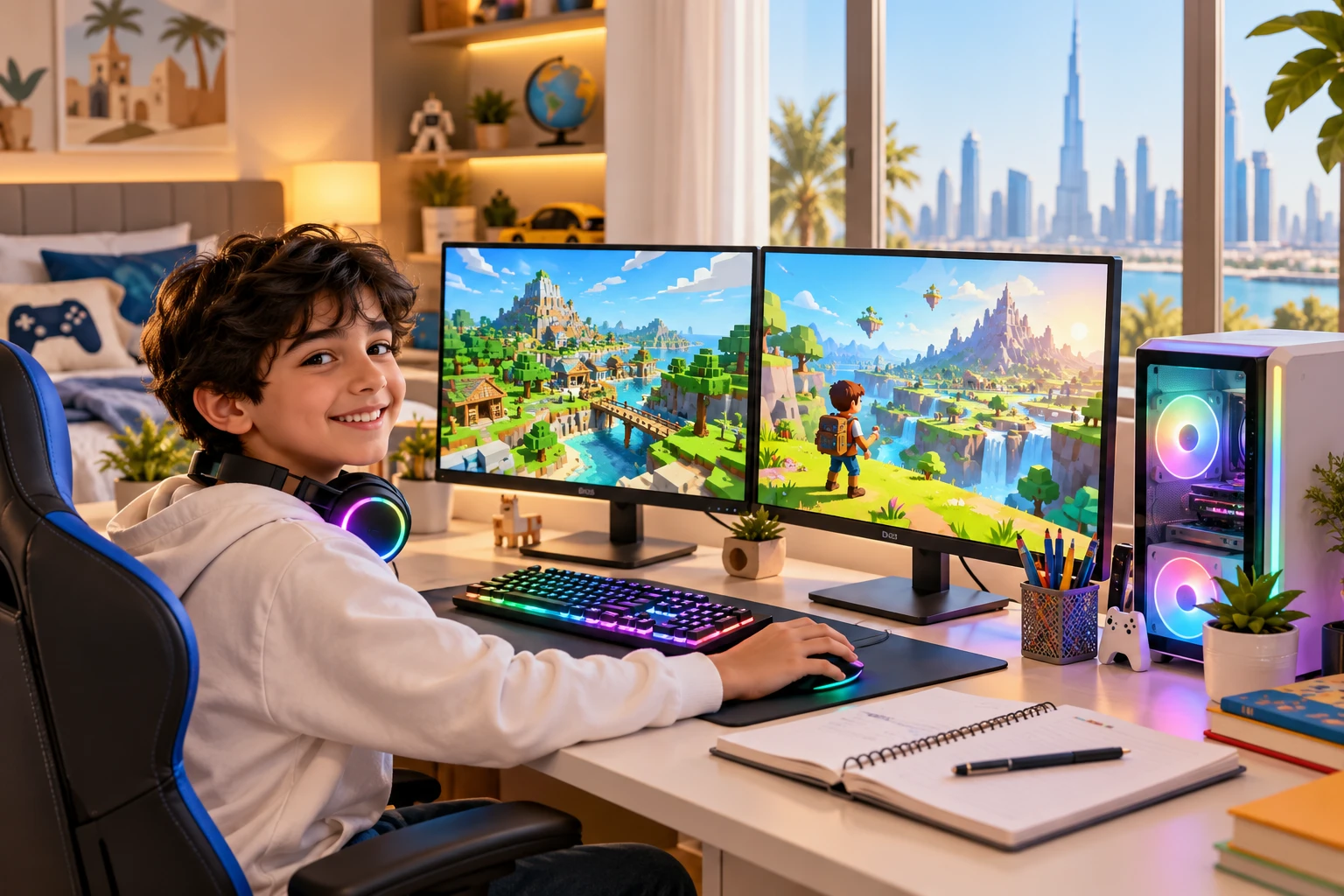
Buying a gaming PC for kids in the UAE does not mean choosing the most expensive graphics card or building a machine designed for 4K gaming.
For children mainly playing Minecraft and Roblox while also using the computer for homework, online classes, browsing, presentations, and creative projects, a balanced mid-range PC usually provides much better value.
The goal should be simple: smooth 1080p gaming, fast everyday performance, enough storage for school files and games, reliable cooling, and an upgrade path that prevents you from replacing the entire PC after a year or two.
Here is what parents should consider when choosing a gaming and school PC in 2026.
Recommended Gaming PC Specs for Kids
| Component | Recommended Target |
|---|---|
| Processor | Intel Core i5 or AMD Ryzen 5 |
| Graphics | Entry/mid-range dedicated GPU |
| RAM | 16GB minimum |
| Storage | 1TB NVMe SSD |
| Operating System | Windows 11 |
| Gaming Target | 1080p |
| Monitor | 1080p 75Hz–144Hz |
| Cooling | Good airflow with quiet fans |
These specifications are intentionally balanced. Minecraft and Roblox do not require flagship gaming hardware, while a modern processor, 16GB RAM, and SSD also provide more than enough performance for everyday school applications.
Do Kids Really Need a Gaming PC?
A normal office computer can handle homework, web browsing, Word documents, and video calls. However, gaming changes the requirements.
Minecraft can become significantly more demanding when children start using larger worlds, mods, shaders, texture packs, or multiplayer servers. Roblox itself has relatively modest hardware requirements, but the platform includes many different experiences with varying graphics complexity.
A gaming-focused desktop gives you more performance headroom and easier upgrades without needing to buy an extreme system.
For parents unfamiliar with PC specifications, Budget Gamer’s Understanding Gaming PC Specs in the UAE: The 2026 Performance Guide provides a useful introduction to CPUs, GPUs, RAM, storage, and cooling.
Best CPU for Minecraft, Roblox, and Schoolwork
A modern Intel Core i5 or AMD Ryzen 5 is the sweet spot for this type of system.
There is usually no reason to pay significantly more for a Core i9 or Ryzen 9 when the PC is primarily intended for Minecraft, Roblox, schoolwork, and general family use.
A good mid-range processor can comfortably handle gaming while also running browsers, Microsoft Office applications, video calls, presentation software, and other everyday programs.
CPU performance becomes more important if Minecraft is heavily modified or if the child later starts playing competitive games at very high frame rates.
Still, balance matters more than buying the most expensive processor available.
How Powerful Should the Graphics Card Be?
The graphics card is important, but parents should avoid overspending.
For standard Minecraft and Roblox at 1080p, an entry-level or mid-range dedicated GPU provides plenty of performance.
A stronger GPU becomes useful if the PC will also run Minecraft shaders, graphically demanding mods, Fortnite, newer AAA games, or other more demanding titles in the future.
This is why buying slightly above the absolute minimum can make sense. It creates room for changing gaming interests without jumping immediately into expensive high-end hardware.
For parents working within a fixed budget, read the Best Budget Gaming PC in UAE 2026: Complete Buying Guide before deciding how much of the total budget should go toward graphics.
Is 16GB RAM Enough for Kids?
For Minecraft, Roblox, schoolwork, browsing, and normal multitasking, 16GB is a sensible minimum in 2026.
It allows the computer to keep a game running while Discord, browsers, school portals, or other applications remain open.
32GB can be useful if the child uses heavy Minecraft mod packs, records gameplay, edits videos, streams, or keeps many applications running simultaneously.
For most first gaming PCs, however, it makes little sense to sacrifice GPU or storage quality just to reach 32GB.
If you are deciding between memory capacities, read How to Choose the Right RAM for a Gaming PC: 16GB vs 32GB Guide.
Why a 1TB SSD Is Worth Buying
Storage is one component parents often underestimate.
A 500GB drive may initially seem enough for Minecraft, Roblox, Windows, and homework. However, storage begins disappearing once additional games, school files, photos, videos, downloads, applications, and Windows updates are added.
A 1TB NVMe SSD is a much more comfortable starting point.
It also keeps Windows responsive and provides fast application and game loading without making the overall PC unnecessarily expensive.
Storage is easy to expand later, so there is no need to immediately pay for several terabytes unless the child keeps a large game or video library.
Best Budget for a Kids Gaming PC in UAE
Parents do not need to spend AED 8,000–10,000 on a Minecraft and Roblox PC.
For basic 1080p gaming and schoolwork, an affordable entry-level gaming system can be enough. Moving slightly higher provides a stronger GPU, better storage, quieter cooling, and more room for future games.
A practical shopping range for many families is approximately AED 2,800 to AED 5,500, depending on the graphics card and whether the PC will eventually be used for games beyond Minecraft and Roblox.
You can compare pre-built gaming PCs from AED 2,800 to AED 5,500 to see how CPU, GPU, RAM, and storage specifications change across different budgets.
Do Kids Need a 1440p Gaming Monitor?
Usually not for a first gaming PC.
A 1080p monitor keeps the total setup affordable and places less demand on the graphics card.
For Minecraft, Roblox, homework, YouTube, web browsing, and everyday computing, a quality 1080p display provides an excellent experience.
A 24-inch monitor is particularly practical for a smaller desk.
A 120Hz, 144Hz, or similar high-refresh display can also make games feel smoother without requiring the expense of moving to 1440p.
Budget Gamer’s Gaming Monitor Guide 2026: How to Choose the Best Screen in the UAE explains the most important monitor specifications.
Why Upgradeability Matters
Children’s interests change quickly.
A computer originally purchased for Minecraft and Roblox may later be used for Fortnite, racing games, video editing, coding, or more demanding titles.
That makes desktop upgradeability valuable.
Choose a PC with a reasonable motherboard, quality PSU, airflow-focused case, accessible RAM slots, and enough storage expansion options.
Later, you may only need to add RAM, install another SSD, or upgrade the graphics card instead of replacing the complete computer.
Budget Gamer’s Gaming PC Upgrade Guide: Which Parts Should You Upgrade First? can help when that time comes.
Cooling and Reliability Matter More Than RGB
RGB lighting looks exciting, but it should not influence the buying decision more than cooling and component quality.
Choose a case with good airflow and enough intake and exhaust fans to keep the CPU and GPU operating comfortably.
A well-cooled computer can also remain quieter during games and schoolwork.
Parents should also check the PSU brand, warranty, component specifications, and after-sales support instead of buying solely because a PC has a colorful case.
Pre-Built or Custom PC for Kids?
A pre-built gaming PC is usually the easier first purchase for parents who do not want to research every component separately.
The system arrives assembled, compatible, tested, and ready to configure.
A custom PC offers greater control over the exact CPU, GPU, motherboard, RAM, storage, case, and PSU.
Neither option is automatically better. What matters is component quality, price, warranty support, and whether the system matches the child’s actual needs.
The Entry Level Gaming PC Build UAE: 2026 Ultimate Value Guide provides more guidance for families comparing affordable configurations.
Final Thoughts
The best gaming PC for kids in the UAE should not be selected by choosing the most powerful hardware available.
For Minecraft, Roblox, schoolwork, browsing, and everyday use, a modern Core i5 or Ryzen 5 processor, 16GB RAM, 1TB NVMe SSD, and sensible dedicated graphics card create a balanced starting point.
Spend extra only when there is a real reason, such as Minecraft shaders, heavier games, content creation, or a longer upgrade horizon.
A good first gaming PC should be fast enough today, reliable enough for school use, and flexible enough to upgrade as gaming interests change.
That combination delivers much better long-term value than paying for high-end components a child may never use.
Frequently Asked Questions
How much should I spend on a gaming PC for kids in UAE?
Around AED 2,800–5,500 can cover a wide range of capable 1080p systems. Minecraft and Roblox users generally do not need a high-end gaming PC.
Is 16GB RAM enough for Minecraft and Roblox?
Yes. 16GB is a practical capacity for these games, schoolwork, browsing, and everyday multitasking.
Does Minecraft need a powerful graphics card?
Normal Minecraft does not require an extreme GPU. Shaders, demanding mods, higher resolutions, and advanced visual settings increase graphics requirements.
Does Roblox need a gaming PC?
Roblox can run on modest hardware, but a modern gaming PC provides smoother performance and more headroom for different Roblox experiences and other games.
Is 500GB storage enough for a child’s PC?
It can work initially, but 1TB is more comfortable once Windows, games, school files, videos, and other applications are included.
Should I buy 32GB RAM for a kid’s gaming PC?
Usually 16GB is enough. Consider 32GB for heavy modding, video editing, streaming, recording, or more demanding future use.
Is a gaming PC good for schoolwork?
Yes. A gaming PC can comfortably handle web browsing, online learning, documents, presentations, video calls, and most school applications.
Should kids use 1080p or 1440p?
1080p usually offers better value for a first gaming PC and requires less graphics power.
Is a pre-built PC suitable for kids?
Yes. A good pre-built can be convenient because it arrives assembled, tested, and covered by a single purchasing and support experience.
Can a kids gaming PC be upgraded later?
Yes. A properly selected desktop can usually accept additional storage, more RAM, and potentially a stronger graphics card later.