Blog
Best Budget Gaming Accessories Setup Under AED 3000

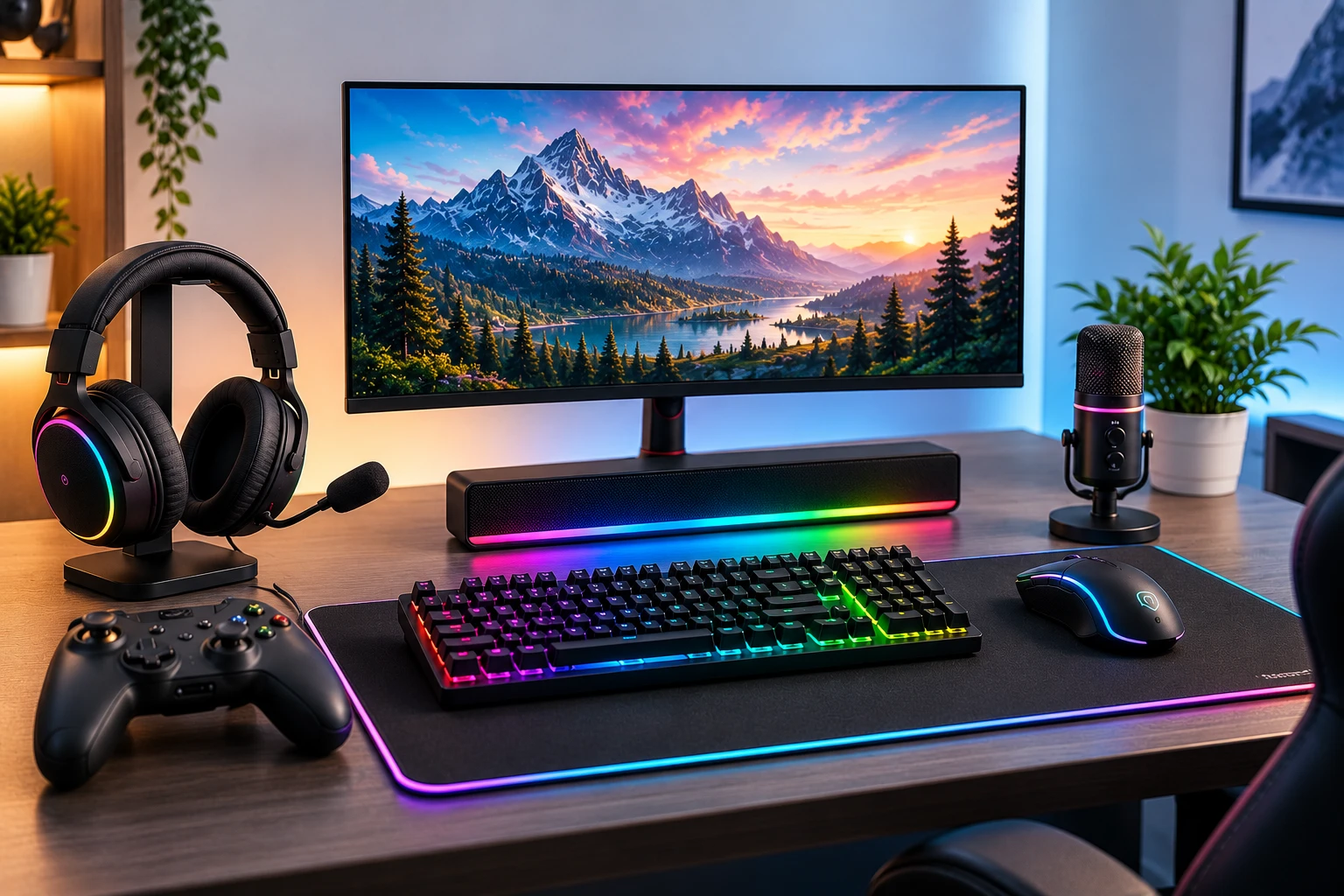
A gaming PC is only part of the experience. The monitor, mouse, keyboard, headset, and mousepad all affect how comfortable and responsive your setup feels.
UAE gamers do not need to spend thousands of dirhams on accessories. With an AED 3,000 budget, you can build a practical 1080p setup if you prioritize performance and comfort instead of RGB lighting and premium branding.
How to Split an AED 1000 Gaming Accessories Budget
A sensible starting point is around AED 750 for the monitor, AED 320 for the mouse, AED 430 for the keyboard, AED 380 for the headset, and AED 150 for a mousepad, leaving about AED 1000 for price changes or small extras.
This is not a fixed shopping list. If you already own a monitor, move more of the budget toward a better headset, mouse, or keyboard. The goal is to avoid overspending on one accessory while compromising everything else.
1. Make the Gaming Monitor Your First Priority
If the budget includes a monitor, it should usually receive the largest share.
For budget gaming, a 24-inch 1080p display is practical. It keeps GPU requirements reasonable and works well on normal desks. For Valorant, Fortnite, and CS2, a 120Hz or 144Hz monitor can feel much smoother than a basic 60Hz display.
Do not chase 1440p or 4K simply because the resolution is higher. Higher resolution increases GPU load and may be the wrong trade-off for an entry-level PC.
Check refresh rate, response-time behaviour, panel type, Adaptive Sync support, connectivity, stand adjustment, and warranty.
For more detail, read Budget Gamer’s Gaming Monitor Guide 2026: How to Choose the Best Screen in the UAE.
2. Choose a Reliable Gaming Mouse
A good gaming mouse does not need to be expensive.
Focus on shape, sensor consistency, weight, button placement, and build quality. Competitive FPS players often prefer lighter mice, while comfort may matter more for general gaming.
Wired mice usually offer excellent value, while affordable wireless models are useful if you want a cleaner desk.
Buy for your hand and games, not the biggest DPI number printed on the box.
3. Spend Sensibly on the Keyboard
A budget gaming keyboard should feel comfortable and register inputs consistently.
You do not need a premium mechanical keyboard. A basic mechanical model can be attractive if it fits the budget, but a good membrane keyboard can also work well.
Think about size. Full-size keyboards include a number pad, while TKL and compact layouts create more room for mouse movement, which can help FPS players using lower sensitivity.
Do not spend AED 300–400 on the keyboard if that forces you to compromise on the monitor or headset.
4. Do Not Ignore the Headset
A gaming headset gives you audio and a microphone in one purchase, which is useful for team communication, Discord, classes, and calls.
Comfort should come first. A headset can have impressive specifications but still be frustrating if it feels heavy during longer sessions.
For this budget, a good wired headset often offers better value than an expensive wireless model. Look for clear audio, a usable microphone, comfortable ear cushions, and solid build quality.
5. Add a Proper Mousepad
A medium or large cloth mousepad gives your mouse a predictable surface and protects the desk.
Competitive players using lower sensitivity may prefer a wider pad because they make larger hand movements. There is little reason to spend heavily here; a simple, flat pad is usually enough.
What Should an AED 3000 Setup Look Like?
| Accessory | Example Budget |
|---|---|
| 1080p gaming monitor | AED 750 |
| Gaming mouse | AED 320 |
| Keyboard | AED 430 |
| Gaming headset | AED 380 |
| Mousepad | AED 150 |
| Remaining buffer | AED 1000 |
| Total | AED 1,000 |
Treat this as a budget structure rather than a fixed product list because prices and promotions change.
If you are budgeting for the whole setup, read PC Setup Guide 2026: Pro Gaming Environments for Every Budget in UAE.
Match Accessories to the Gaming PC
Do not buy accessories that make no sense for your computer.
A 240Hz monitor is hard to justify if your PC only produces around 60 FPS. Likewise, a basic 60Hz screen can stop you from enjoying the high frame rates of a strong competitive gaming PC.
For esports players, Best Gaming PC Build for Fortnite, Valorant, and CS2 in 2026 explains why the CPU, GPU, monitor, and target frame rate need to work together.
For a lower-cost first build, see the Entry Level Gaming PC Build UAE: The 2026 Ultimate Value Guide.
Should You Buy RGB Accessories?
RGB can improve the look of a setup, but it should be one of the last priorities in a strict AED 1,000 budget.
Choose the better monitor panel, more comfortable mouse, stronger keyboard, or better headset before paying extra only for lighting.
The same applies to monitor arms, headphone stands, and decorative accessories. Start with the equipment you use every day.
Wired vs Wireless on a Budget
Wireless accessories create a cleaner desk, but convenience often costs more.
A wired keyboard and headset are perfectly sensible for a value-focused setup. You can then decide whether a wireless mouse is worth the extra cost.
If you want everything wireless, watch the total carefully because premium wireless models can push the setup beyond AED 1,000.
Buying a Complete PC Too?
Keep the PC budget separate from the accessory budget.
You can compare pre-built gaming PCs from AED 3,300 to AED 6,200 while keeping the AED 1,000 accessories allowance separate. This helps prevent peripherals from reducing the money available for the GPU or CPU.
For ready-to-use systems, read Pre Built PC UAE: The 2026 Buyer’s Guide to Gaming Performance and Value.
Final Thoughts
The best budget gaming accessories setup under AED 1,000 is not the one with the most RGB or the biggest brand names.
Put the largest share into the monitor if you need one. Choose a comfortable mouse, reliable keyboard, headset you can wear for long sessions, and a simple mousepad.
Most importantly, match the accessories to the PC and games you actually play. A balanced setup will usually feel better than buying one premium accessory and choosing the cheapest options for everything else.
Frequently Asked Questions
Is AED 1,000 enough for gaming accessories?
Yes. It can cover a budget monitor, mouse, keyboard, headset, and mousepad if you prioritize value.
How much should I spend on a gaming monitor?
Around AED 400–500 is a practical starting allocation if the monitor is included in the AED 1,000 total.
Is a 144Hz monitor worth it?
Yes, especially for competitive games if your PC can produce high enough frame rates.
Do I need a mechanical keyboard?
No. A reliable membrane keyboard can also work well.
Is wired or wireless better on a budget?
Wired accessories often offer stronger value, while wireless is better for convenience.
How much should I spend on a gaming mouse?
Around AED 100–150 is a sensible target within this budget.
Do I need an expensive headset?
No. Comfort, clear audio, and a usable microphone matter more than premium branding.
Is RGB worth paying extra for?
Not when the budget is strict. Prioritize performance, comfort, and build quality first.
Should I choose 1080p or 1440p?
If AED 1,000 must cover all accessories, 1080p is usually more practical.
Which accessory should I upgrade first later?
Upgrade whichever item limits the experience most; for many gamers, that is the monitor or mouse.